Google NLU
Use Google Cloud NLU service to analyze positive and negative sentiment and intensity in text files. The input is the result returned by NLU parsing.
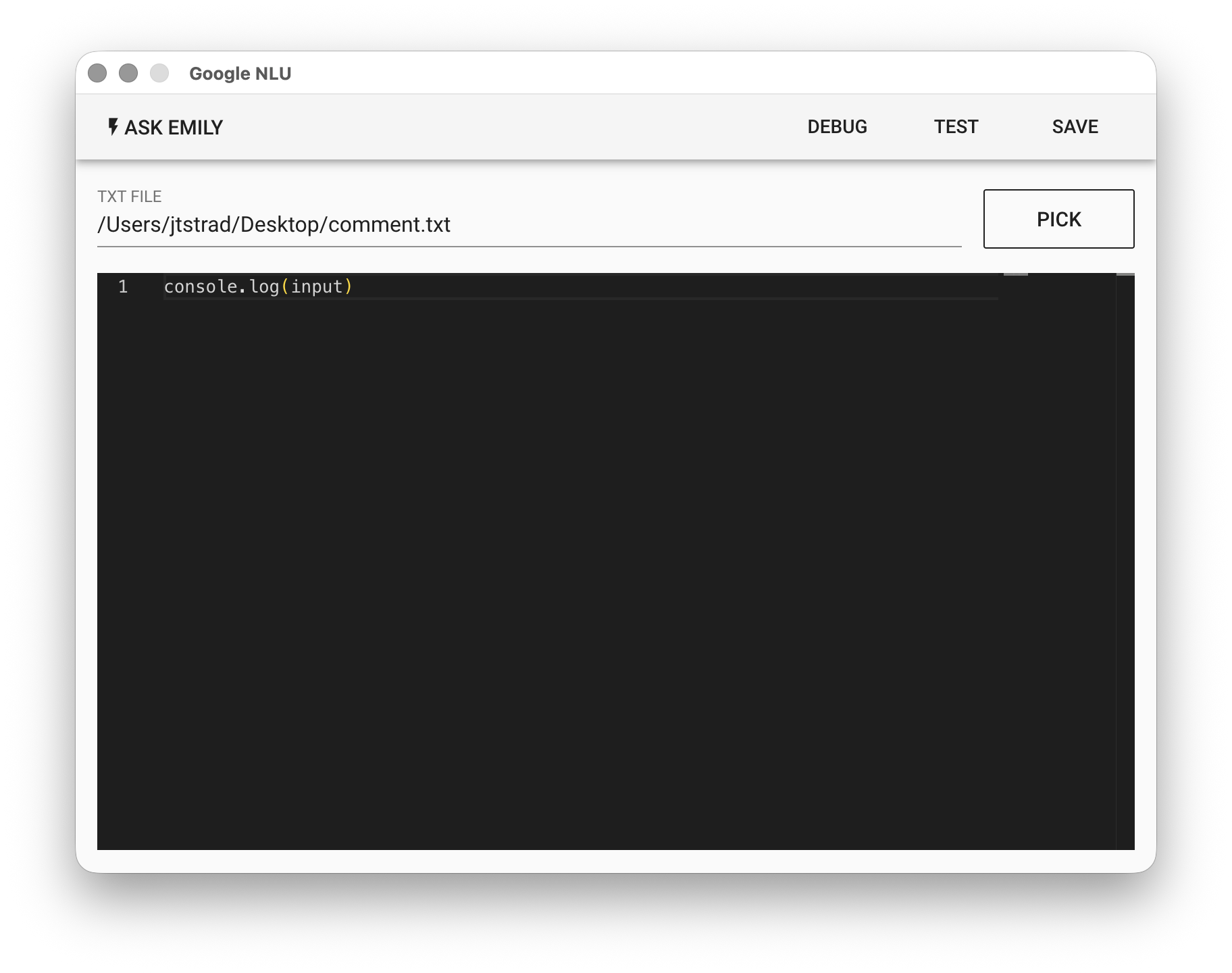
Parameters
TXT FILE - The text input file. Click "PICK" to select a file, type a filename from the working folder, or use the %FILENAME% variable.
Low-Code Editor
input Object
{
  documentSentiment,  // Overall document sentiment and intensity
  language,           // Specified document language
  sentences           // Sentence sentiment intensity array
}
The input object stores the complete structure returned by Google NLU. Refer to Response data structure