CSV Creator
Create a CSV format file, commonly used to collect web data within loop tasks and build new data rows.
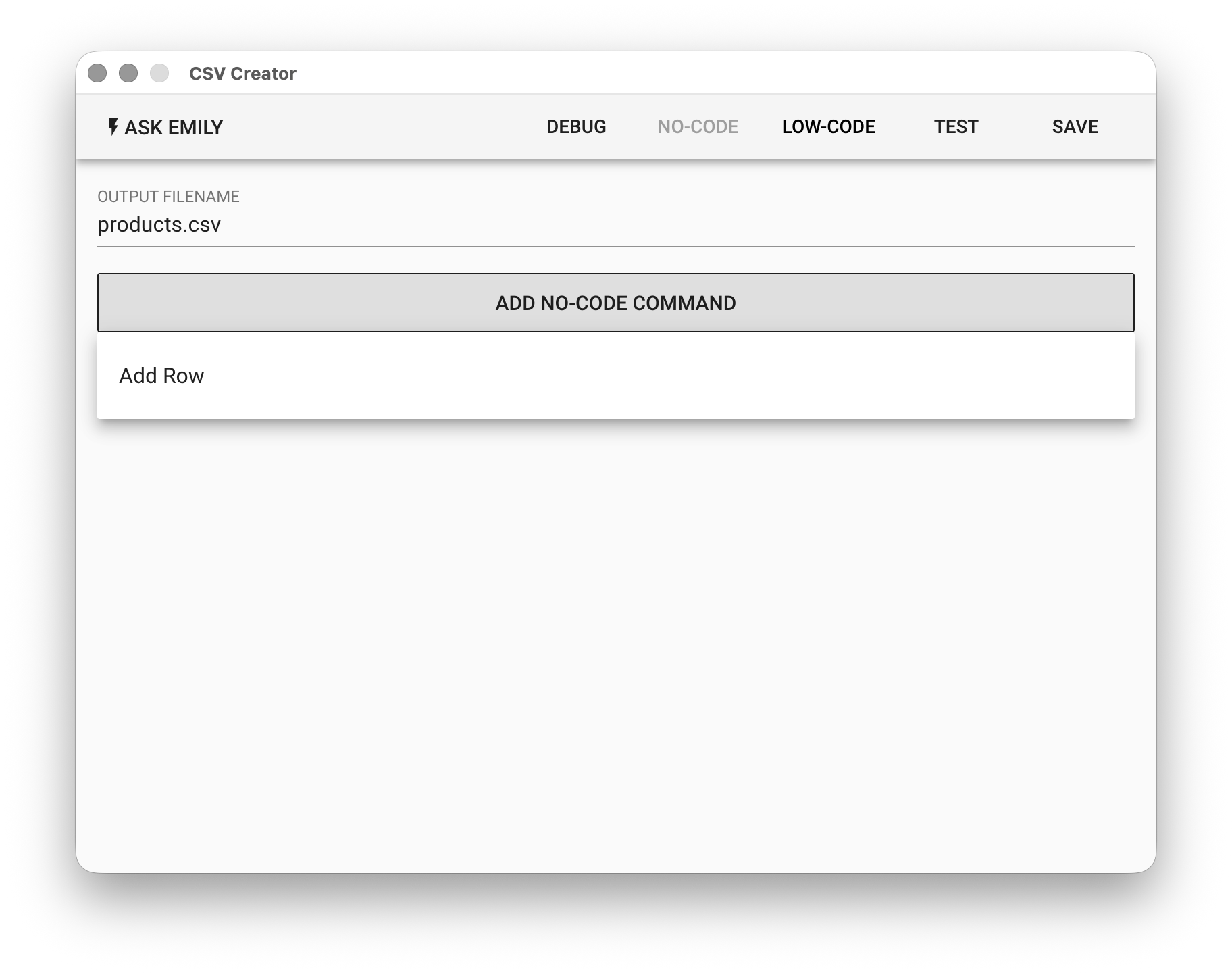
Parameters
OUTPUT FILENAME - The CSV format filename to output in the working folder. If the file already exists in the working folder, its data rows will be preloaded into the output array, allowing the script to continue adding data rows. The script can also actively delete preloaded data rows to start the output table fresh.
No-Code Editor
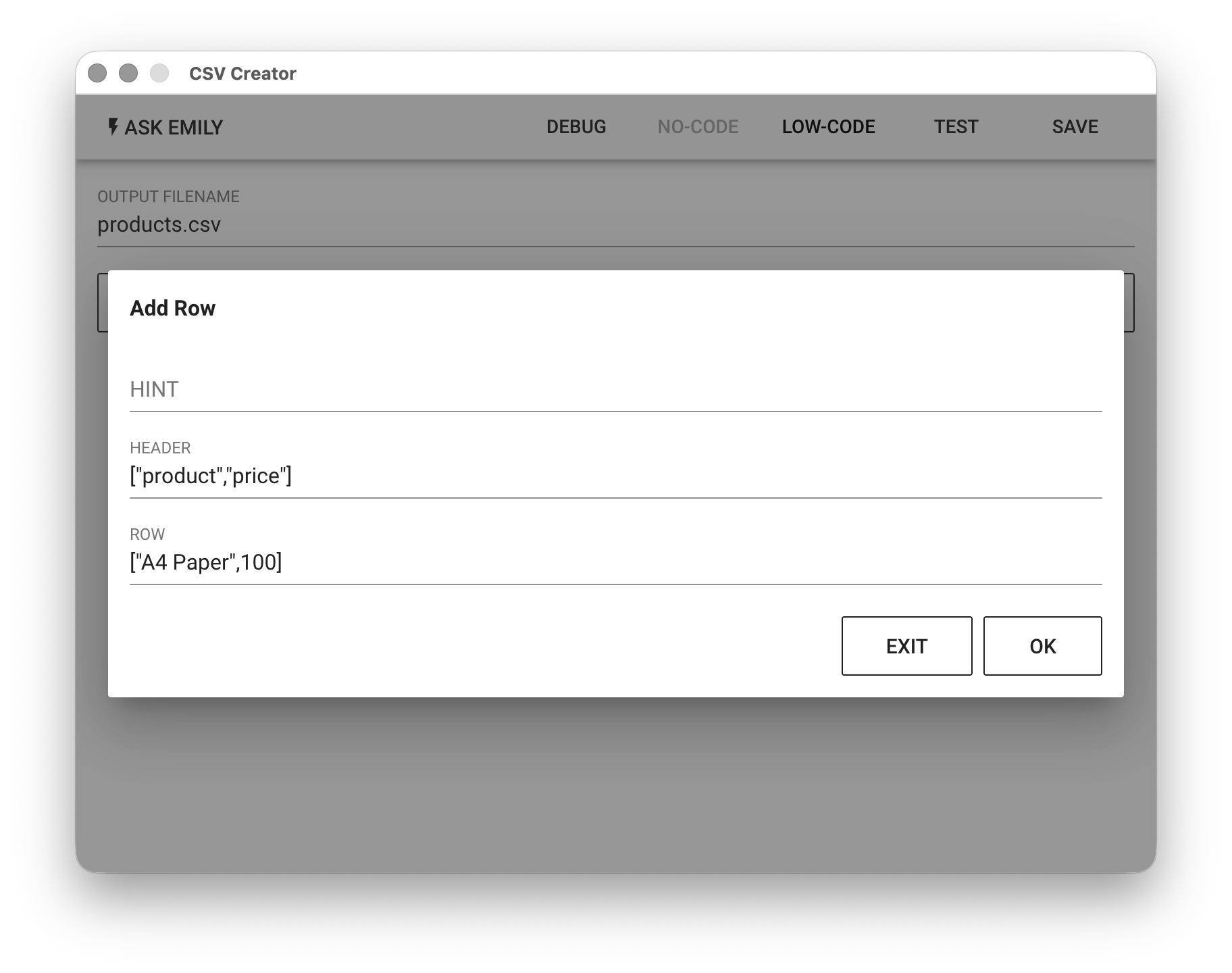
Provides No-Code commands such as: "Add a Record". For example, add a record with the field product set to A4 Paper and the field price set to 100.
Low-Code Editor
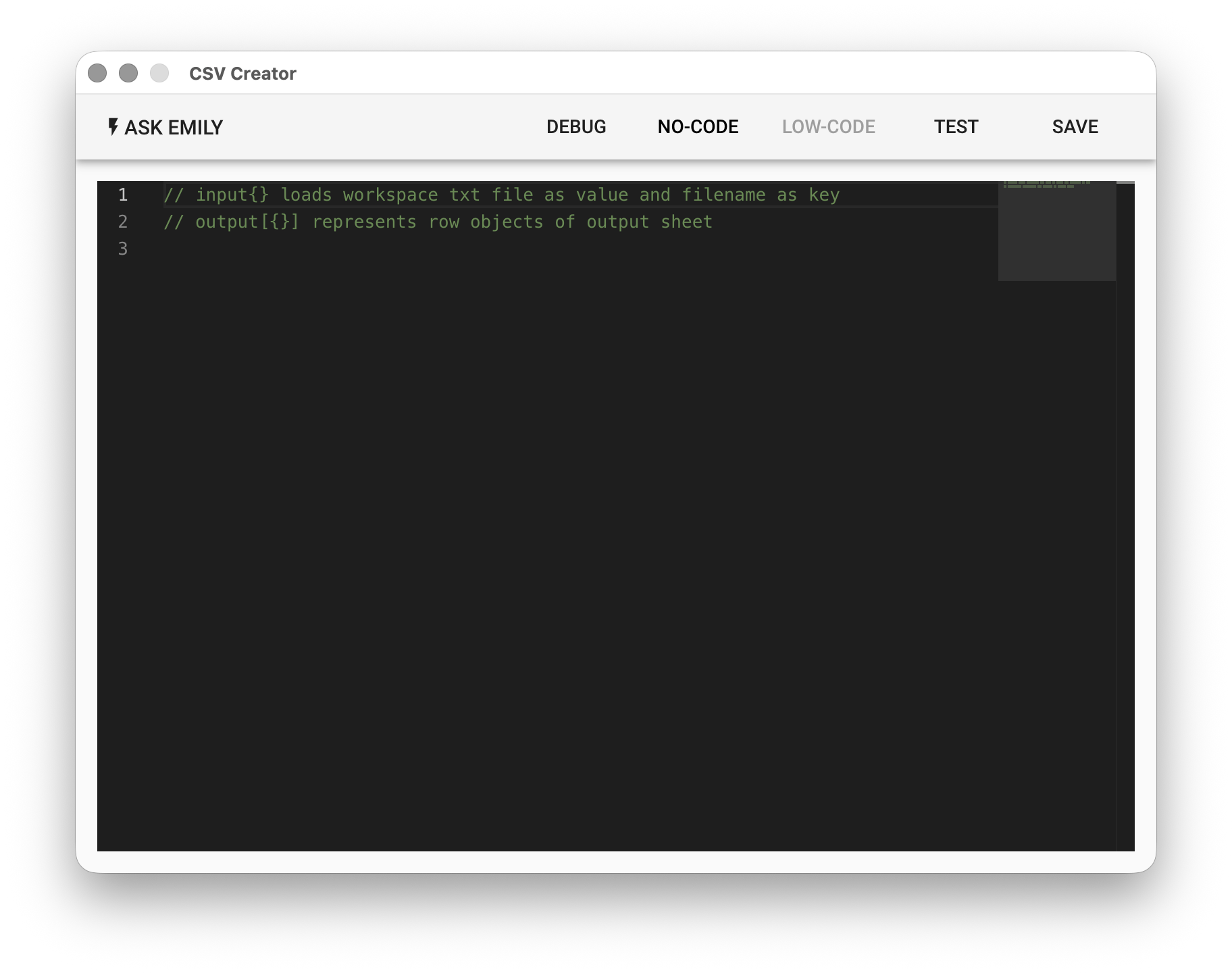
input Object
Each key in the input object is a TXT filename in the working folder (without the file extension), and each value is the text content of that file.
// Read the values from row-name.txt and row-price.txt in the working folder
let name = input['row-name']
console.log('name:', name)

let price = input['row-price']
console.log('price:', price)
output Array
Each object element added to the output array represents a data row in the output table. The keys in the object are header fields, and the values are the field values for that data row.
// Add a data row with data from files in the working folder; see the example above for reading
output.push({
  name : name,
  price : price,
  tax: price * 0.05
})

// Specify header fields, ordered from left to right
output.header.push('name','price','tax')