Command Line
Execute local terminal commands. The available commands depend on the local operating system.
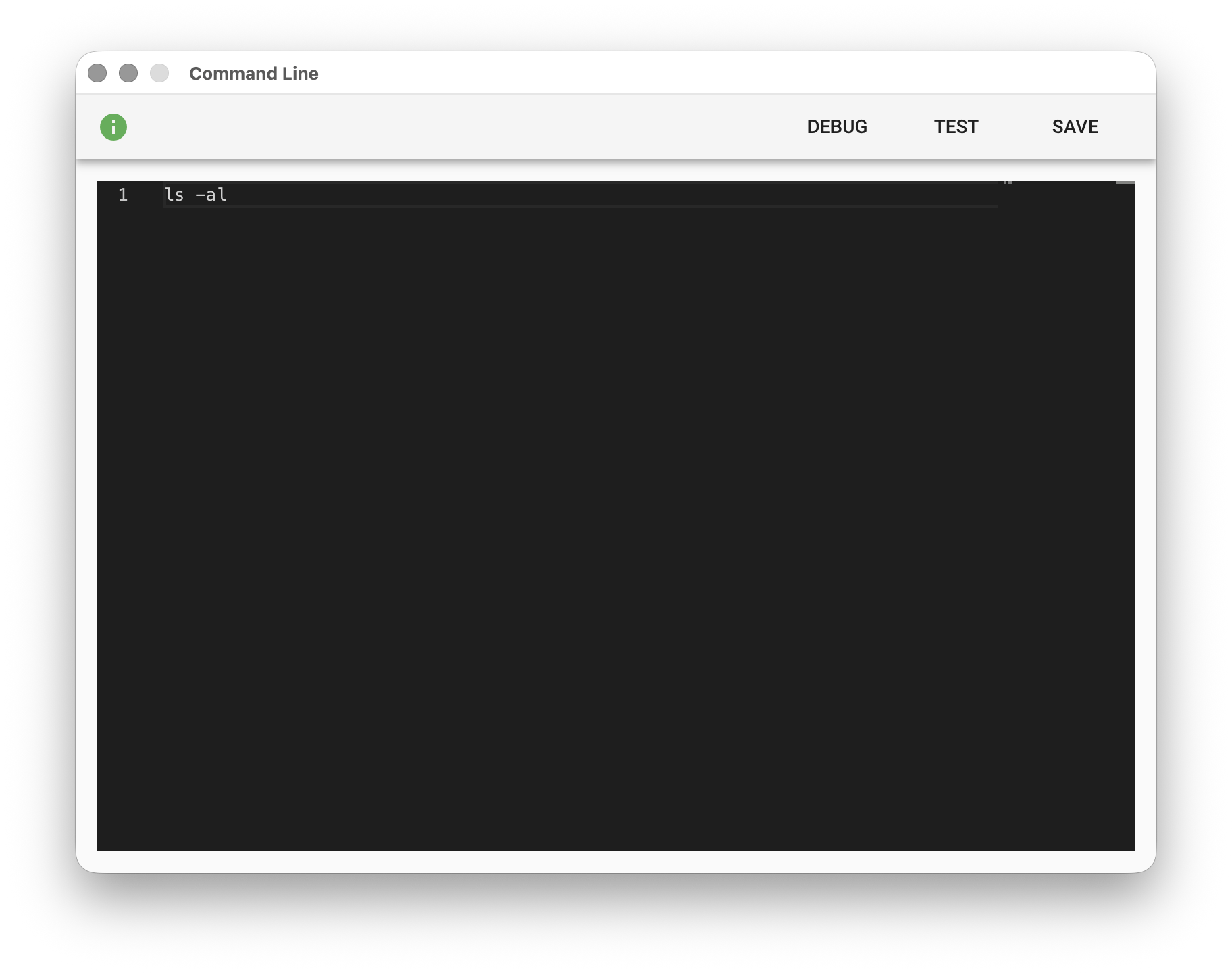
Same as the local terminal or command line mode. The execution output is written to output.txt in the working folder. For example, on Mac or Linux:
ls -al
The resulting output.txt content is as follows:
total 56
drwxr-xr-x 7   jt.strad staff 224   Jun 6 10:56 .
drwx------ 328 jt.strad staff 10496 Jun 6 09:35 ..
-rw-r--r--@ 1  jt.strad staff 6148  Jun 6 09:36 .DS_Store
-rw-r--r-- 1   jt.strad staff 302   Jun 6 09:36 output.csv
-rw-r--r-- 1   jt.strad staff 531   Jun 6 10:56 output.txt
-rw-r--r-- 1   jt.strad staff 8090  Jun 6 10:49 result.png
-rw-r--r-- 1   jt.strad staff 15    Jun 6 10:48 slideshow.txt
The %FILENAME% variable can also be used in command lines:
ls -al %dir%