Google OCR
Use Google Cloud OCR service to extract text information from image files. The input is the result returned by OCR parsing.
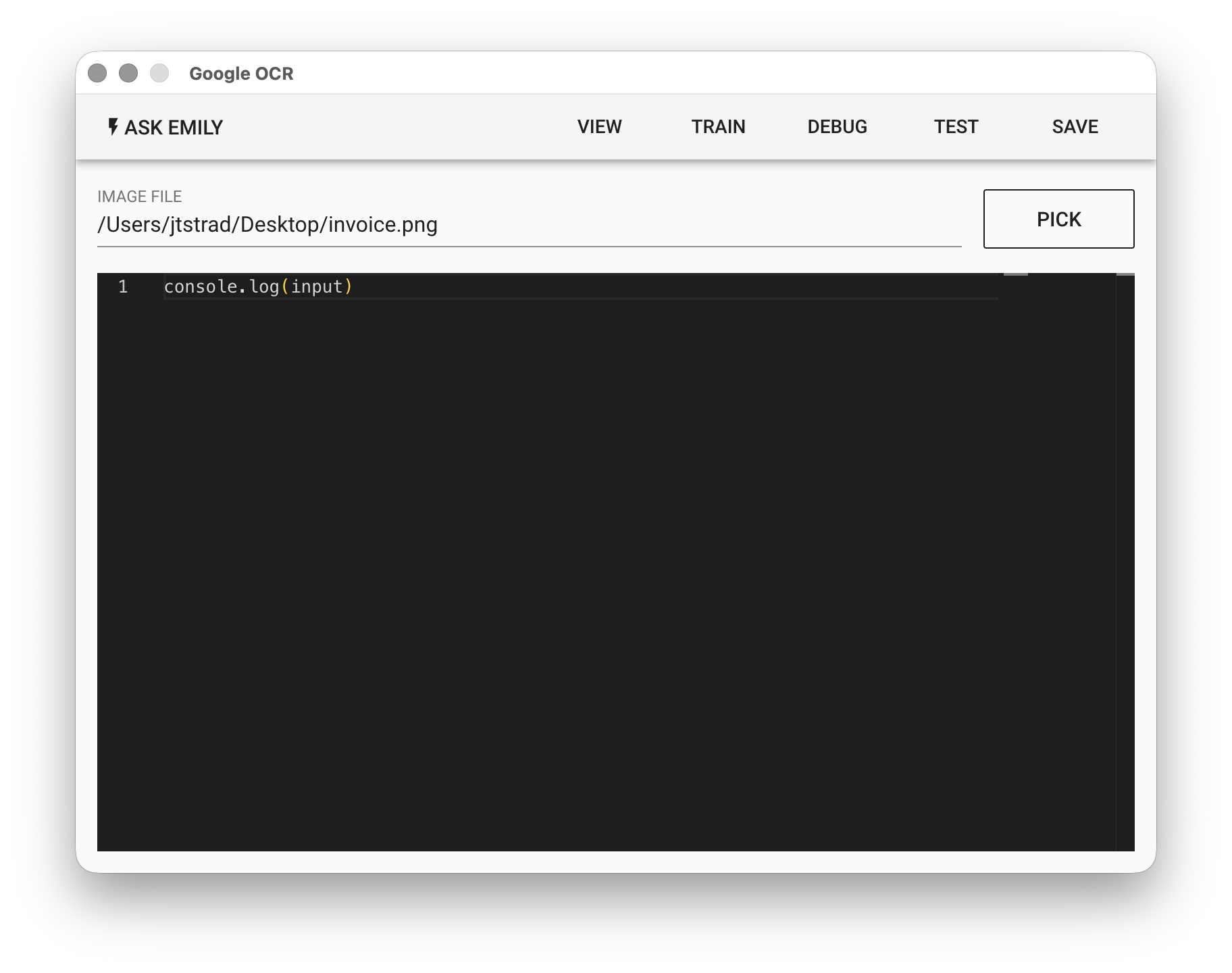
Parameters
IMAGE FILE - The image input file, which can be in jpg or png format. Click "PICK" to select a file, type a filename from the working folder, or use the %FILENAME% variable.
Low-Code Editor
input Object
{
  // Google OCR returned object
  aiReponse: {
    fullTextAnnotation,   // Refer to TextAnnotation definition
    ...                   // Others can be ignored
  }
  textData,               // Extracted text block array
}
input.aiResponse.fullTextAnnotation stores the recognition result returned from Google OCR. You can refer to TextAnnotation. The full text recognition string can be obtained from input.aiResponse.fullTextAnnotation.text.