Folder Processor
Manage a specified folder.
Parameters
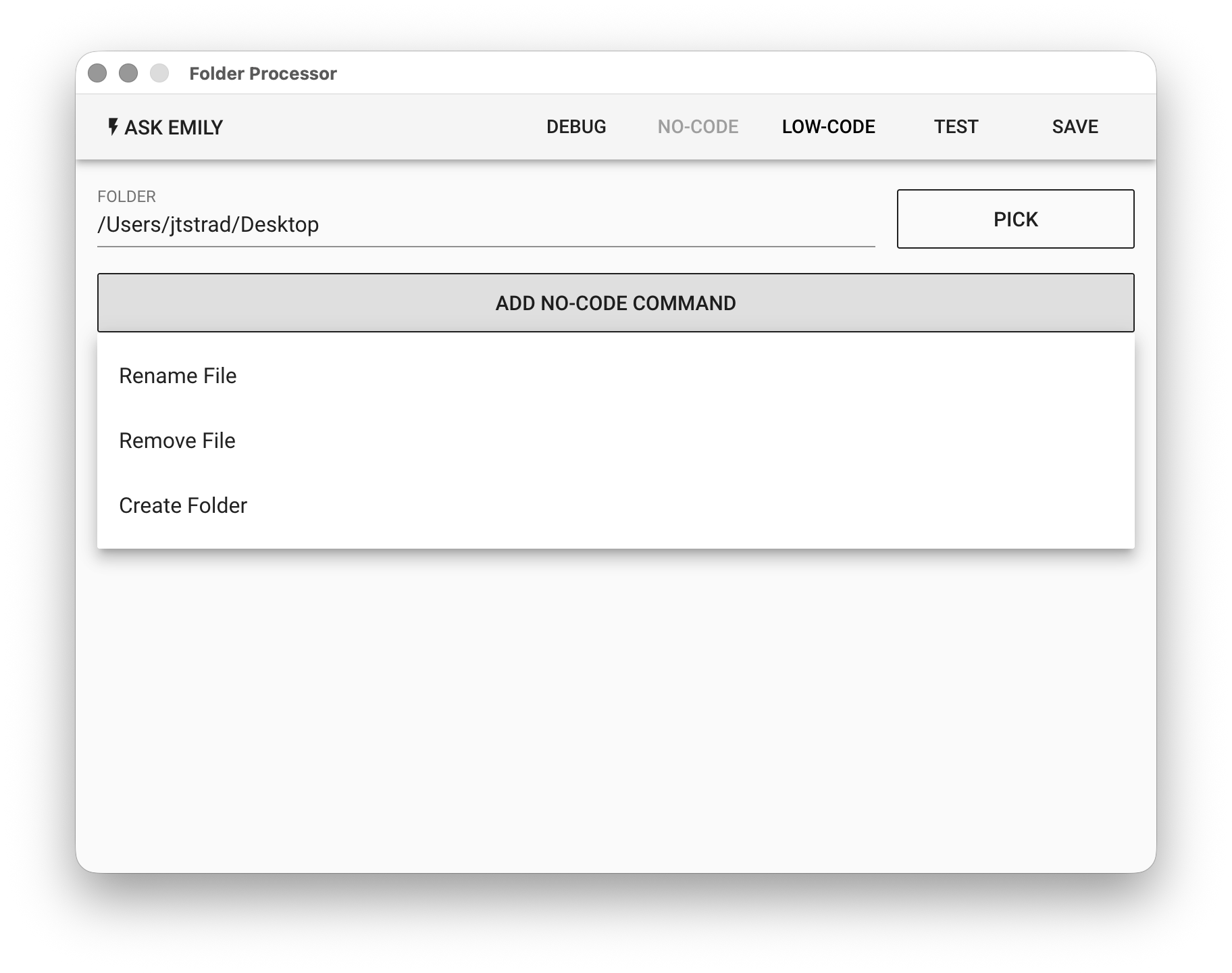
FOLDER - The specified folder. Click the "PICK" button to select or use the %FILENAME% variable.
No-Code Editor
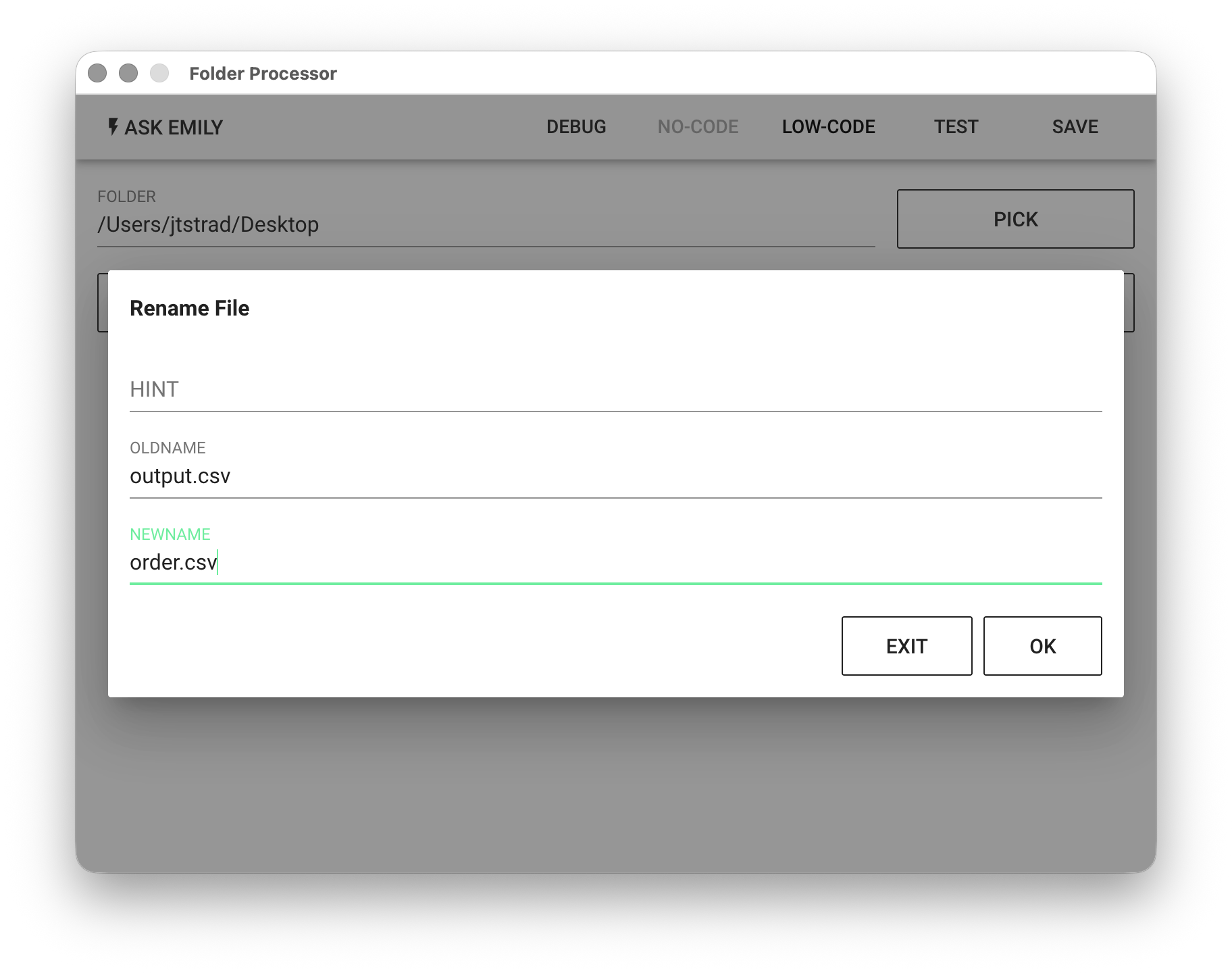
Provides no-code commands such as: "Rename File", "Delete File", "Create Folder", etc. For example, rename the file output.csv to order.csv in the specified folder.
Low-Code Editor
input Object
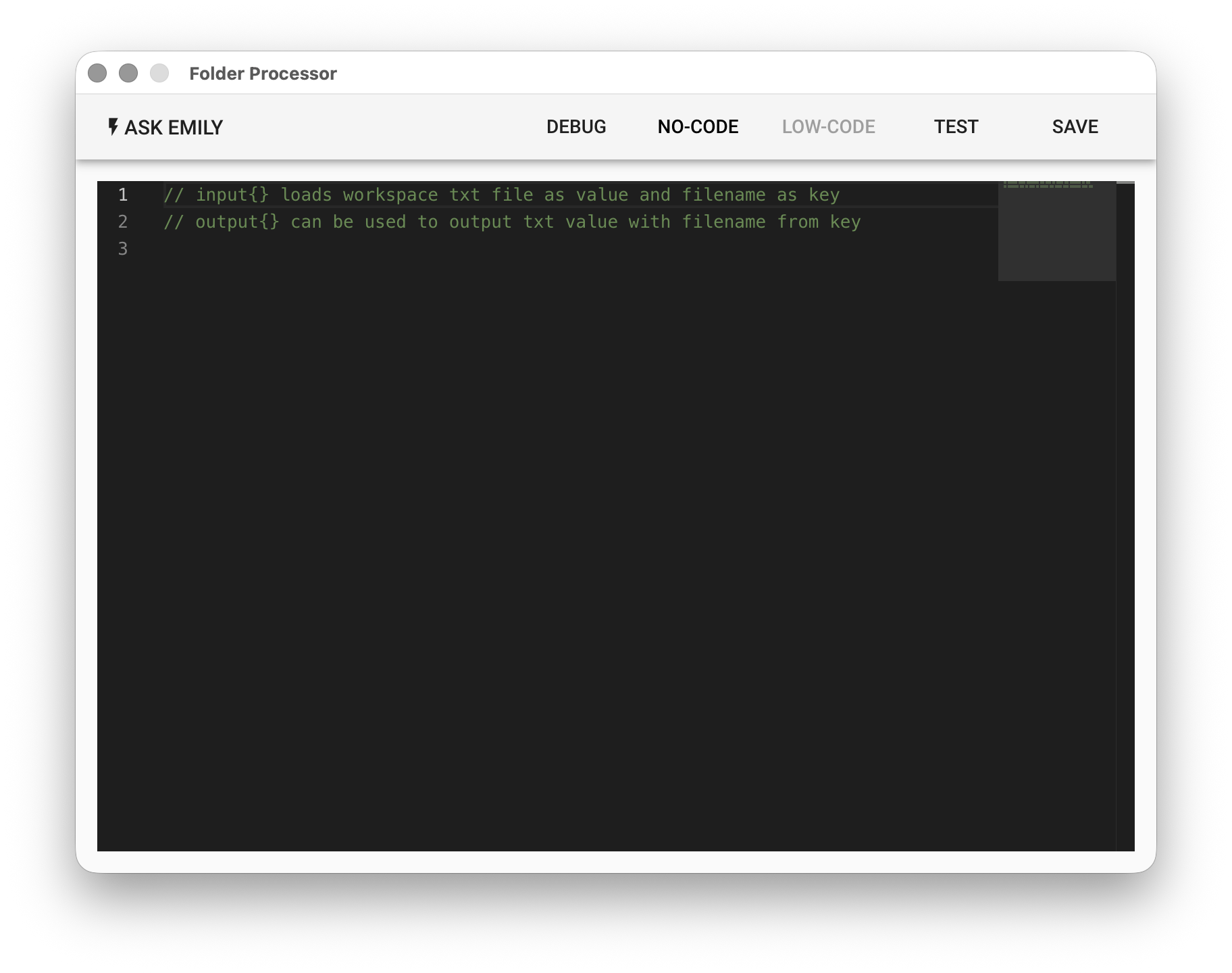
Each key in the input object is a TXT filename (without the extension) in the working folder, and each value is the text content of that file.
output Object
Each key added to the output object will be exported as a TXT file in the working folder, where the filename is the key and the text content is the corresponding value.
api Object
Provides asynchronous functions: api.files(), api.folders(), api.stat(name), api.rename(oldname, newname), api.remove(name), api.mkdir(dirname)
// List files in the specified folder
let files = await api.files()
console.log(files)

// List subfolders in the specified folder
let folders = await api.folders()
console.log(folders)

// Read various timestamp information of a file or subfolder in the specified folder, such as creation time, modification time, and last access time
let info = await api.stat('subfolder')
console.log(info)

// Rename a file in the specified folder
await api.rename('report1.pdf', 'report2.pdf')

// Delete a file in the specified folder
await api.remove('price.pdf')

// Create a subfolder in the specified folder
await api.mkdir('newfolder')