Exchange Mail Reader
Read Exchange Online email via IMAP. Requires an Exchange Online-compatible account. For the required information, refer to Exchange Online Access Configuration.
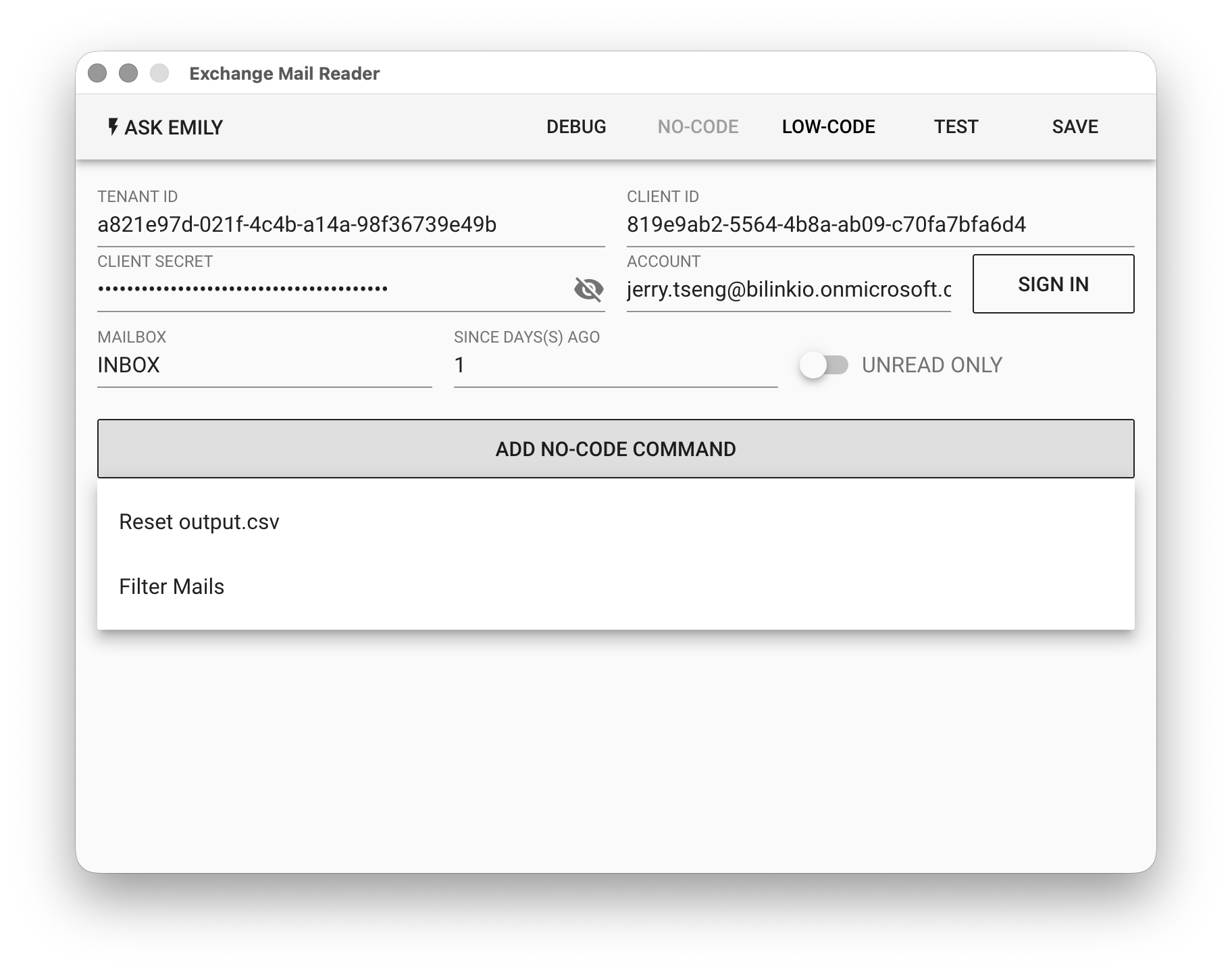
Parameters
TENANT ID - The Azure Active Directory tenant ID created in the Azure Portal for the user's email account.
CLIENT ID - The client ID of the registered Enterprise Application within the above tenant.
CLIENT SECRET - Enter the value of the above client secret.
ACCOUNT - After filling in TENANT ID, CLIENT ID, and CLIENT SECRET, click "SIGN IN" to open a browser for user authentication, which will automatically populate the ACCOUNT.
MAILBOX - Mailbox name.
SINCE DAY(S) AGO - Read emails from the specified number of days ago.
UNREAD ONLY - Whether to read only unread emails.
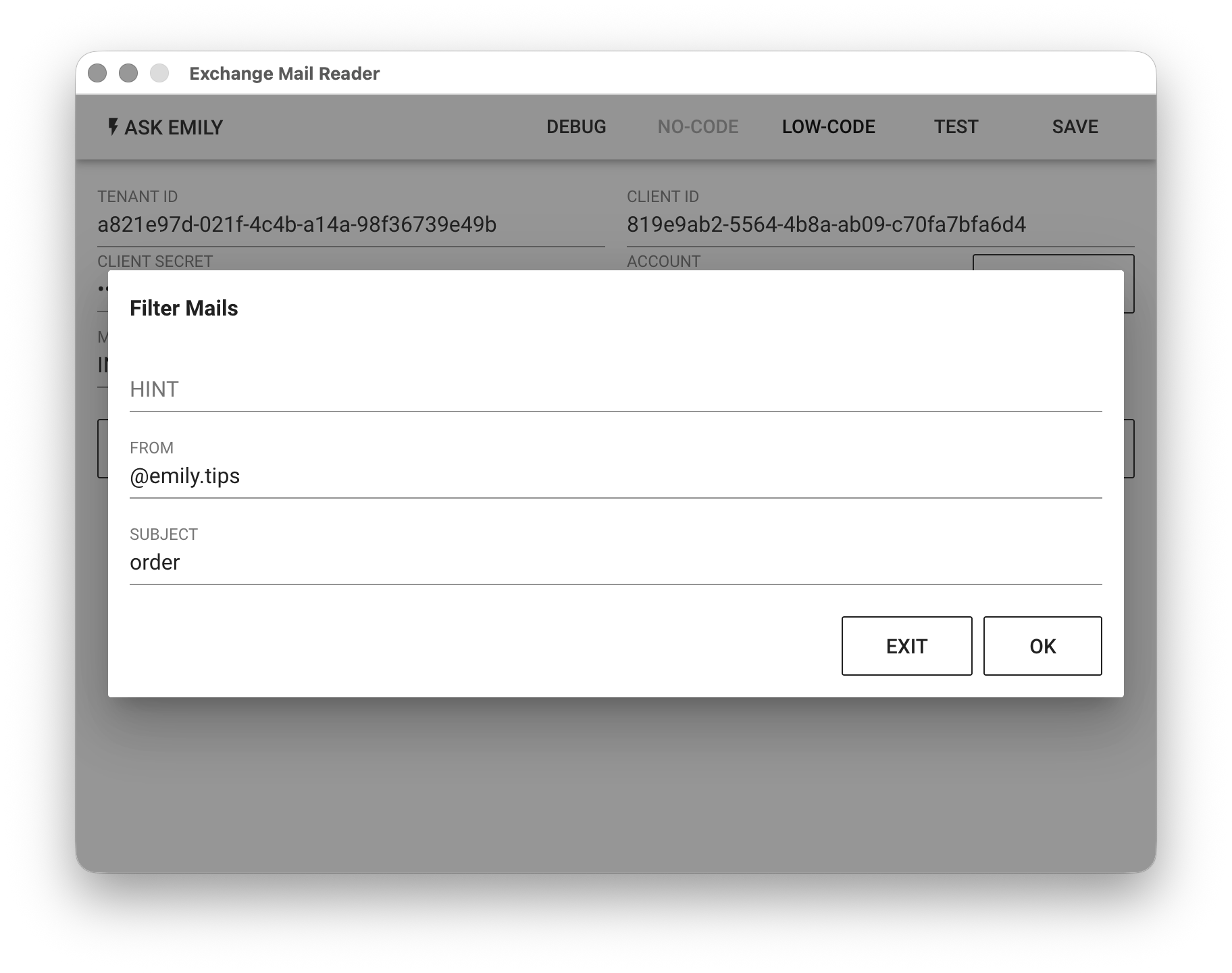
No-Code Editor
Provides no-code commands such as "Reset output.csv" and "Filter emails". For example, filter emails from the @emily.tips domain with a subject containing Purchase Order, and write them to output.csv in the working folder.
LOW-CODE Editor
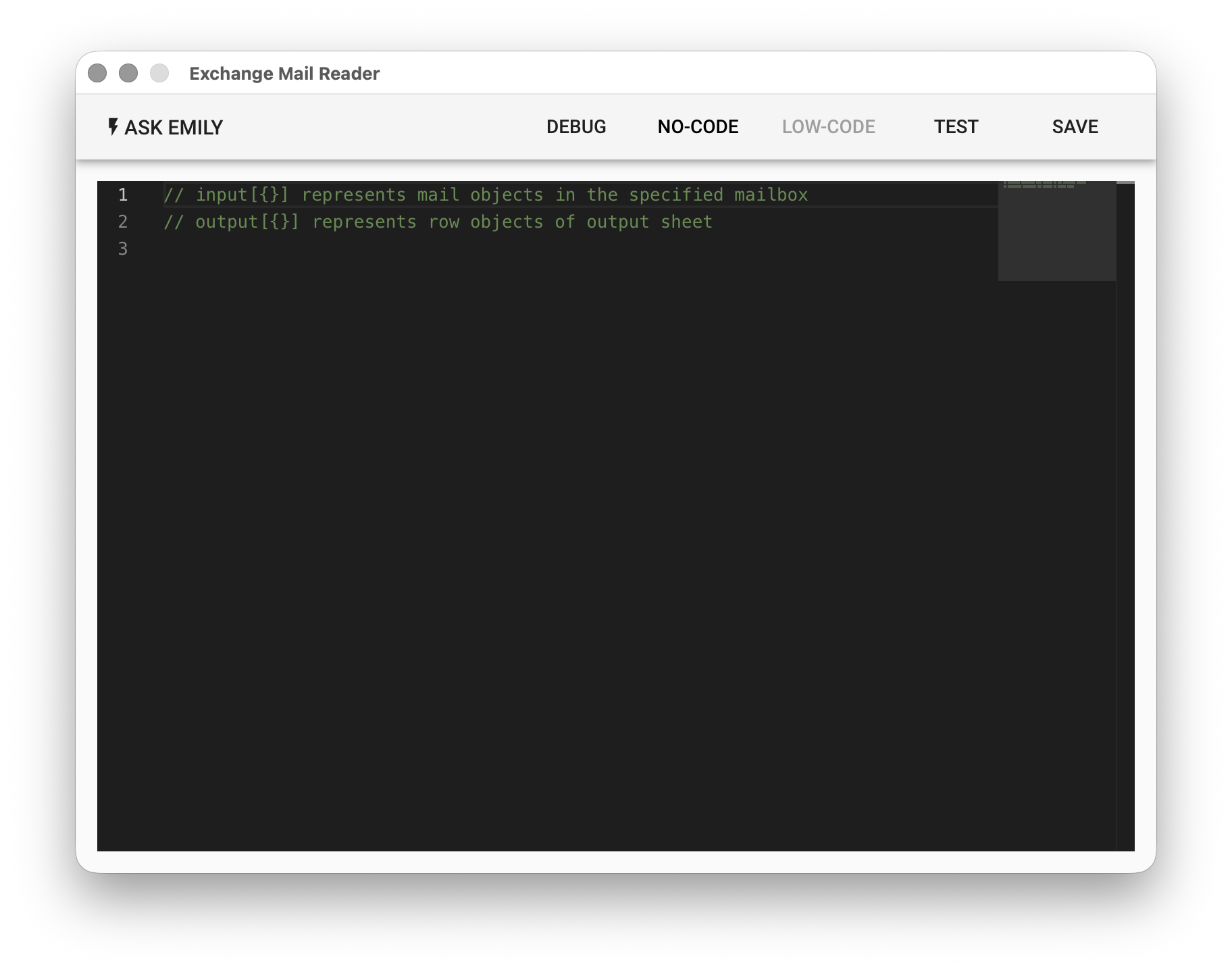
input Object Array
Each element in the input object array represents an email read from the specified mailbox:
// Print the subject and sender of each email read
input.forEach((mail) => {
  console.log('from:' + mail.from + ', title:' + mail.subject)
})
output Object Array
Each object element added to the output array represents a row of data in the output table. The key in the object is the column header, and the value is the data for that column in this row. The table will ultimately be exported as an output.csv file in the working folder.
// Output the text fields of each email read to CSV, and save attachment files
input.forEach((mail) => {
  output.push({
    from: mail.from,
    subject: mail.subject,
    date: mail.date.toLocaleString(),
  })

  if (mail.attachments.length > 0) {
    mail.attachments.forEach((att) => {
      api.write(att.filename, att.content)
    })
  }
})

// Specify column headers
output.header.push('from','subject','date')
api Object
In addition to synchronous functions: api.files(), api.read(filename, encoding='utf8'), api.write(filename, text), api.rename(oldname, newname), api.remove(filename) for accessing files in the working folder, it also provides the mail object and related asynchronous functions api.mail.moveto(uid, mailbox), api.mail.remove(uid)
// Find the email with 'promotion' in the subject
let mail = _.find(input, (m) => m.subject.includes('promotion'))

// Move to the 'Trash' mail folder
await api.mail.moveto(mail.uid, 'Trash')

// Find the email with 'winning' in the subject
mail = _.find(input, (m) => m.subject.includes('winning'))

// Remove the email
await api.mail.remove(mail.uid)