Google Drive
Access specific folders or files in Google Drive. Requires version 2.1.20230130 or above.
Parameters
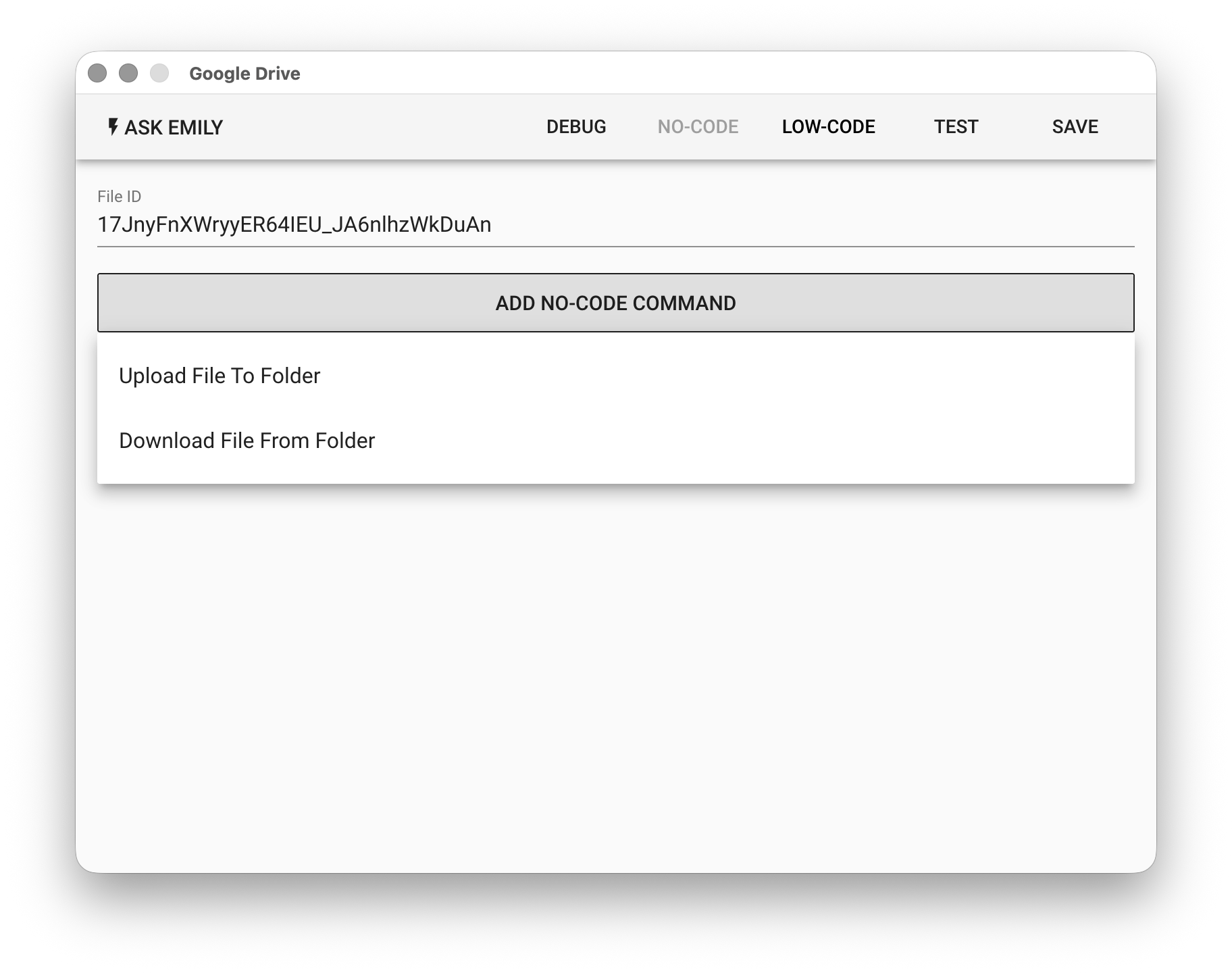
File ID - The ID of a specific Google Drive folder or file. Supports the %FILENAME% variable. It can be obtained from the browser address bar, for example:
https://drive.google.com/drive/folders/[FileID] // Folder
https://docs.google.com/document/d/[FileID]     // Document
https://docs.google.com/spreadsheets/d/[FileID] // Spreadsheet
https://drive.google.com/file/d/[FileId]        // File
No-Code Editor
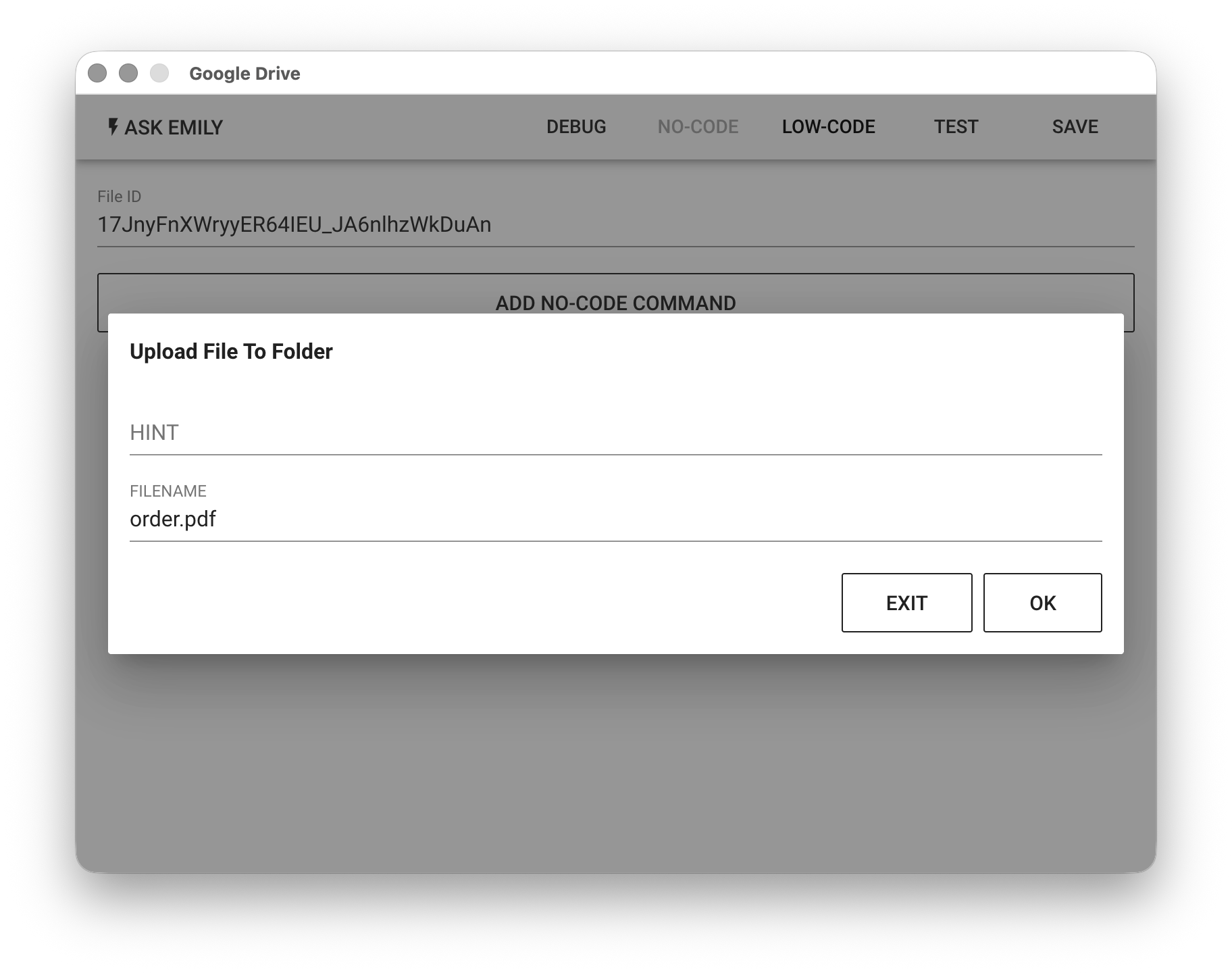
Provides no-code commands such as: "Upload File to Folder" and "Download File from Folder". For example, upload the order.pdf file from the working folder to a specified Google Drive folder.
Low-Code Editor
input Object
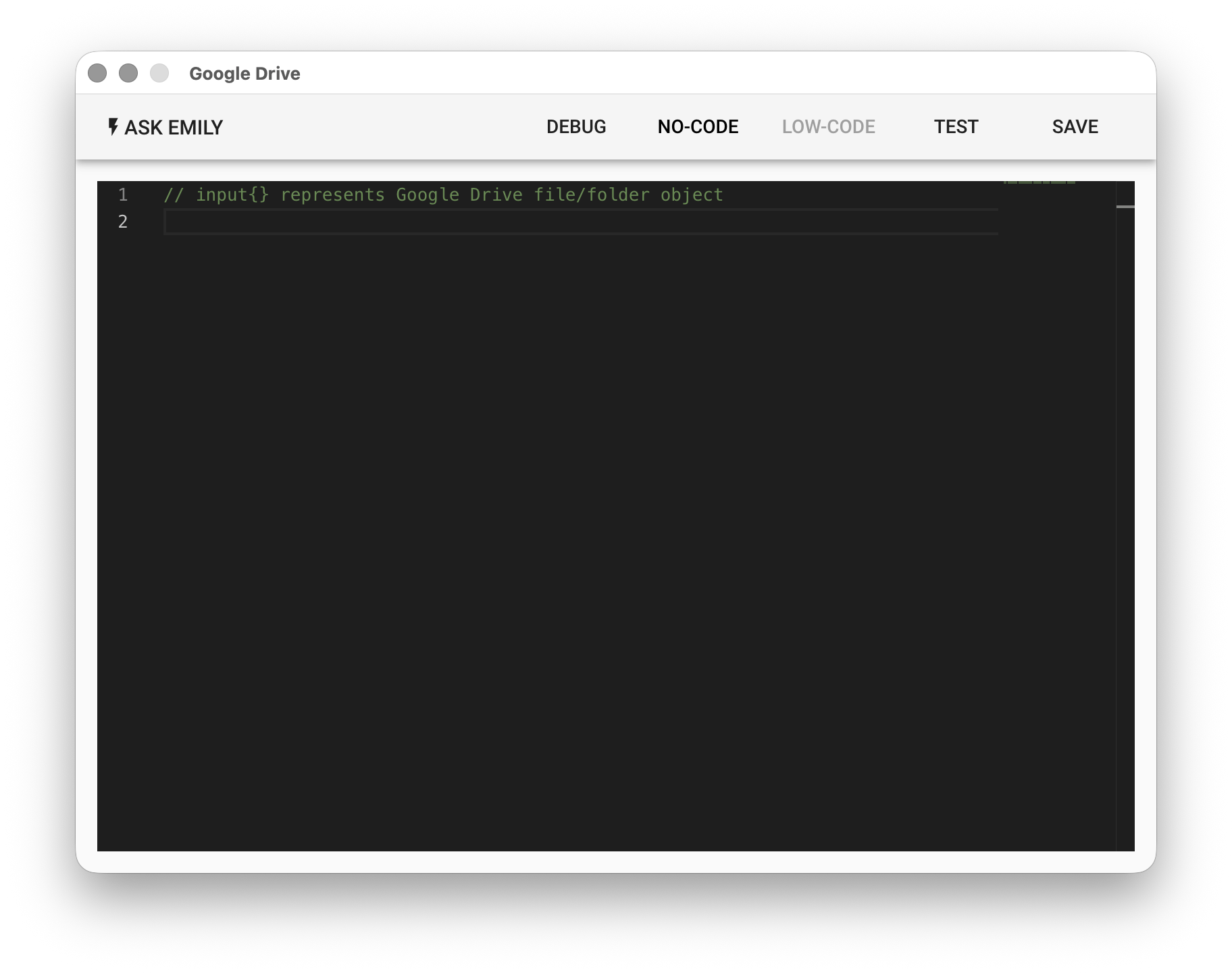
The input is a Google Drive object for the specified File ID. If it is a folder object, it supports async functions such as list(), upload(filename), createFolder(foldername), createSpreadsheet(filename). If it is a file object, it supports async functions such as download(filename), moveto(folderID):
// When the specified File ID is a folder, list all objects in this folder and download all files
let items = await input.list()
console.log(items)

// When an object supports the download(filename) function, download the file objects in the folder
for (const item of items) {
  if (item.download) await item.download()
}

// When the specified File ID is a folder, upload a file from the working folder
let file = await input.upload('image.jpg')
console.log(file)

// When the specified File ID is a folder, create a subfolder named 'subfolder'
let folder = await input.createFolder('subfolder')
console.log(folder)

// When the specified File ID is a folder, create a Google Spreadsheet file
let file2 = await input.createSpreadsheet('mysheet')
console.log(file2)

// When the specified File ID is a file, download this file to the working folder
await input.download()

// Move the file to the specified folder
await input.moveto('fileIDxxx')