Workspace Script
Manage or read/write files in the working folder.
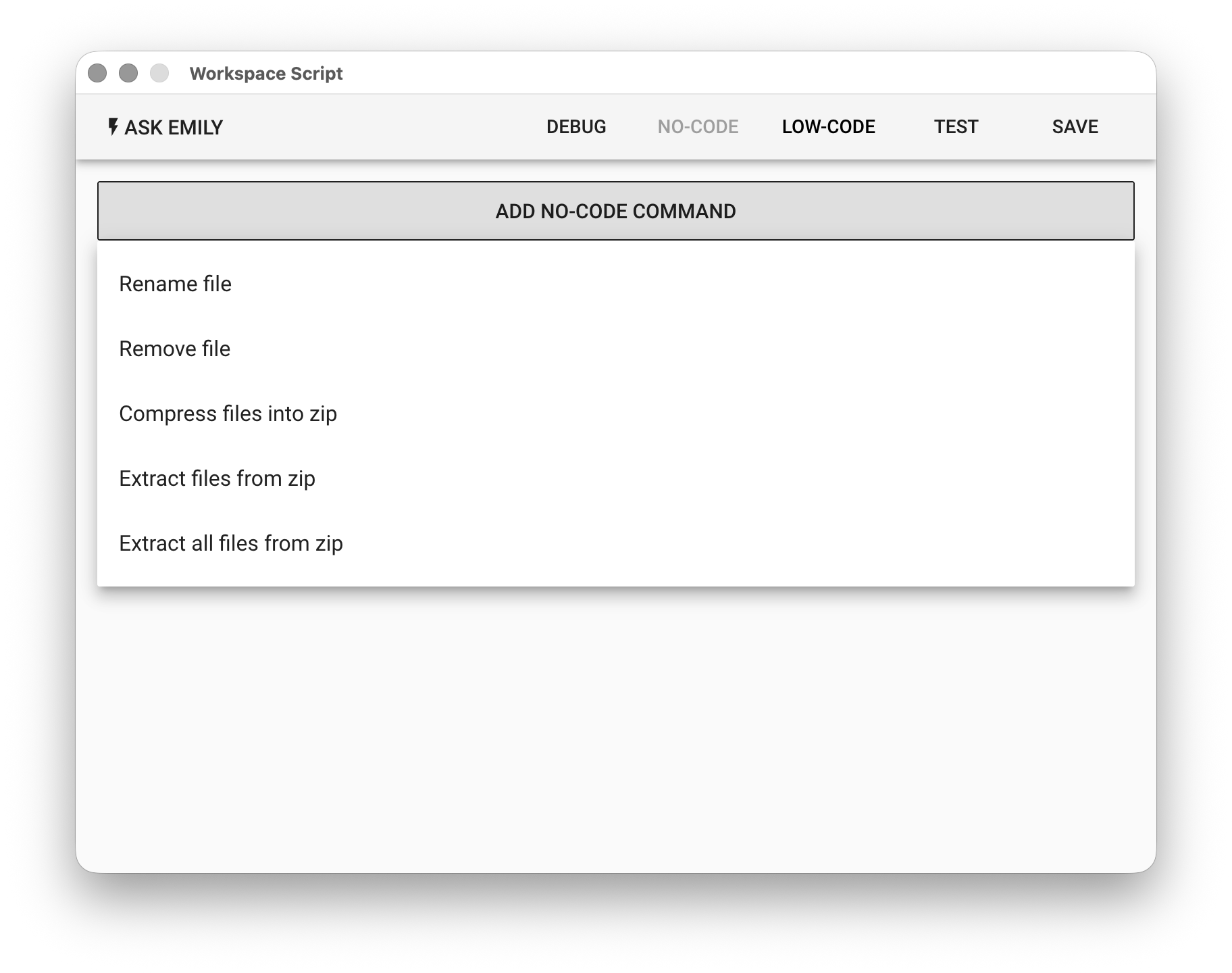
No-Code Editor
Provides No-Code commands such as: "Rename File", "Delete File", "Compress Specified Files", "Extract Specified Files", and "Extract All Files".
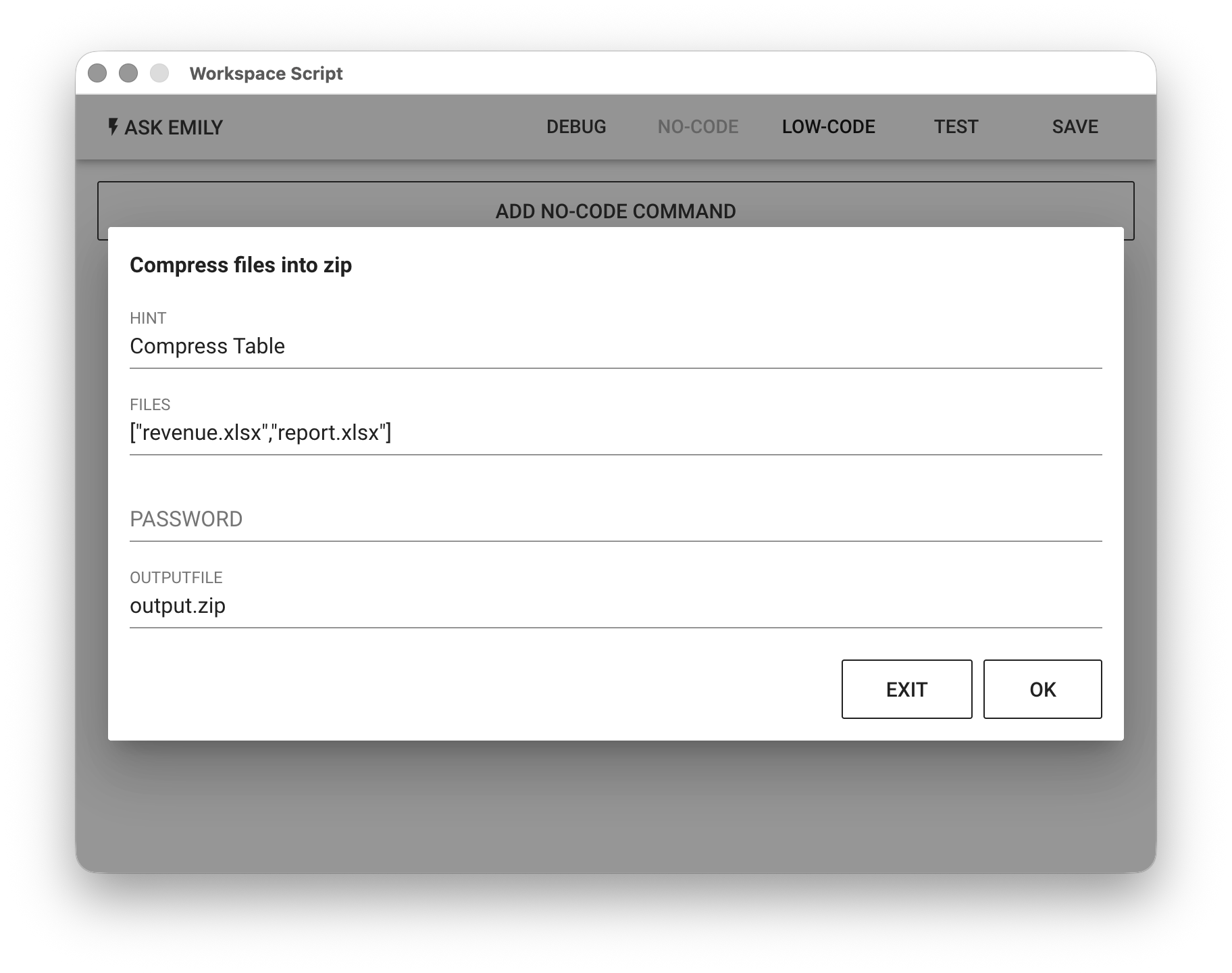
For example, to compress files in the working folder into a ZIP file, select "Compress Specified Files". Then arrange the filenames to compress in JSON array format in the FILES field. After clicking "OK", this No-Code command is recorded in the module's command list.
Low-Code Editor
input Object
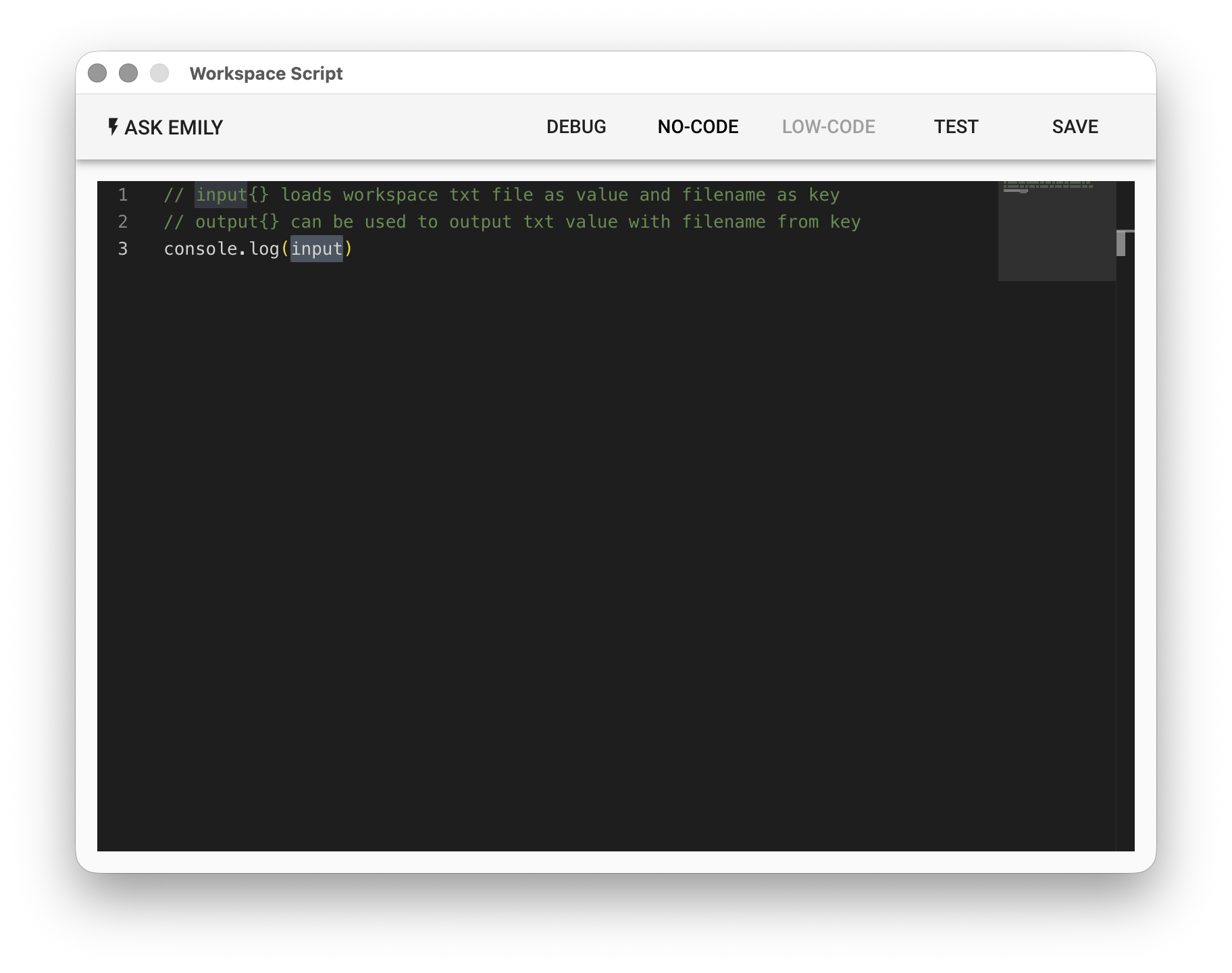
The built-in input object can be accessed directly in the script. Each key in the input object is the name of a TXT file in the working folder (without the file extension), and each value is the text content of that file. When the script is executed, all documents are automatically loaded, eliminating the need to read them manually in the script:
// Read the value of price.txt from the working folder
let price = input['price']
console.log('price:', price)
output Object
When the script needs to output documents, you can directly modify the built-in output object. Each key added to the output object will be exported as a TXT file in the working folder, with the filename being the key and the text content being the corresponding value.
// Write a value to new_price.txt in the working folder
let new_price = 100
output['new_price'] = new_price
api Object
Provides synchronous functions: api.files(), api.stat(filename), api.read(filename, encoding='utf8'), api.write(filename, text), api.rename(oldname, newname), api.remove(filename), api.createHash(algorithm). Additionally, moment.js and lodash are built-in libraries that can be used directly:
// List all files in the working folder one by one
api.files().forEach((file) => console.log(file))

// Read various timestamp information for a file, such as creation time, modification time, and last access time
console.log(api.stat('price.txt'))

// Read the text file price.txt from the working folder
console.log(api.read('price.txt'))

// Write a text file to the working folder
api.write('time.txt', moment().format('HH:mm:ss'))

// Rename a file in the working folder
api.rename('time.txt', 'currentTime.txt')

// Delete a file from the working folder
api.remove('price.txt')

// Create a hash object for MD5, SHA1, SHA256, SHA512, etc.
let md5 = api.createHash('MD5')

// Output the MD5 hash value
md5.hex('hello')

// Output the hmac value with 'key' as the salt
md5.hex_hmac('key', 'hello')
As well as asynchronous functions that return Promise objects: api.run(uuid), api.readCSV(filename, separator, skiplines), api.splitCSV(filename, separator, skiplines, newname, maxRows), api.writeCSV(filename, rows, header) and api.writeXML(filename, obj, options)
// Call and execute an automation skill with the identifier ef4e12a6-636f-4e58-8e14-212089e6fd23
await api.run('ef4e12a6-636f-4e58-8e14-212089e6fd23')

// Split a large CSV file in the working folder into multiple smaller CSV files, each with no more than 5000 records
let files = await api.splitCSV('large.csv', ',', 0, 'small.csv', 5000)

// The output files: ['small(0).csv', 'small(1).csv', ... ] saved as a file list
await api.writeCSV('list.csv', files.map((file, index) => {return {file, index}}), ['index','file'])

// Read a CSV file from the working folder and print the data
let list = await api.readCSV('list.csv')
console.log(list)

// Convert a JSON object to XML format and write the file, with <addr> having attributes, output header and indent
let obj = {
  root: [
    { date: '2023/03/12' },
    { item: 'coffee' },
    { item: 'tea' },
    {
      _name: 'addr',
      _content: '101F, #1, Taiwan Road',
      _attrs: {
        country: 'TWN',
        city: 'TPE'
      }
    }
  ]
}
await api.writeXML('result.xml', obj, { header: true, indent: '\t' })
Additionally, zip read/write APIs are provided for compressing or extracting files in the working folder. These APIs are all asynchronous functions:
// Read files inside input.zip
let inputZip = api.zip()
await inputZip.load('input.zip')
let filesInZip = await inputZip.files()
filesInZip.forEach((file) => console.log(file))

// Extract the file a.txt from input.zip
await inputZip.extract('a.txt')

// Compress b.jpg and c.pdf from the working folder into output.zip
let outputZip = api.zip()
await outputZip.add('b.jpg')
await outputZip.add('c.pdf')
await outputZip.save('output.zip')
If on Windows you find garbled characters when extracting a zip file containing filenames with Chinese characters, this is because Windows' Chinese encoding is not UTF-8. You can specify the encoding mode in the load(filename, encoding = 'utf8') API.
// assign encoding type in load()
await inputZip.load('input.zip', 'Big5')
When you need to delete or merge pages in a PDF file, you can use the pdf API:
// Load a.pdf, remove the first page, and save as b.pdf
let inputPdf = api.pdf()
await inputPdf.load('a.pdf')
let count = inputPdf.pageCount()
console.log(`a.pdf has ${count} pages`)
await inputPdf.removePage(0)
await inputPdf.save('b.pdf')

// Merge pages 1, 3, 5 from c.pdf and page 2 from d.pdf into e.pdf
let outputPdf = api.pdf()
await outputPdf.create()
await outputPdf.addPagesFrom('c.pdf',[0,2,4])
await outputPdf.addPagesFrom('d.pdf',[1])
await outputPdf.save('e.pdf')