Exchange Mail Sender
Send Exchange Online email via SMTP. Requires an Exchange Online-compatible account. For configuration details, refer to Exchange Online Access Configuration.
Parameters
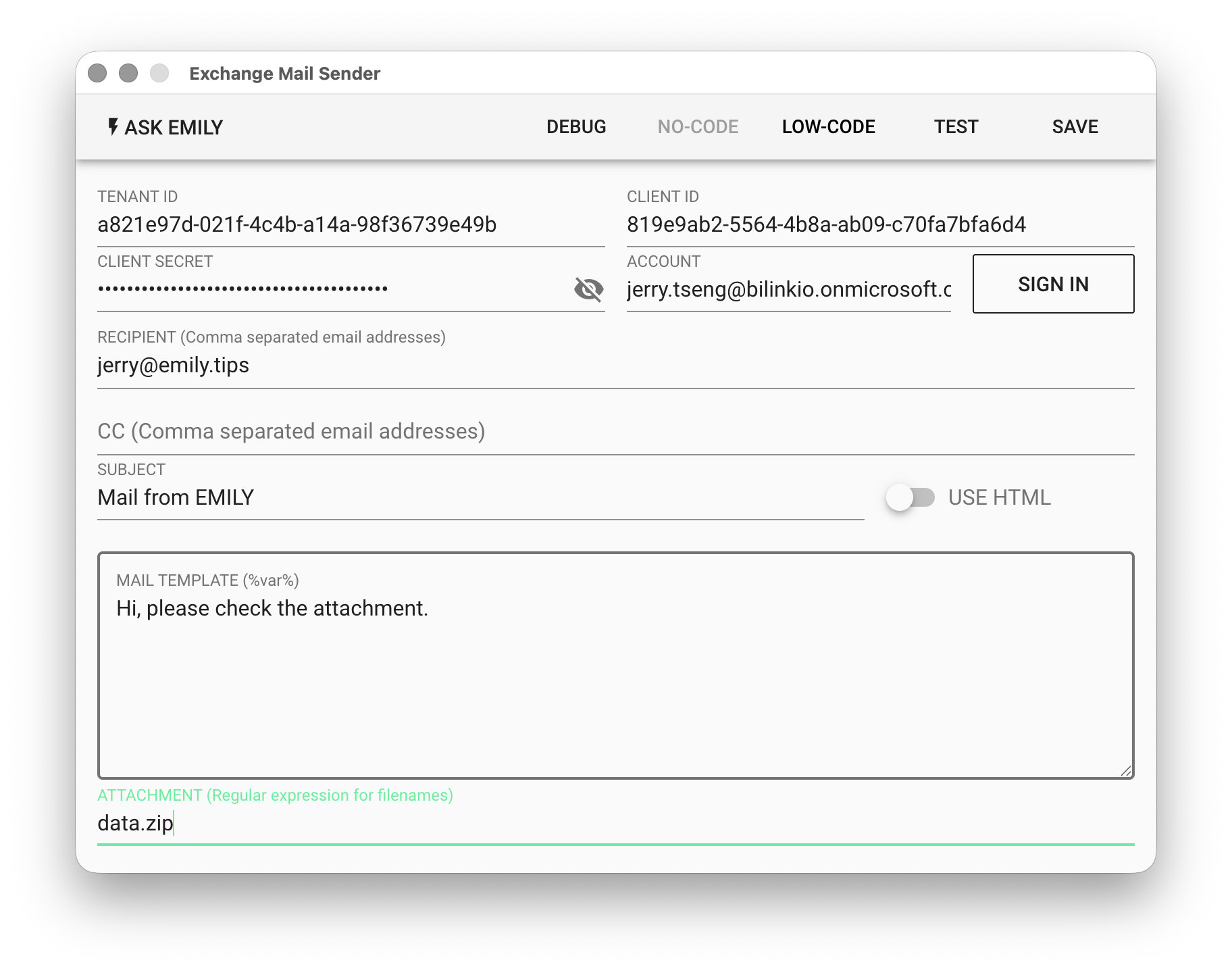
TENANT ID - The Azure Active Directory tenant ID associated with the user's email account in the Azure Portal.
CLIENT ID - The client ID of the registered Enterprise Application within the above Tenant.
CLIENT SECRET - Enter the value of the above Client Secret.
ACCOUNT - After filling in TENANT ID, CLIENT ID, and CLIENT SECRET, click "SIGN IN" to open a browser for user authentication, and the ACCOUNT will be automatically populated.
RECIPIENT - Recipient address. For multiple recipients, separate with commas. Supports the %FILENAME% template, for example:
alice@mail.com,bob@mail.com,%contact%
CC - Carbon copy address. Multiple recipients follow the same format as above.
SUBJECT - Email subject. Supports the %FILENAME% template.
USE HTML - Whether the email body template uses HTML syntax.
MAIL TEMPLATE - Email body template. Supports the %FILENAME% template.
<h3>Dear %user%</h3>
<p>Thanks for subscribing %serviceName% service.</p>
ATTACHMENT - Add specified attachments using a regular expression string: invoice-[0-9]{3}\.jpg
EMBED IMAGE
The email body must have USE HTML enabled. Add the image file as an attachment and reference it in the email body using an <img> tag:
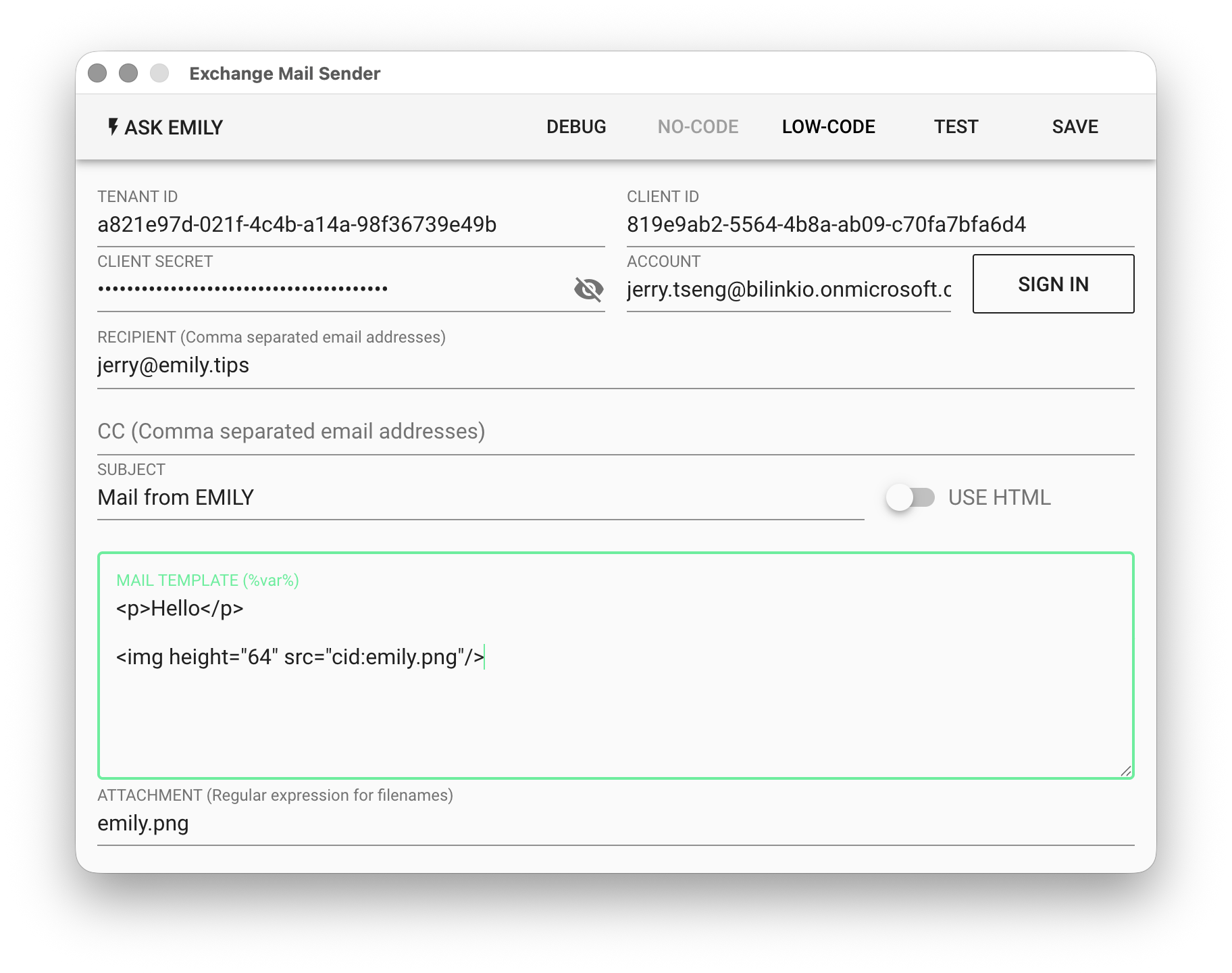
Note that in the <img> tag, the src attribute must use the cid: prefix to reference the attached image.
LOW-CODE Editor
input Object
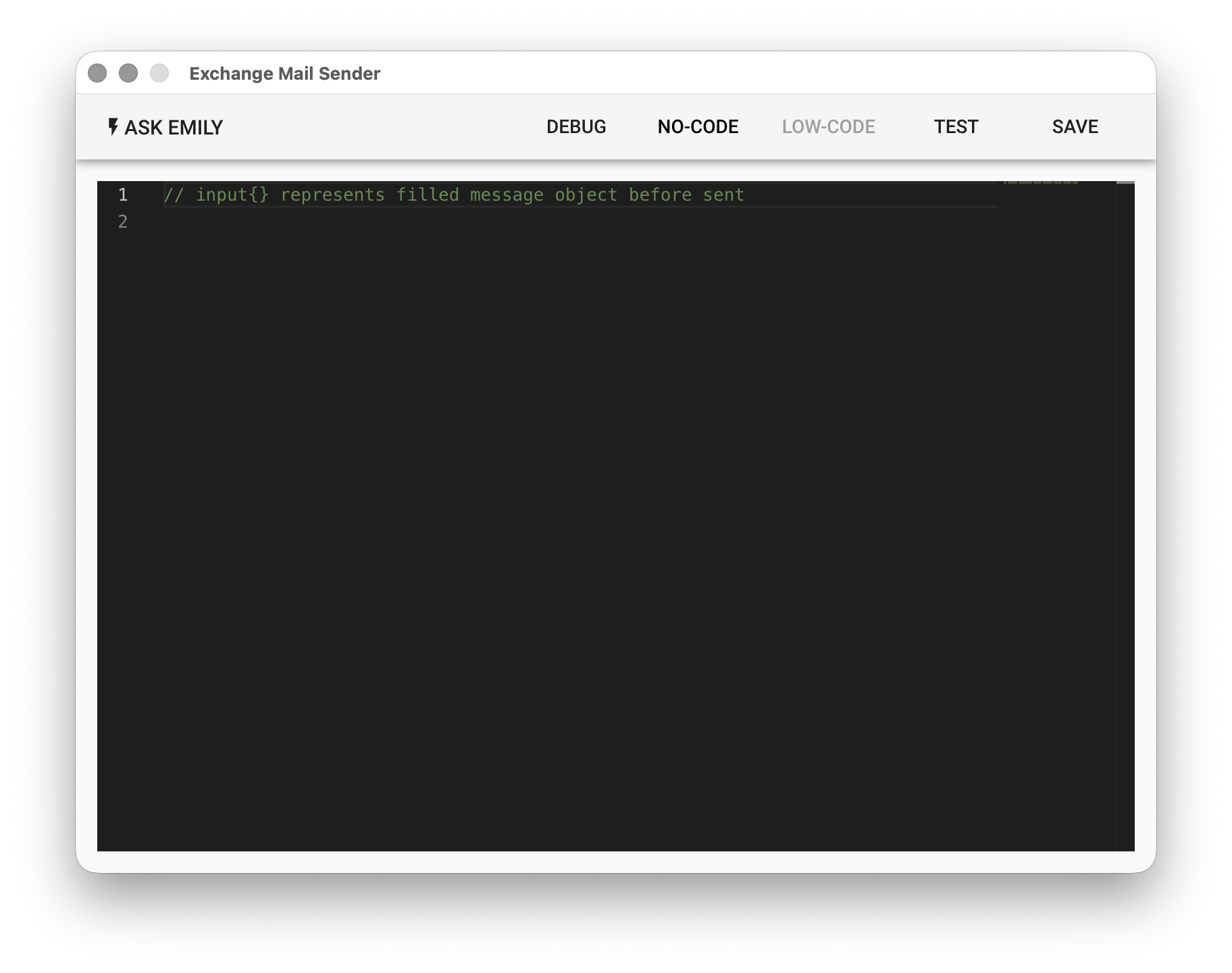
The input object contains the content filled in above. You can modify it here before sending.
// Print the filled email content first, then modify before sending
console.log(input)

// Append a date to the body
input.text += `\n\n Sent on ${moment().format('YYYY-MM-DD')}`

// BCC to archive@company.com
input.bcc = 'archive@company.com'