SFTP
Connect to a specified FTP/SFTP server to upload or download files.
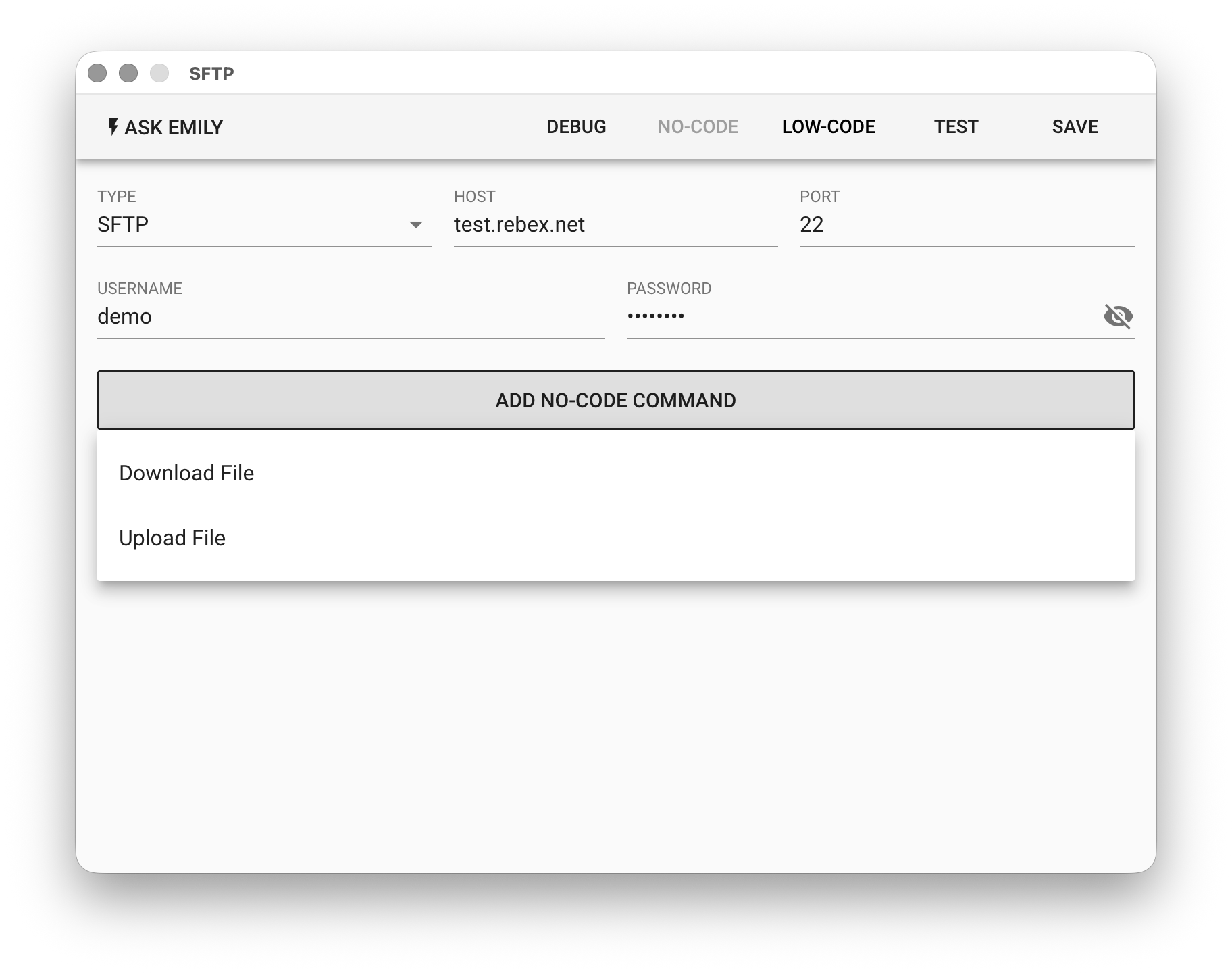
Parameters
TYPE - Transfer protocol, supports SFTP, FTP/TLS, FTP.
HOST - FTP/SFTP host, can be an IP address or host domain name.
PORT - SFTP or FTP host port number.
USERNAME - User account name.
PASSWORD - User account password.
No-Code Commands
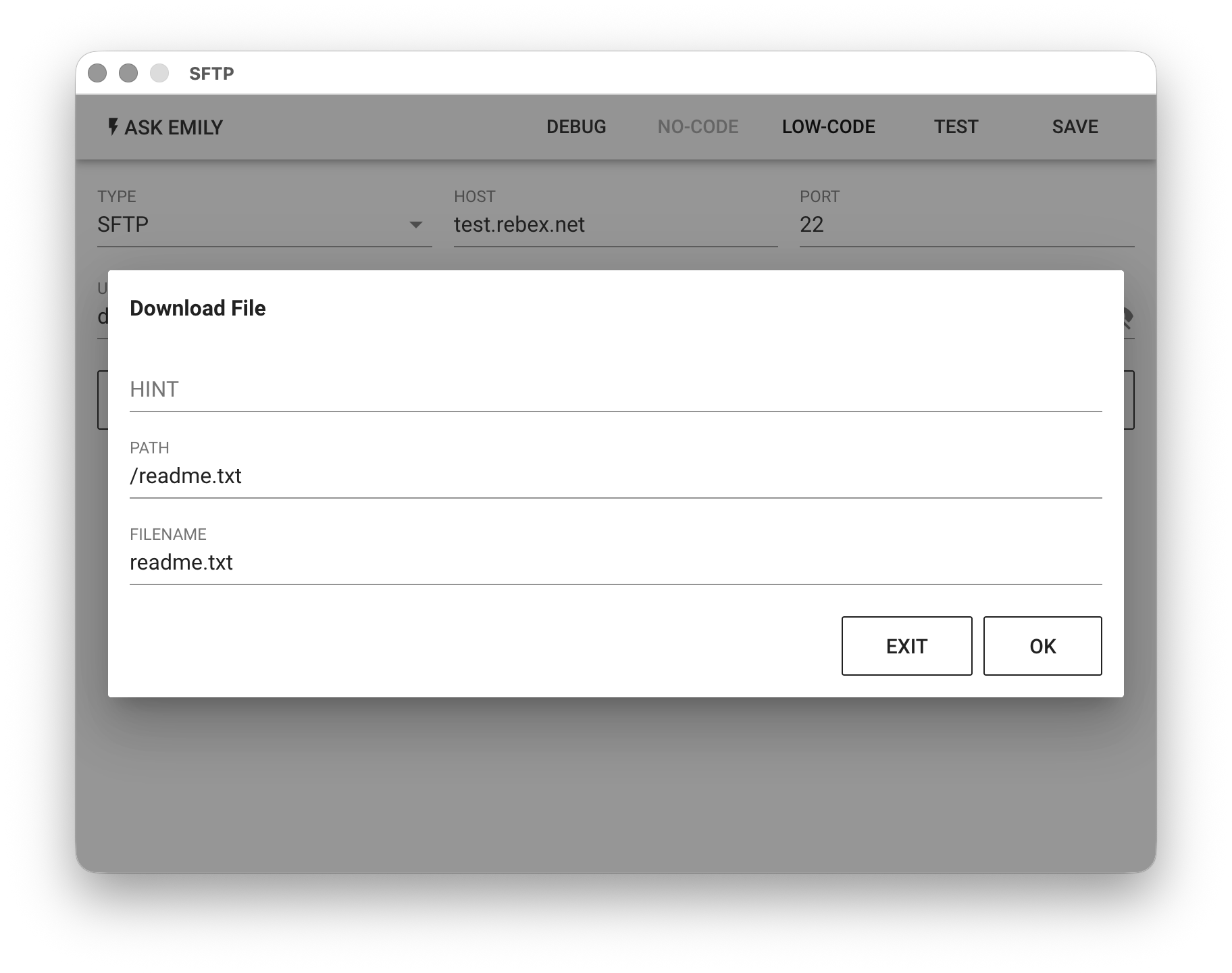
Provides no-code commands such as "Download file" and "Upload file". For example, download a file from the SFTP server specified in the parameters.
Low-Code Script
api Object
In addition to synchronous functions: api.files(), api.read(filename, encoding='utf8'), api.write(filename, text), api.rename(oldname, newname), api.remove(filename) for accessing files in the working folder, it also provides the ftp object and related asynchronous functions api.ftp.list(path), api.ftp.get(path, filename), api.ftp.put(filename, path), api.ftp.mkdir(path), api.ftp.rename(path, newpath), api.ftp.remove(path) as follows:
// List files or subdirectories in the server root directory
let entries = await api.ftp.list('/')
console.log(entries)

// Download the file at server path /download/test.png to the working folder, naming it file1.png
await api.ftp.get('/download/test.png', 'file1.png')

// Rename the file at server path /download/test.png
await api.ftp.rename('/download/test.png', '/download/testnew.png')

// Upload file2.pdf from the working folder to server path /upload/file2.pdf
await api.ftp.put('file2.pdf', '/upload/file2.pdf')

// Create a subdirectory at server path /upload/temp
await api.ftp.mkdir('/upload/temp')

// Delete the file at server path /upload/file2.pdf
await api.ftp.remove('/upload/file2.pdf')