DOCX/PPTX Template
Apply dynamic content to a specified document template file to generate DOCX/PPTX documents.
Parameters
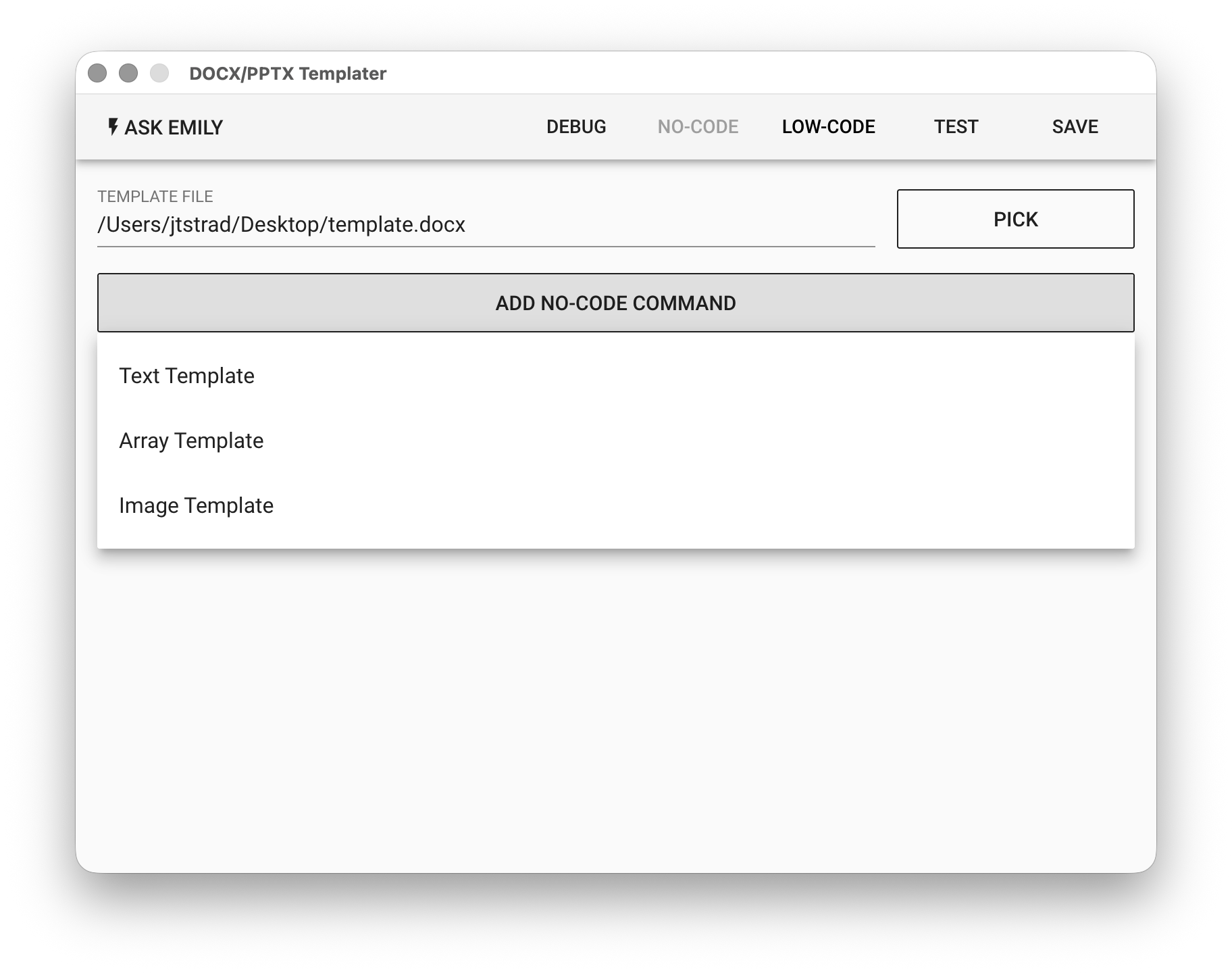
DOCX/PPTX TEAMPLTE - The DOCX/PPTX template file used to generate dynamic content. Click "PICK" to select or use the %FILENAME% variable.
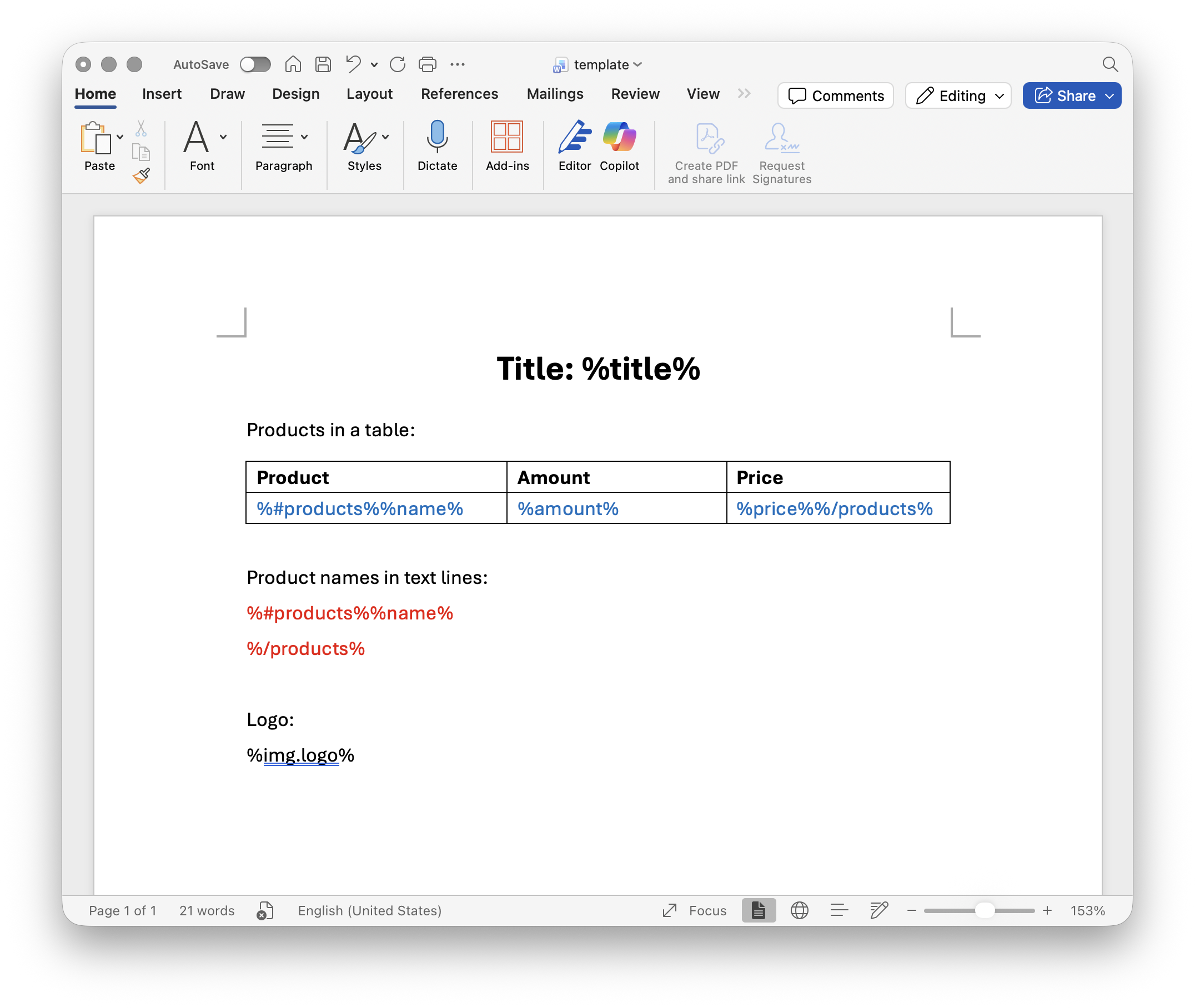
Template document
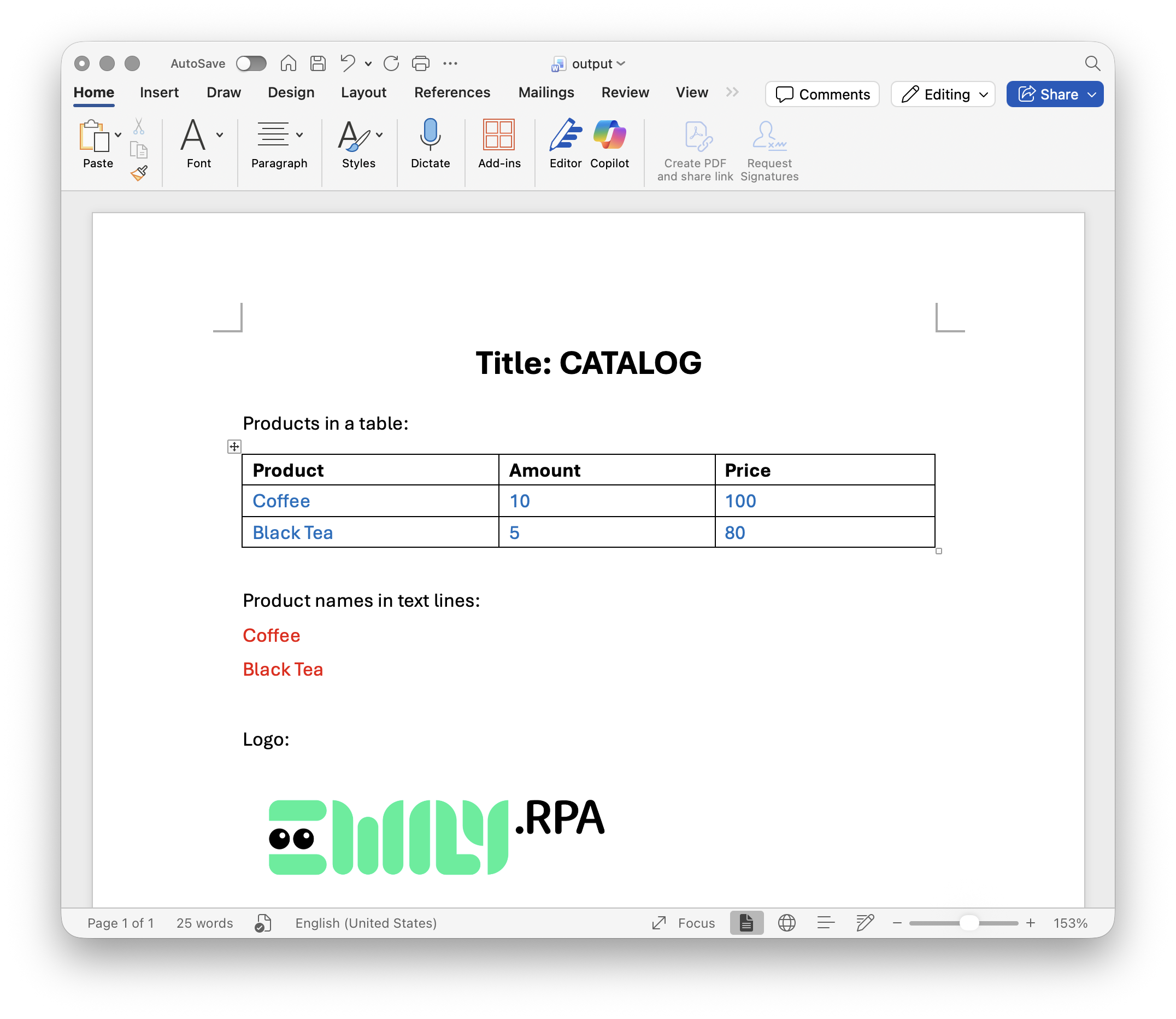
Output document
No-Code Editor
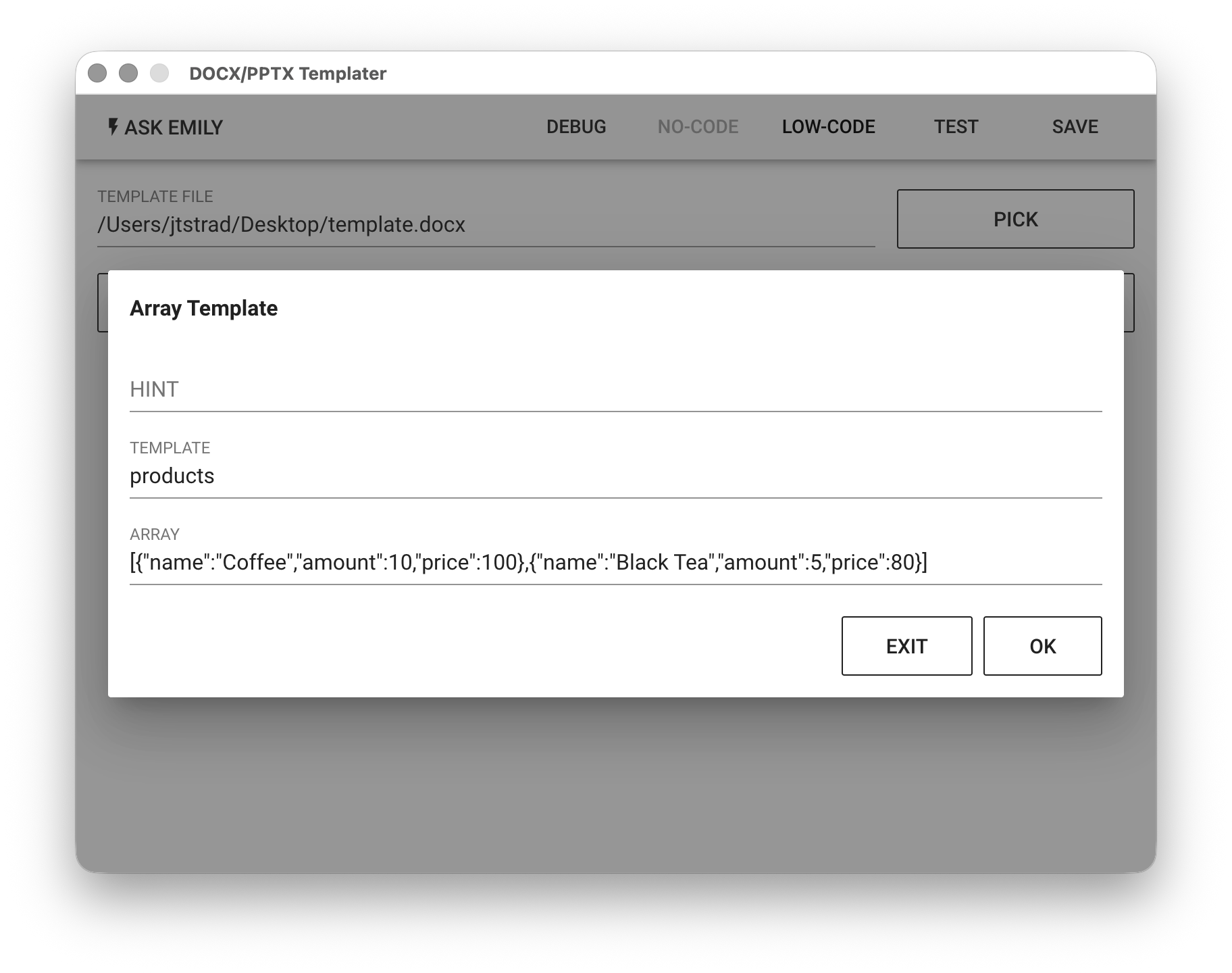
Provides no-code commands such as "Text Template", "Array Template", and "Image Template". For example, add array data to the Array Template.
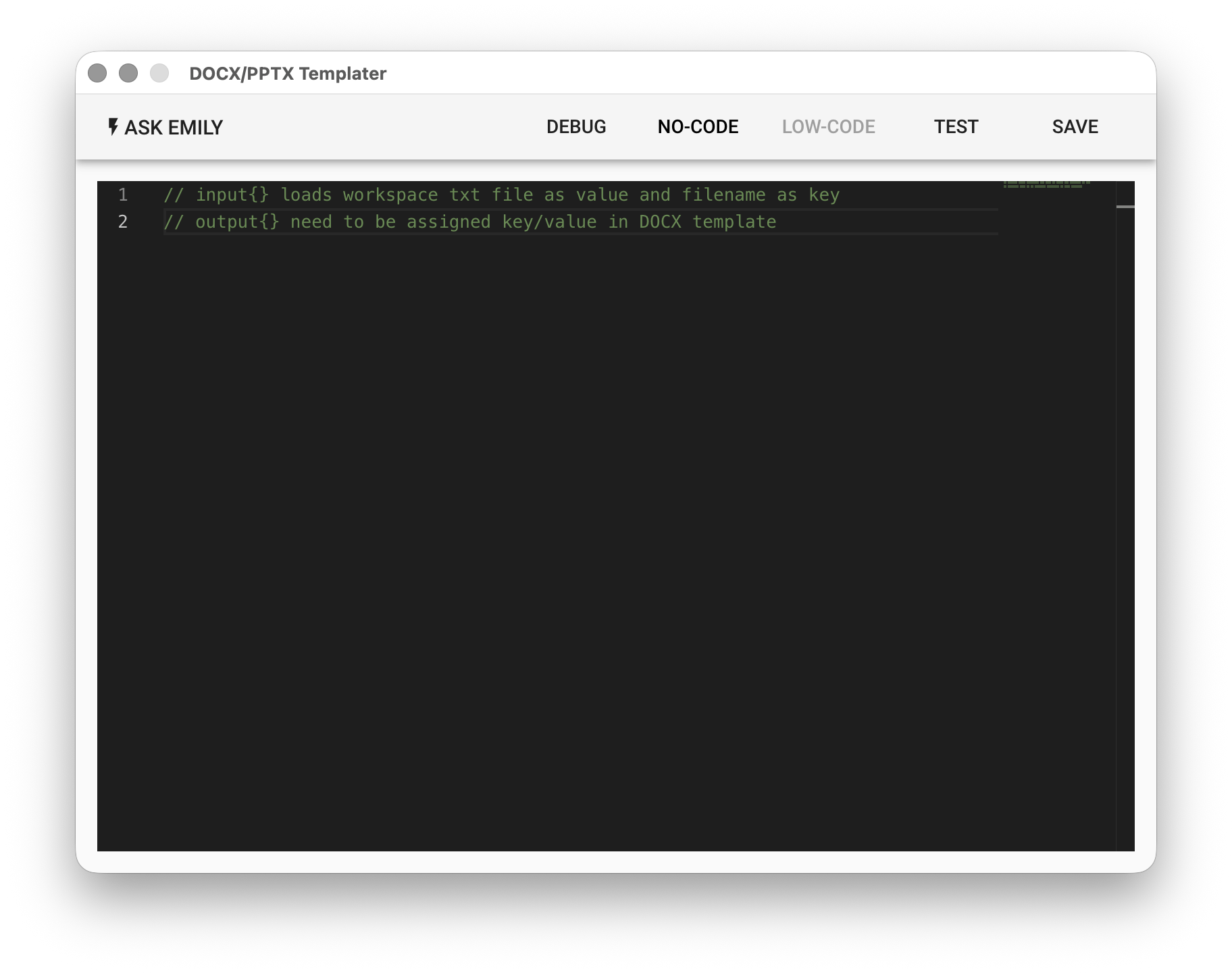
Low-Code Editor
Text Template - Replace template variables with strings. For example, replace %title% with Product Details.
Array Template - Replace template variables with JSON array content. If an array template is inserted into a table, the table will automatically add rows based on the array data length. If you want automatic line breaks in text, add a line break before the array ending variable. For example, %#products% %name% %amount% %price% %/products% is replaced with the following array:
[
  {
    "name": "Coffee",
    "amount": 10,
    "price": 100
  },
  {
    "name": "Black Tea",
    "amount": 5,
    "price": 80
  }
]
Image Template - Replace template variables with PNG images. For example, replace %img.chart1% with the chart1.png image.
input Object
Each key in the input object is the name of a TXT file in the working folder (without extension), and each value is the text content of that file.
// Read the values of title.txt and products.txt in the working folder
let title = input['title']
console.log('title:', title)

let products = JSON.parse(input['products'])
console.log('products:', products)
output Object
Corresponding to the variable %key% in the DOCX/PPTX template file content, the output object must specify the value for output['key']. Corresponding to the array variable %items% in the DOCX template file content, the output object must specify a data array as the value for output['items']:
// The DOCX template file defines %title% and %#products% %name% %amount% %price% %/products%
output['title'] = title
output['products'] = products

// Insert a PNG file from the working folder
output['img.logo'] = 'logo.png'