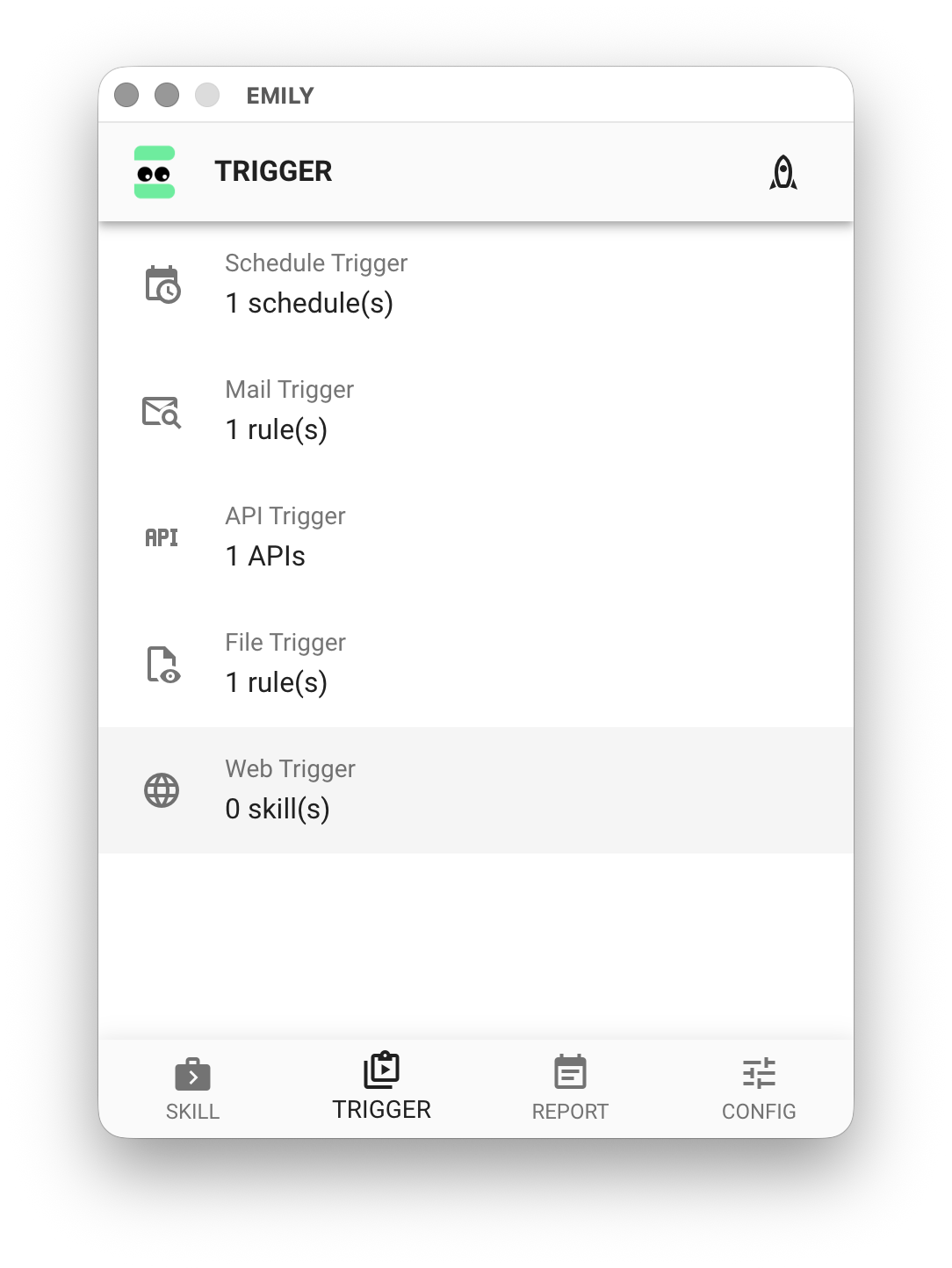
Web Trigger
Web Trigger turns EMILY.RPA into a web server, allowing users to trigger specified skills from other devices by loading the webpage in a browser. This requires a static IP address or hostname, and you must ensure that the requesting device can reach the local machine through the firewall.
Configure the Web Server
Click "Web Trigger" on the "Auto Triggers" page.
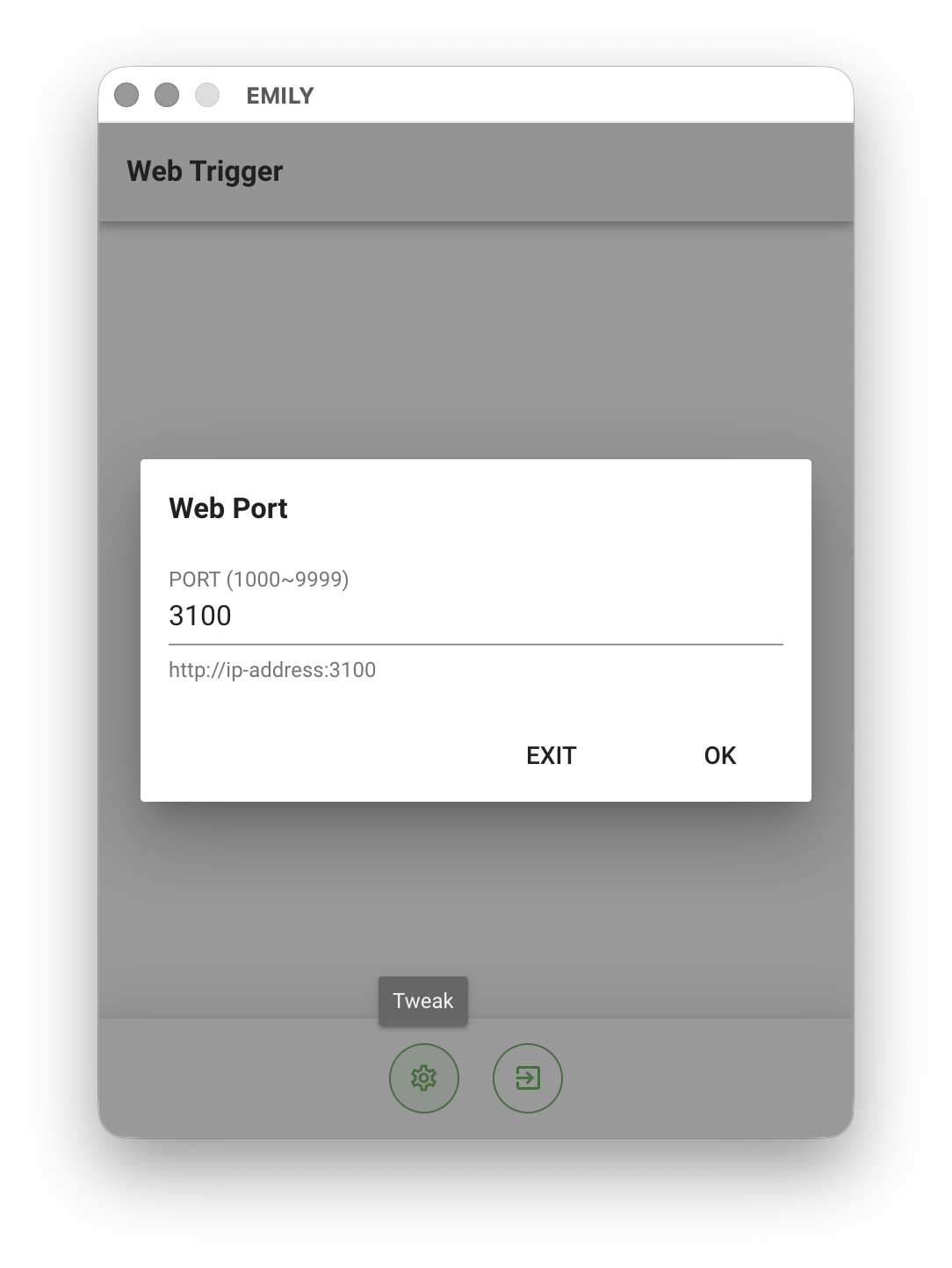
Click the "Adjust Parameters" icon at the bottom of the interface to open the "Web Port" dialog. The web server defaults to port 3100. If it conflicts with another server, you can change it — for example, to 3102 — then click "OK".
Add a Skill to Web Trigger
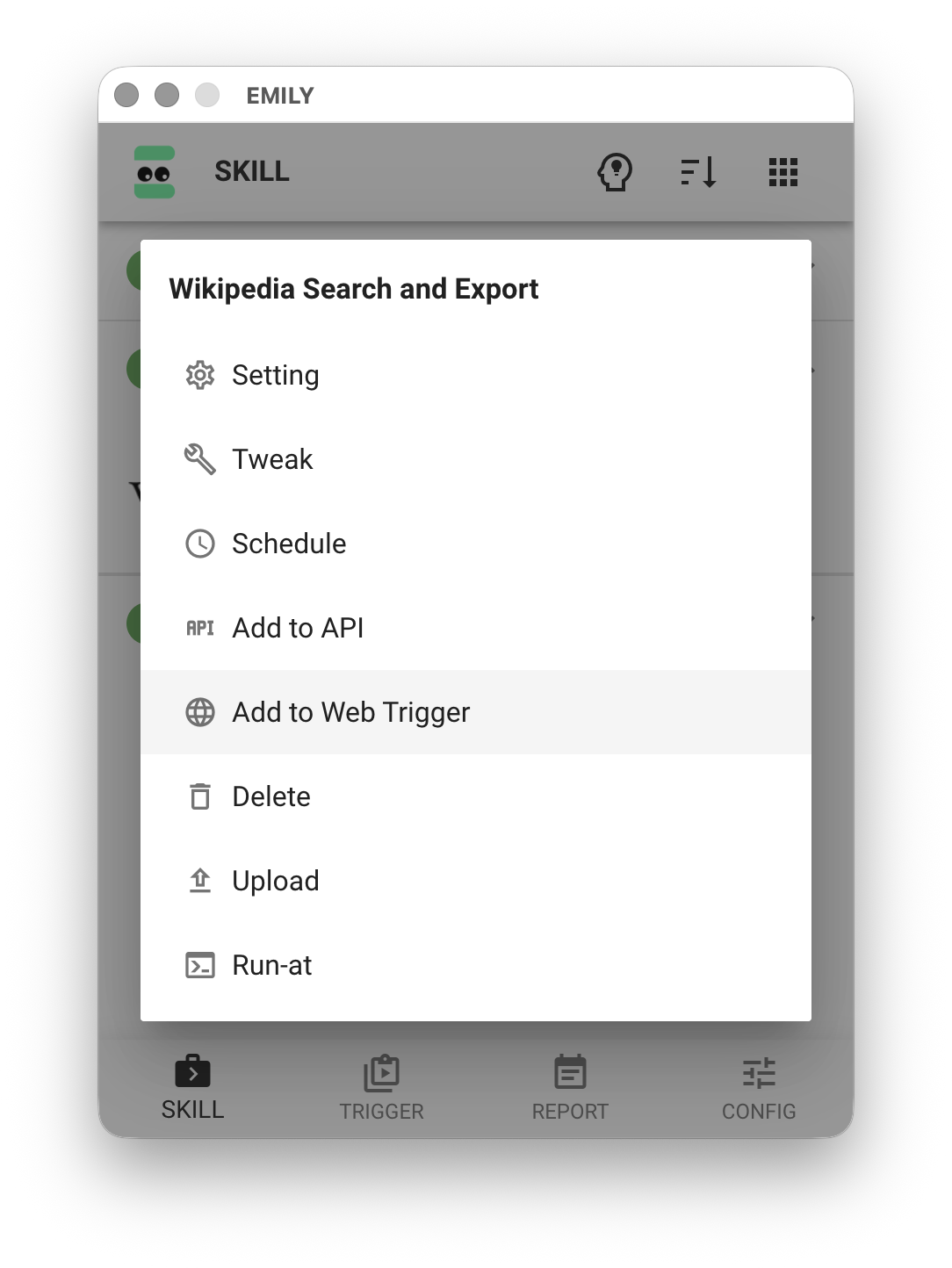
On the "My Skills" page, click the skill you want to trigger to open the menu, then select the "Add to Web Trigger" option to add the skill to the web service.
Test the Webpage
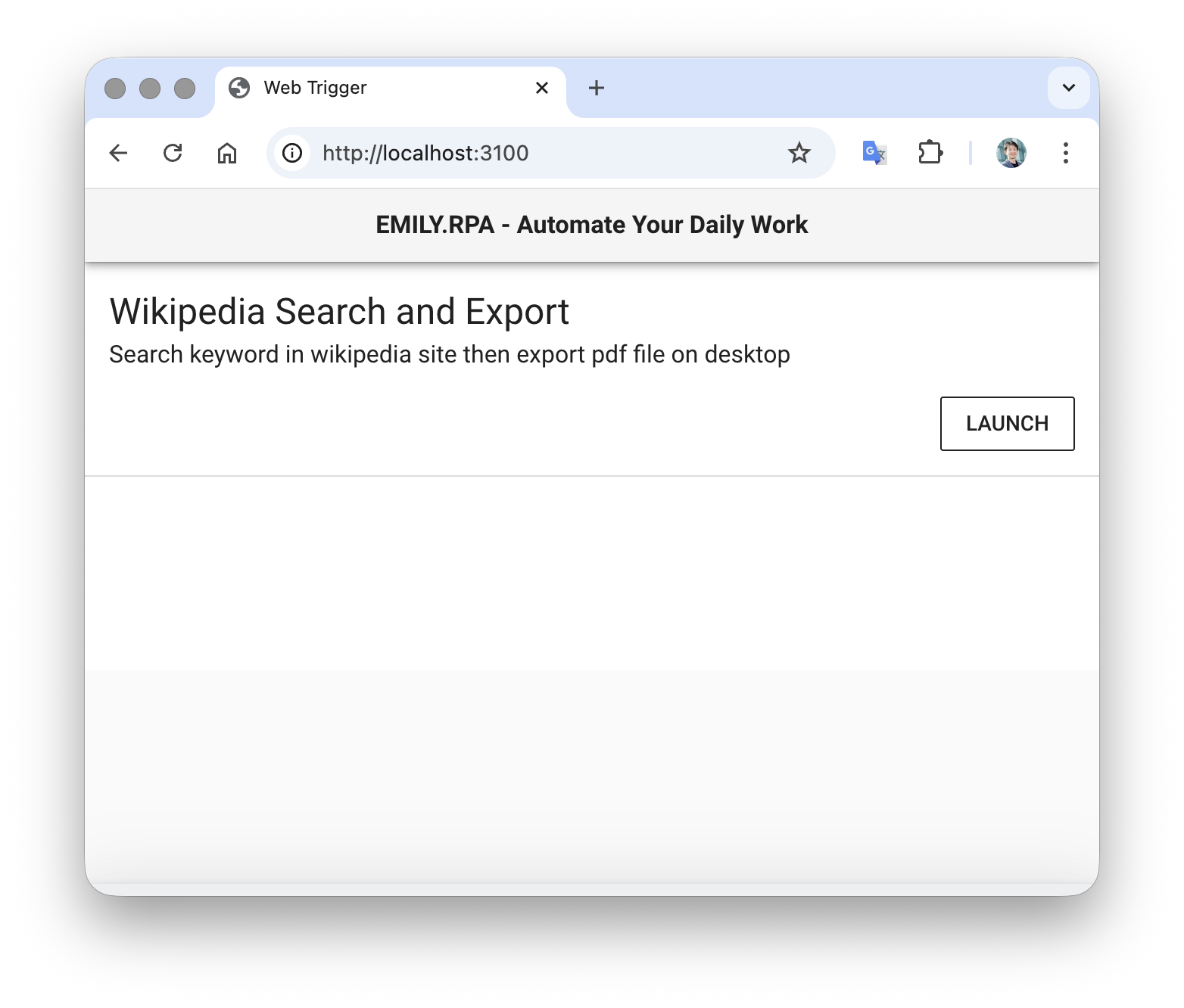
After completing the setup and entering fully automated mode, users can access the URL from any computer on the network using a standard browser such as Chrome / Firefox / Safari to select a skill and trigger it.