File Trigger
File Trigger allows EMILY.RPA to monitor a specified file or folder and execute a designated skill when the monitored file or folder changes. Changes include name changes, content changes, and deletion.
Manage File Triggers
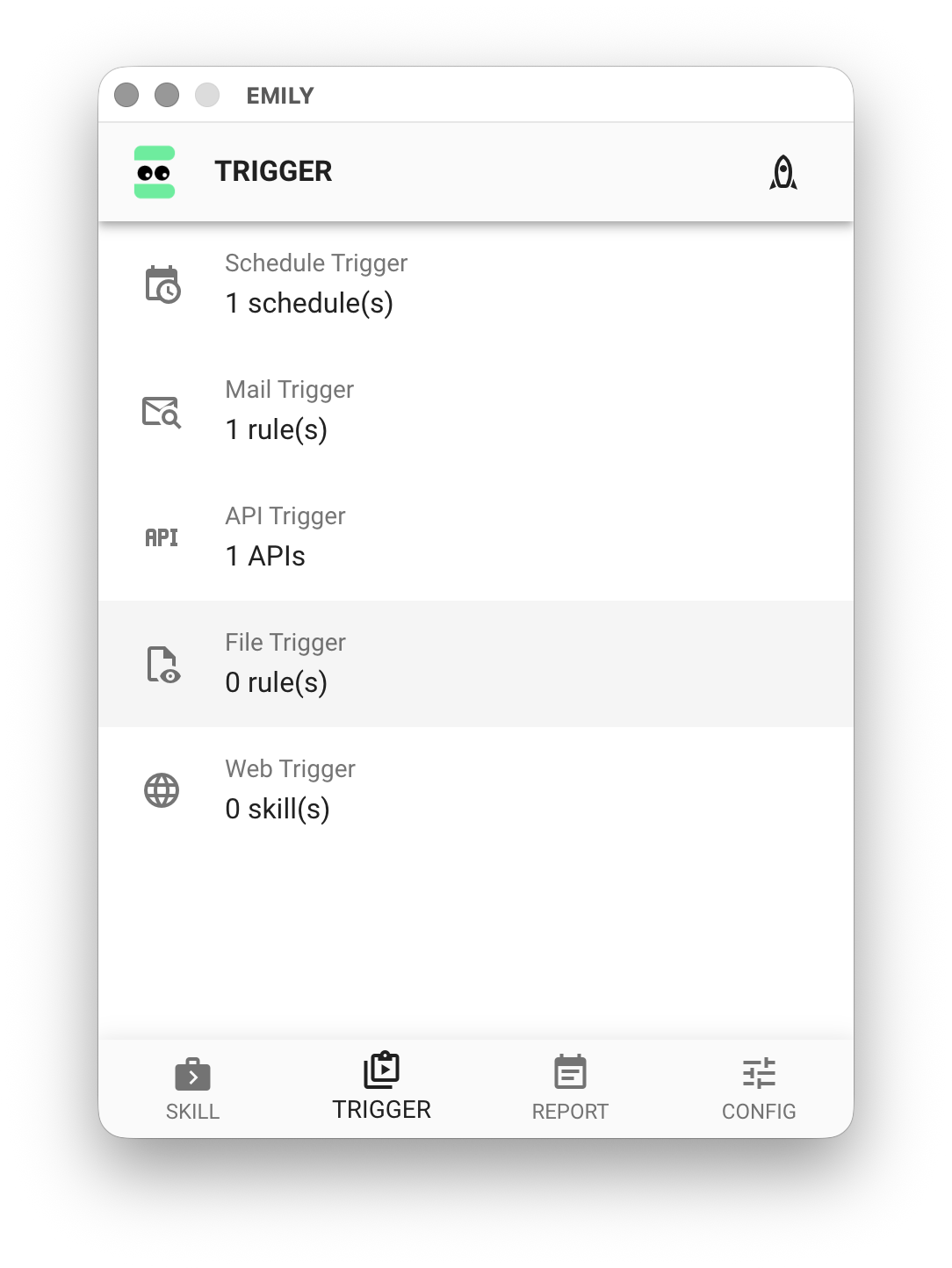
Click "File Trigger" on the "Auto Triggers" page to enter the trigger management page.
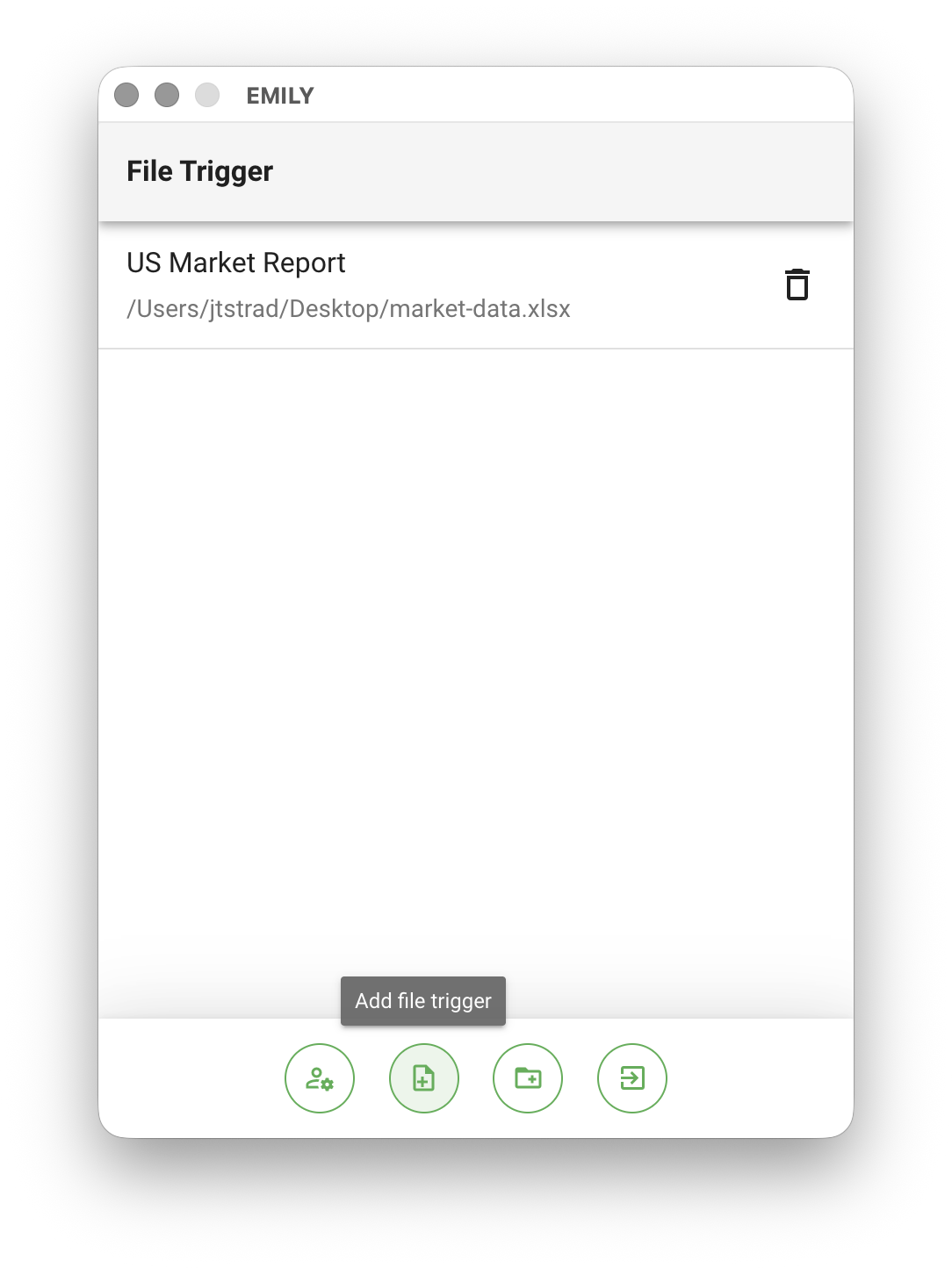
The "File Trigger" page lets you view or delete existing trigger rules. At the bottom, there are buttons for "Add File Trigger Rule" or "Add Folder Trigger Rule" to create new trigger rules.
Add a Trigger Rule
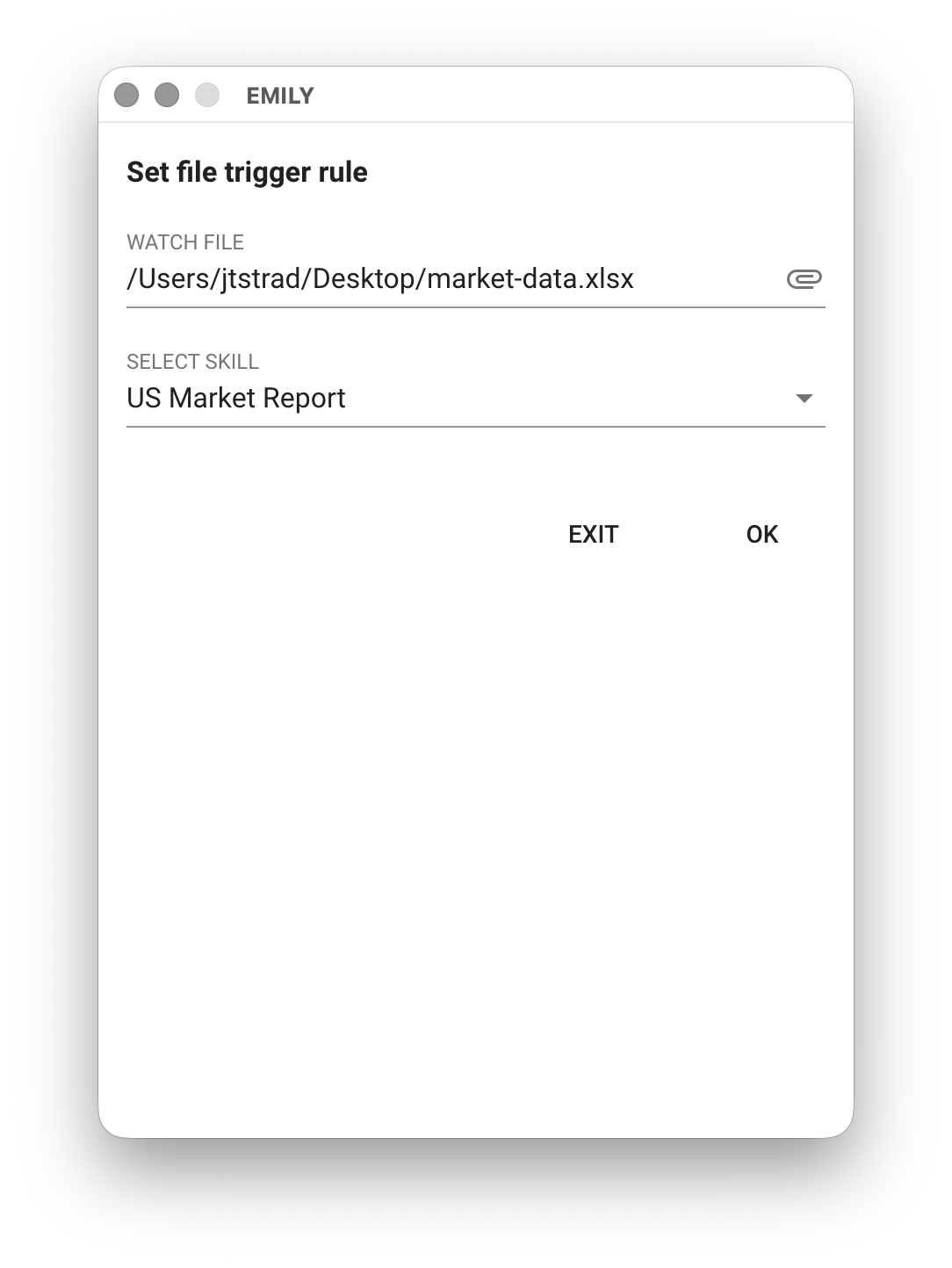
After clicking "Add File Trigger Rule", you will enter the "Configure Monitored File and Trigger Skill" page. Click the paperclip icon to select the file to monitor, then choose the skill to execute when the file changes from the "Select Skill" dropdown below, and click "OK". The trigger fires when the monitored file is written with new data, deleted, or renamed. For data writes, there is a default 6-second delay before triggering — this allows short data to be fully written in most cases, ensuring the triggered skill has complete file data. The delay duration is adjustable. If the data write has an unpredictable end time, it is recommended to design a verification mechanism within the skill itself.
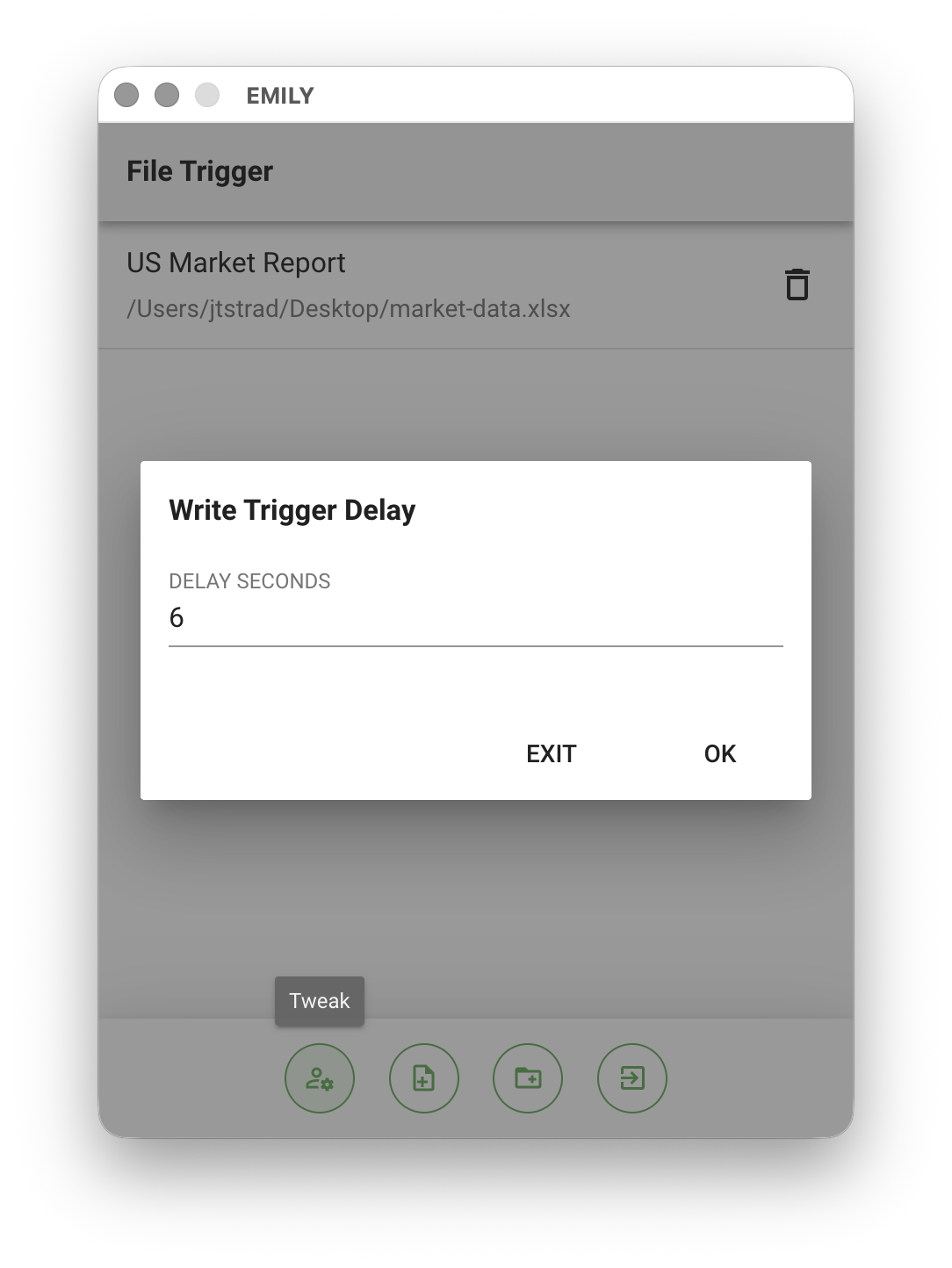
Delay duration is adjustable