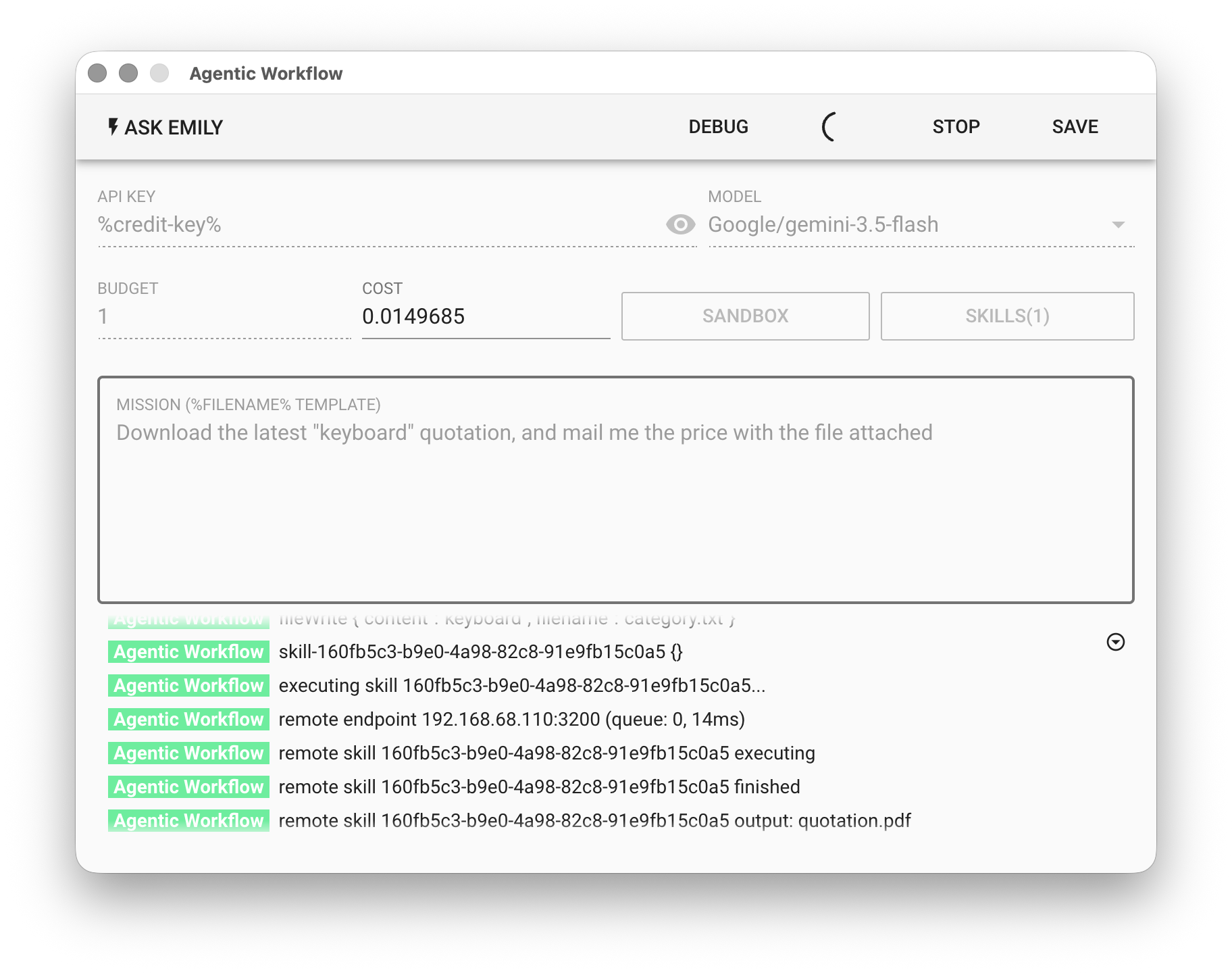
Remote Trigger
Remote Trigger turns EMILY.RPA into a flow execution server, allowing users to call EMILY.RPA from other devices to run a specified skill and return the result. The device that initiates the request must be able to reach the host. Remote Trigger can also link multiple EMILY.RPA instances together to provide load balancing and high availability for flow execution services. Note that this feature is only available to enterprise management groups.
Configure the Remote Server
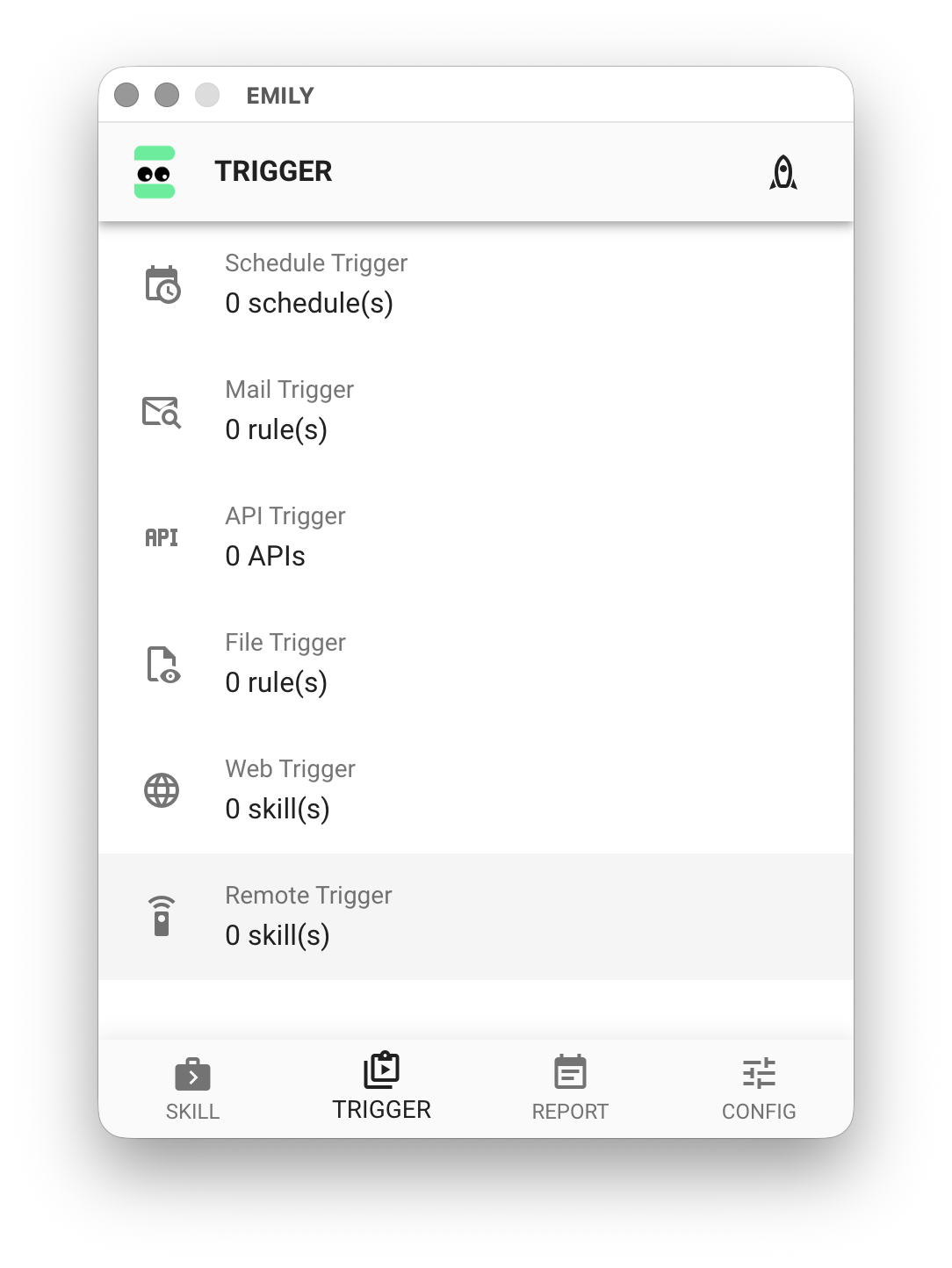
On the "TRIGGER" page, click "Remote Trigger".
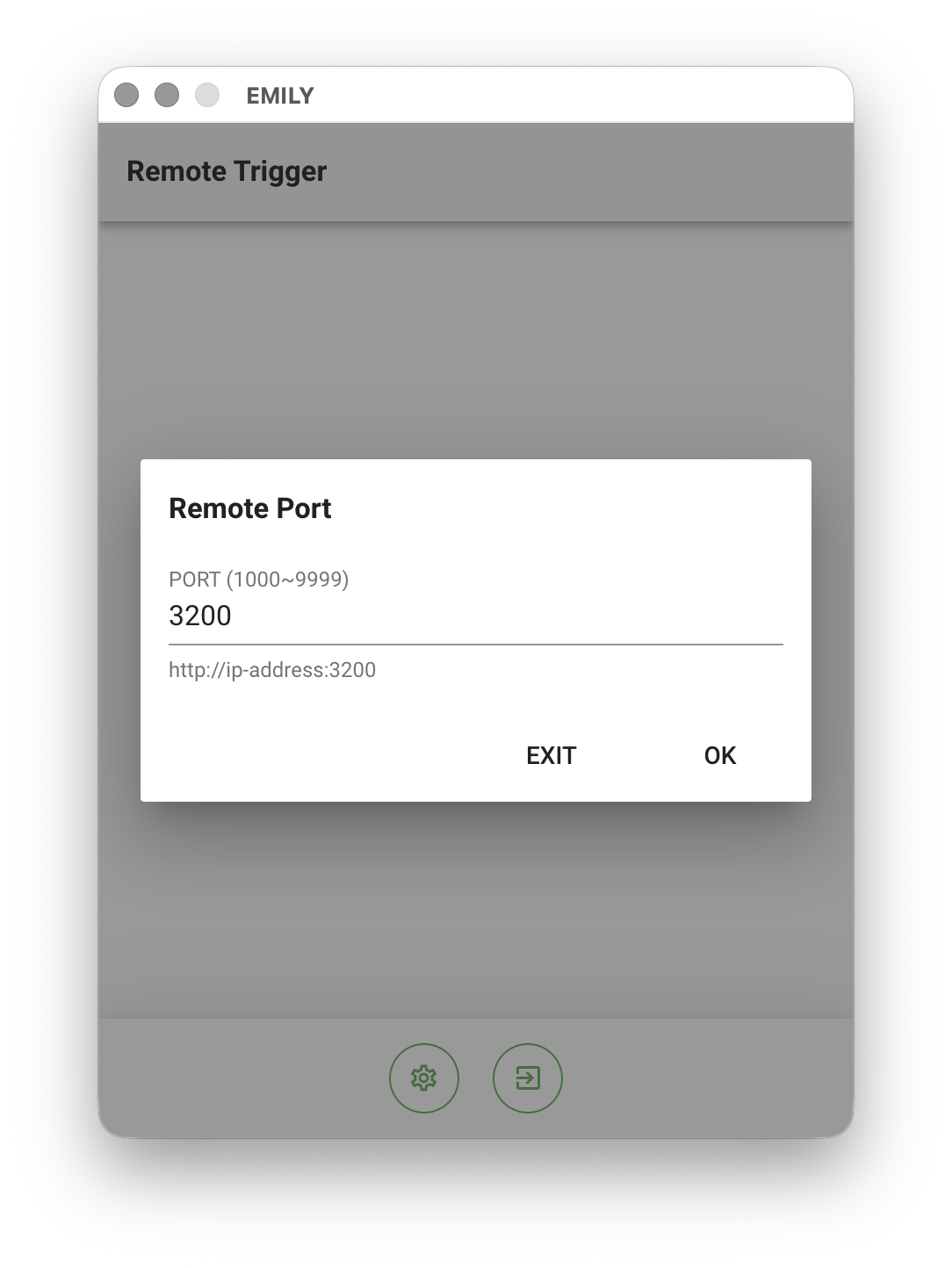
Click the "Adjust Parameters" icon at the bottom of the interface to bring up the "Remote Port" dialog. The server uses port 3200 by default; if it conflicts with another server you can change it, for example to 3202, then click "OK".
Add a Skill to Remote Trigger
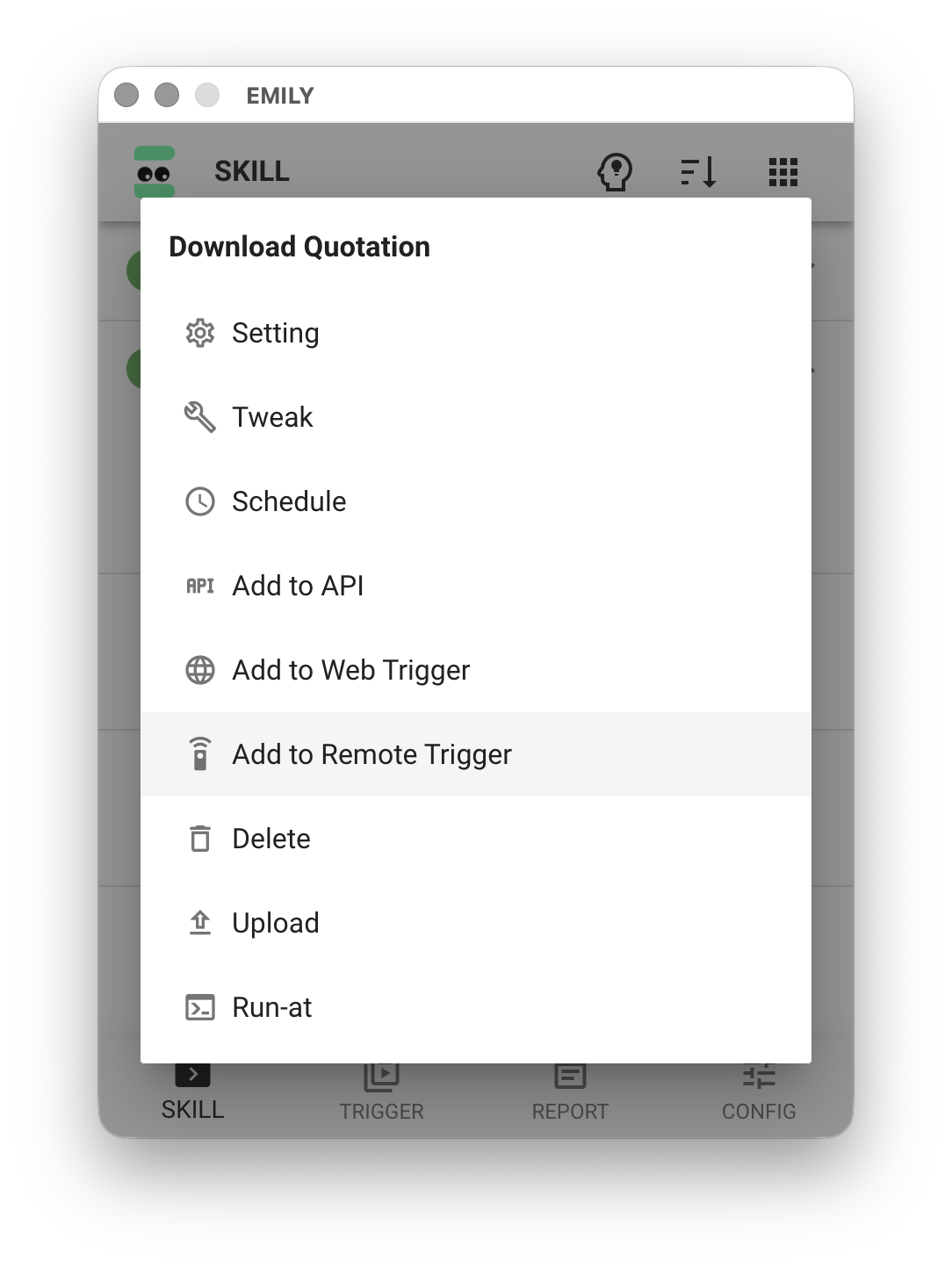
On the "SKILL" page, click the skill you want to trigger to bring up its menu, then select the "Add to Remote Trigger" option to add this skill to the web service.
Test Remote Trigger
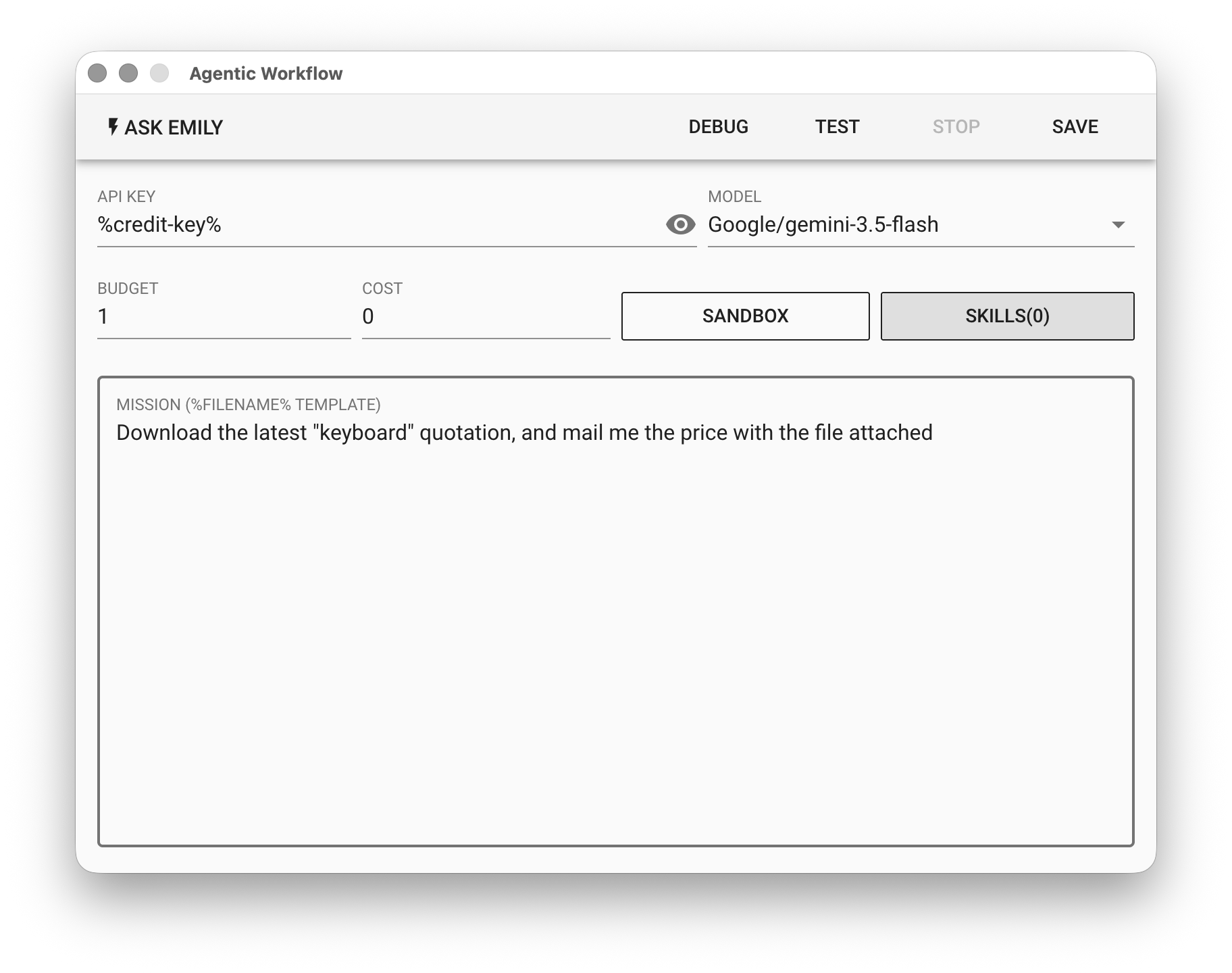
Once the setup is complete and you have entered fully automatic mode, users can go to the "SKILL" page of the Agentic Workflow on any computer on the network that can reach this address.
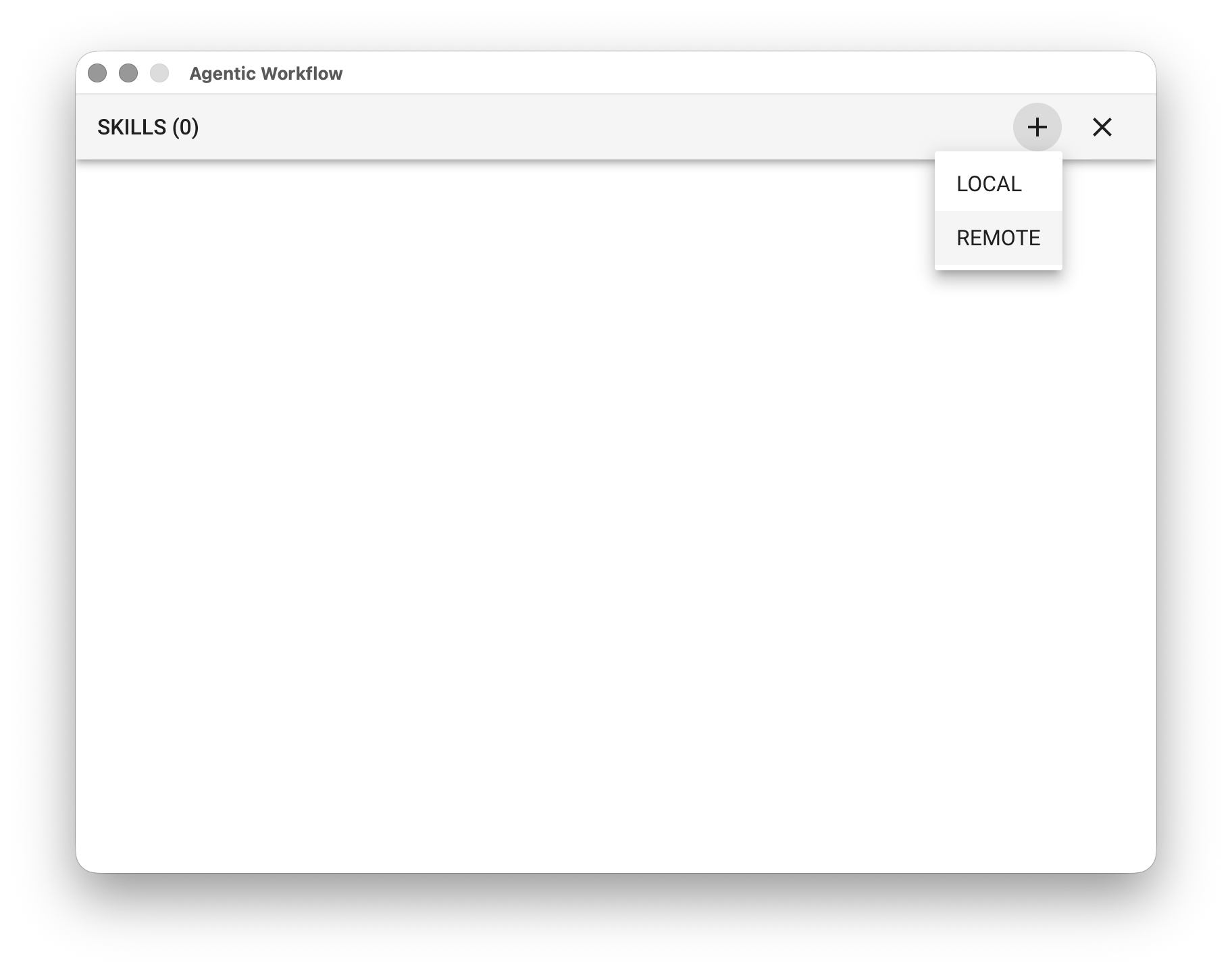
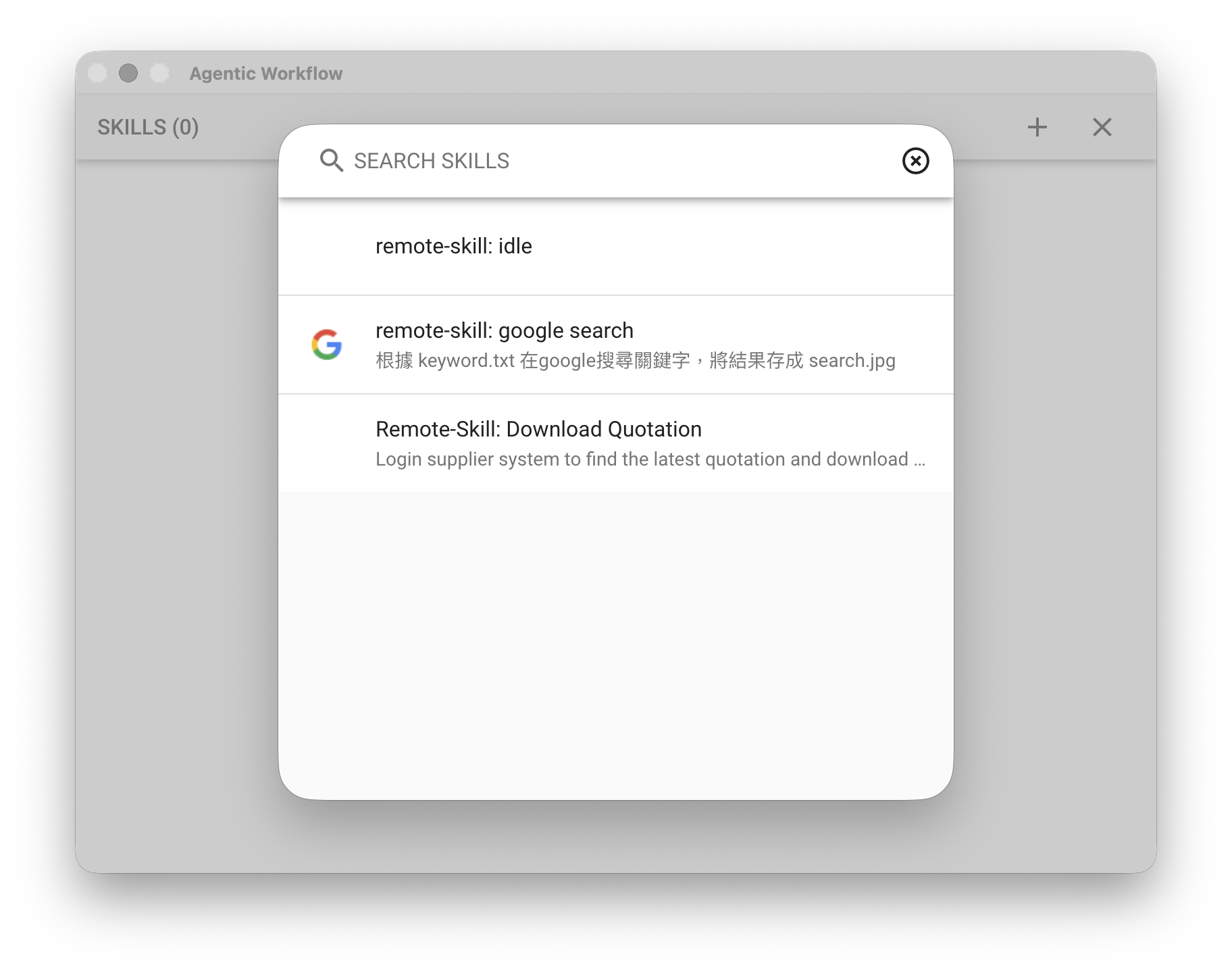
Click "REMOTE" and select the remote skills you need to add them to the skill list.
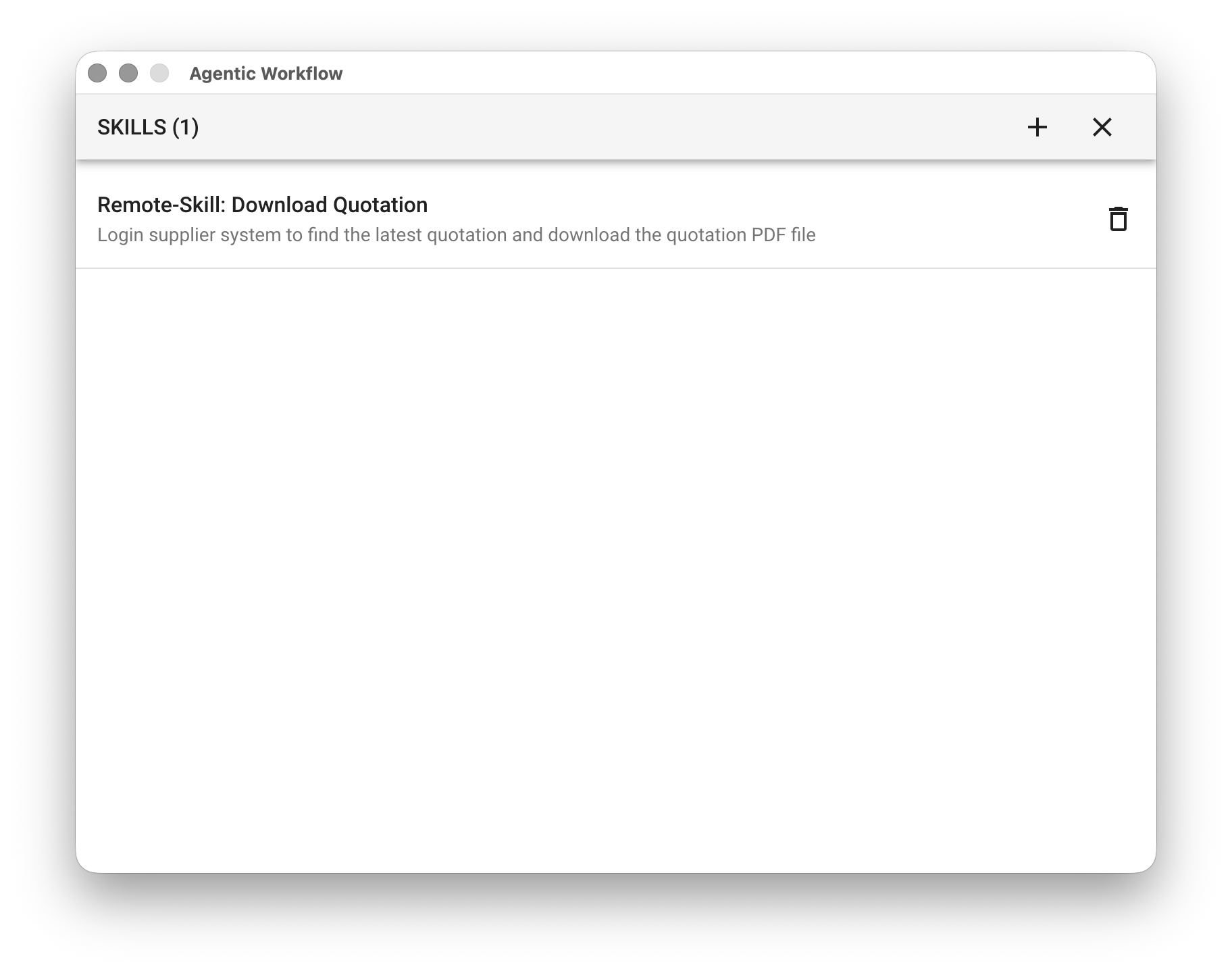
Finally, test whether the call succeeds: