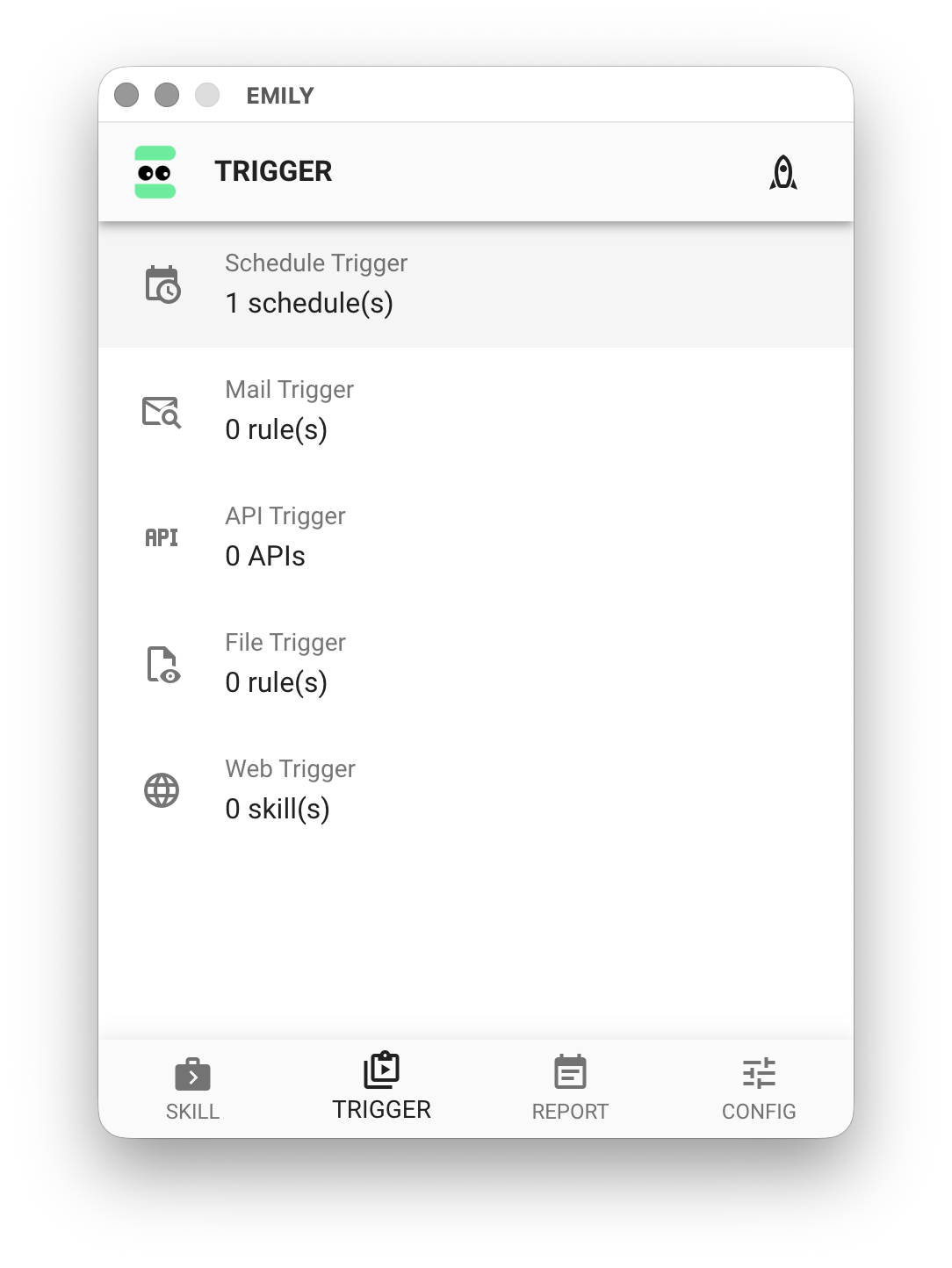
Schedule Trigger
Schedule Trigger allows EMILY.RPA to execute specified skills based on configured time conditions. It is the most common trigger type. Since the trigger time is referenced from the local system clock, make sure the clock is accurate. Additionally, if the CPU is busy at the trigger time, it may cause a delayed notification to EMILY.RPA, resulting in the trigger being considered expired. Therefore, pay attention to CPU load — this is especially common on virtual machines (VMs) where the physical CPU is shared.
Create a Schedule
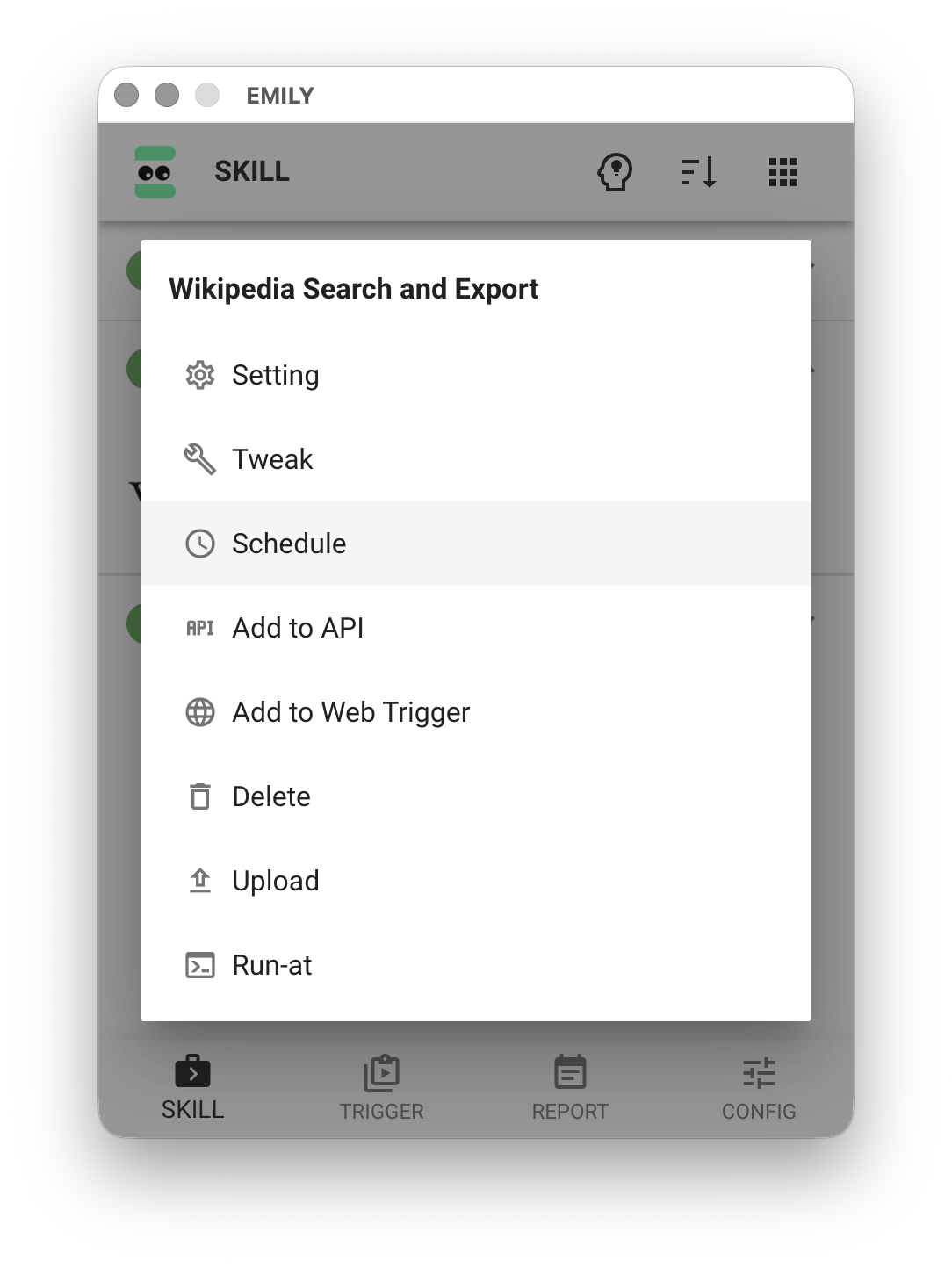
On the "My Skills" page, click the skill you want to trigger to open the menu, then select the "Schedule" option.
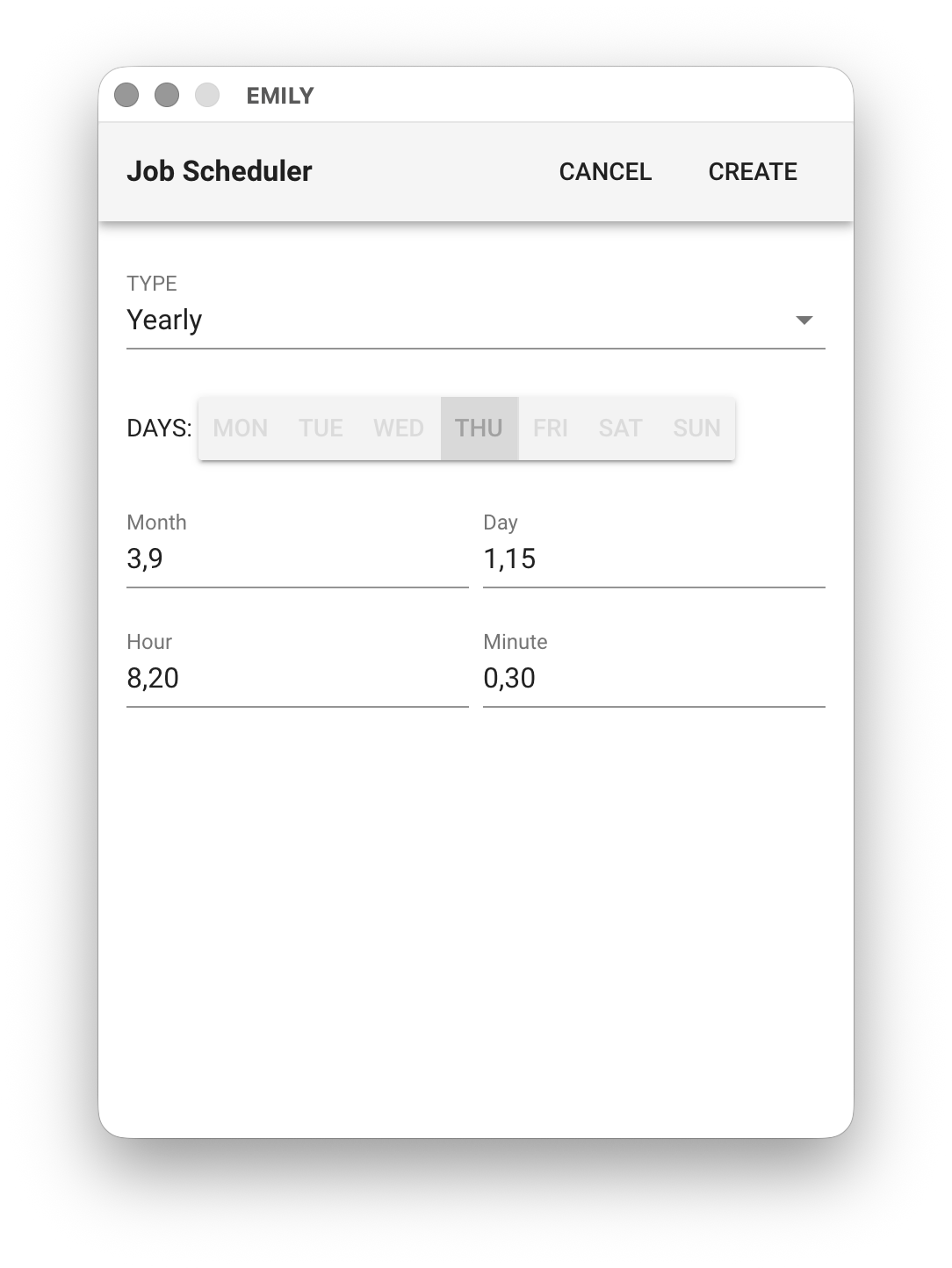
Configure Time Conditions
Set the schedule frequency. There are five options: "Hourly", "Daily", "Weekly", "Monthly", and "Yearly". Fields can accept multiple values separated by commas. For example, the following configuration means: execute on the 1st and 15th of March and September every year, at 8:00, 8:30, 20:00, and 20:30.
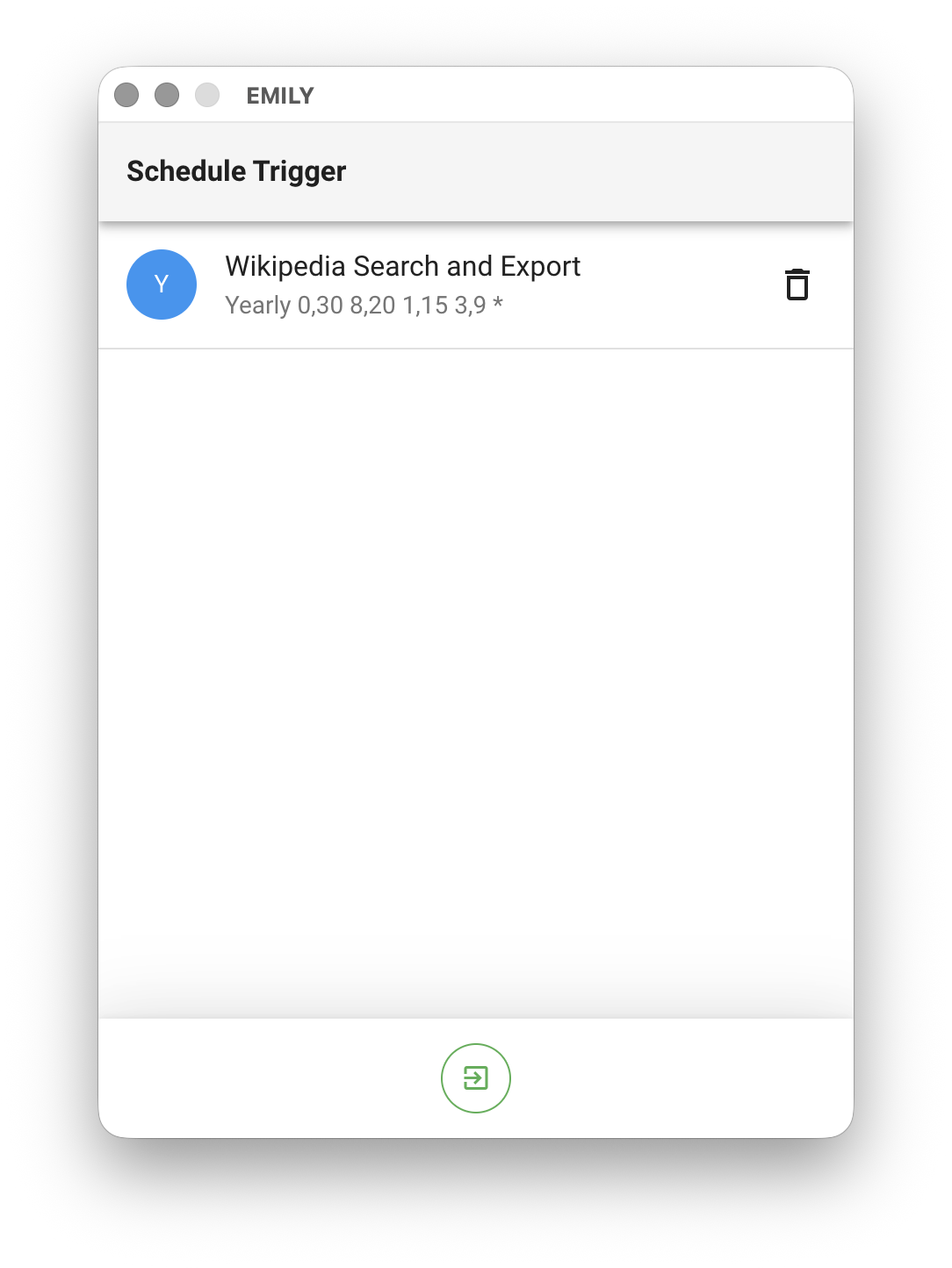
Manage Schedules
Click "Schedule Trigger" on the "Auto Triggers" page to view the list of created schedules. You can also delete schedules that are no longer needed.