Web Read Agent
Web Read Agent uses a large language model (LLM) to extract information from webpages (HTML) and outputs the results to files in the working folder. If you're unfamiliar with how to prompt the language model to achieve task goals, use "Ask EMILY" to let the AI generate model-friendly goal prompts.
Parameters
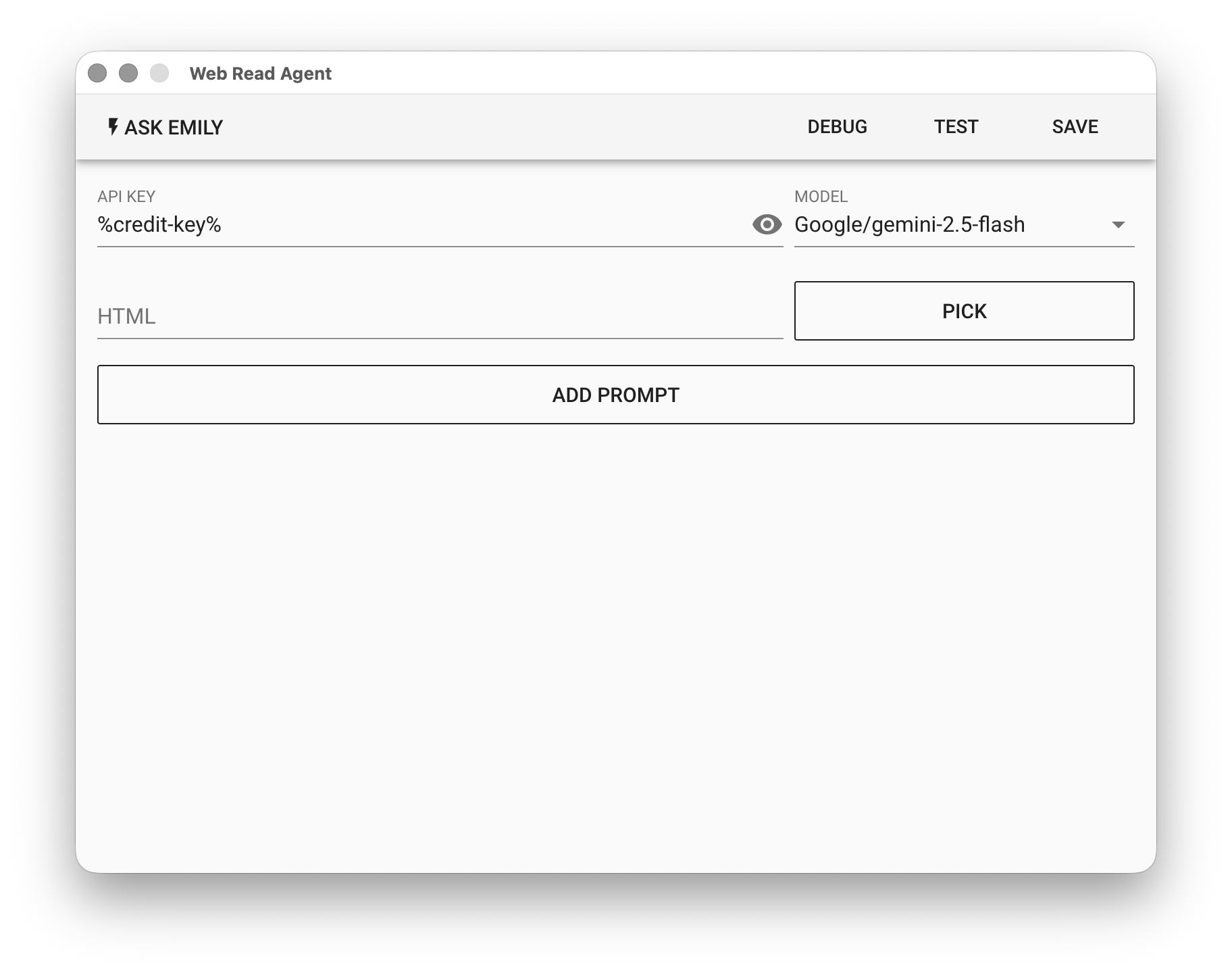
API KEY - OpenAI or Google API key. Supports the %FILENAME% variable, or use the prepaid dedicated key %credit-key%.
- For OpenAI API Key, refer to Apply for OpenAI Key
- For Google API Key, refer to Apply for Gemini Key
MODEL - Currently supported models:
| Platform | Models | Pricing |
|---|---|---|
| OpenAI | gtp-5, gpt-5-mini, gpt-4.1, gpt-4.1-mini | OpenAI Website |
| gemini-3-pro, gemini-3-flash, gemini-2.5-pro, gemini-2.5-flash | Gemini Website | |
| Anthropic | claude-opus-4-6, claude-sonnet-4-6, claude-haiku-4-5 | Anthropic Website |
HTML - Input HTML file. Click "PICK" to select a file, or use the %FILENAME% variable. If left empty, the current webpage in the EMILY browser will be used.
ADD PROMPT
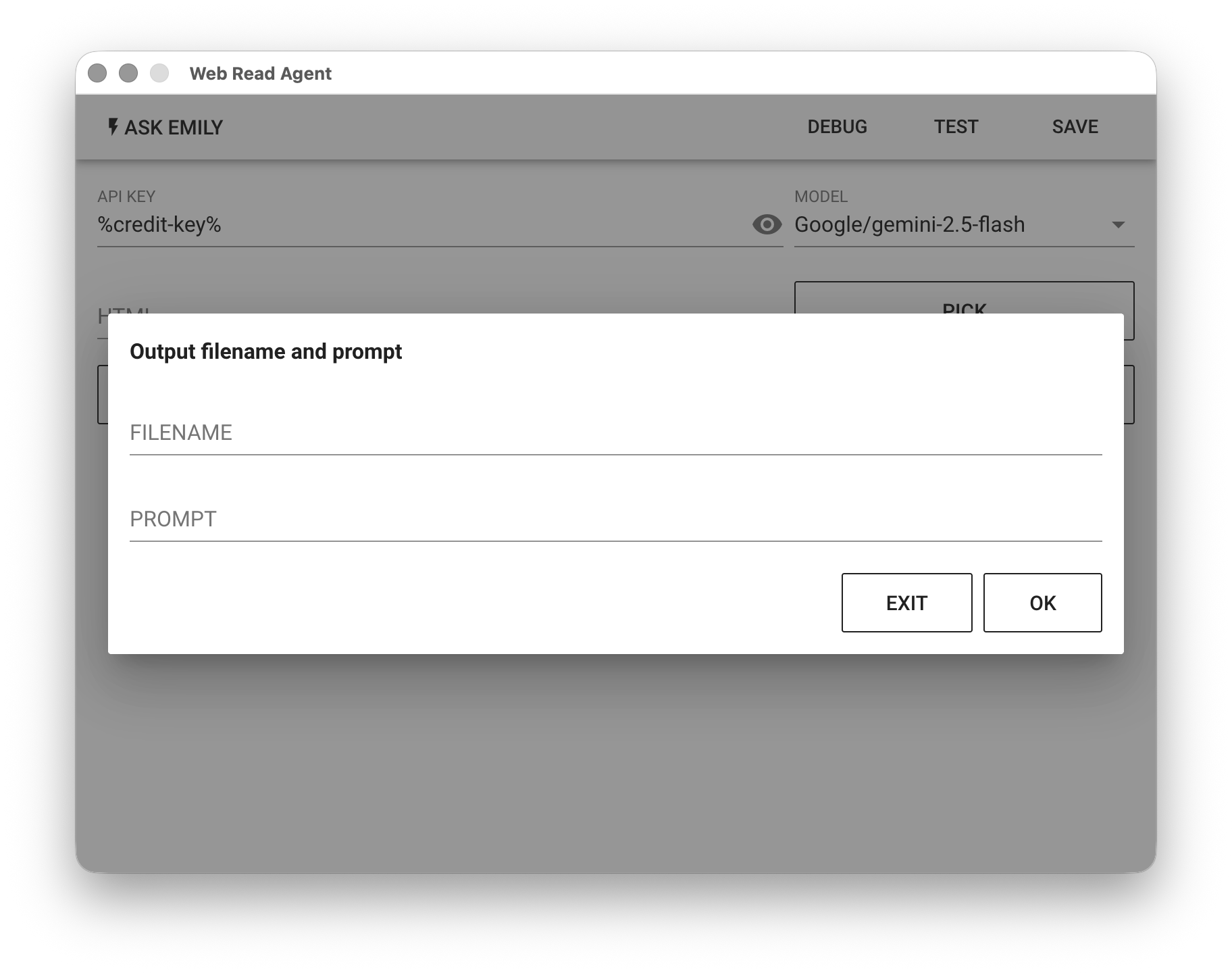
Add a natural language prompt to tell the model what information to extract from the webpage. FILENAME specifies the file to write to in the working folder. PROMPT tells the model what information to extract from the webpage.
Example
Using the Google Finance website as an example, the goal is to extract NVIDIA's stock price change percentage. First, load https://www.google.com/finance/quote/NVDA:NASDAQ using web automation.
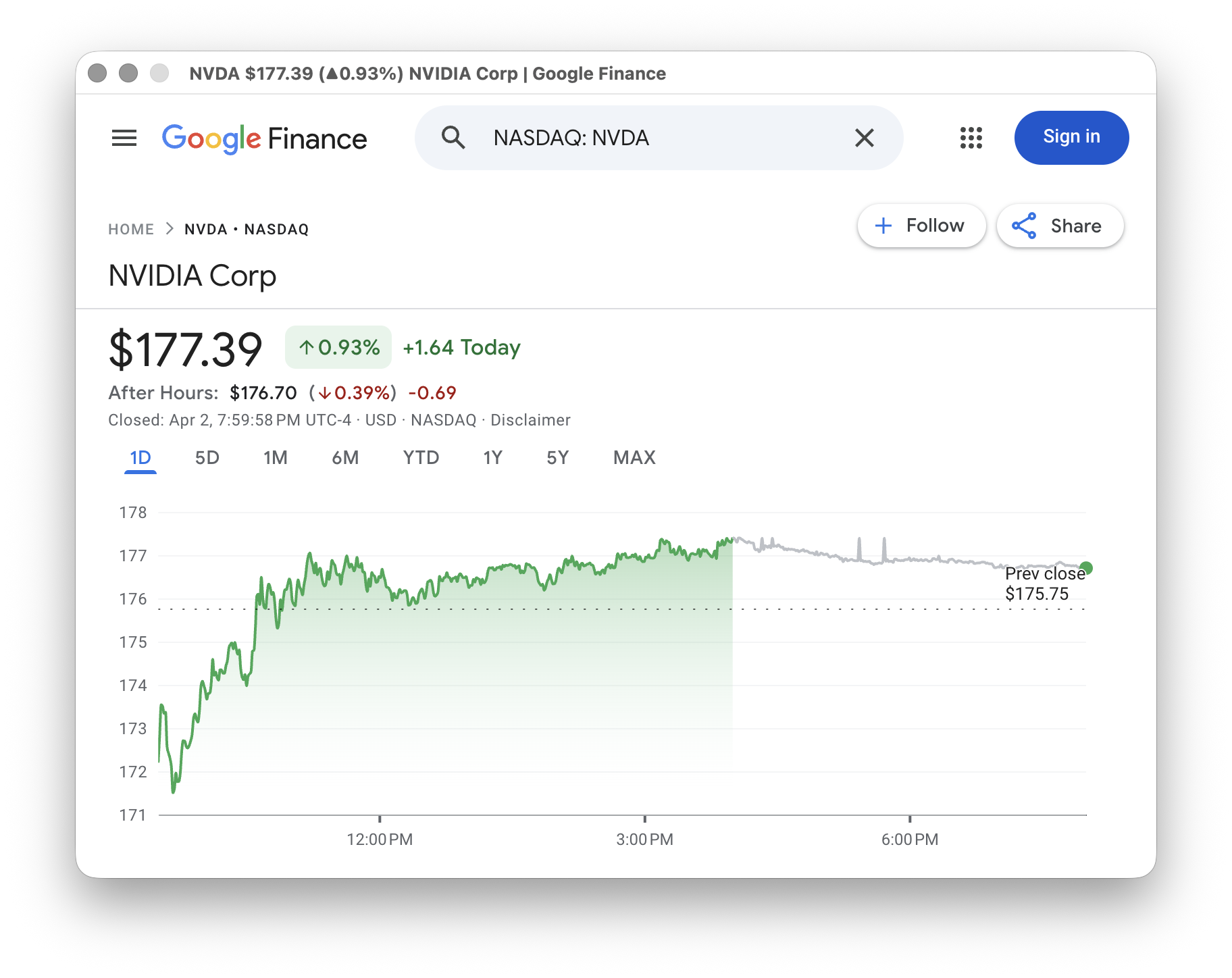
For the Web Read Agent, select the model Google/gemini-2.5-flash and add a prompt with filename nvda and prompt content: price change percentage of NVDA.
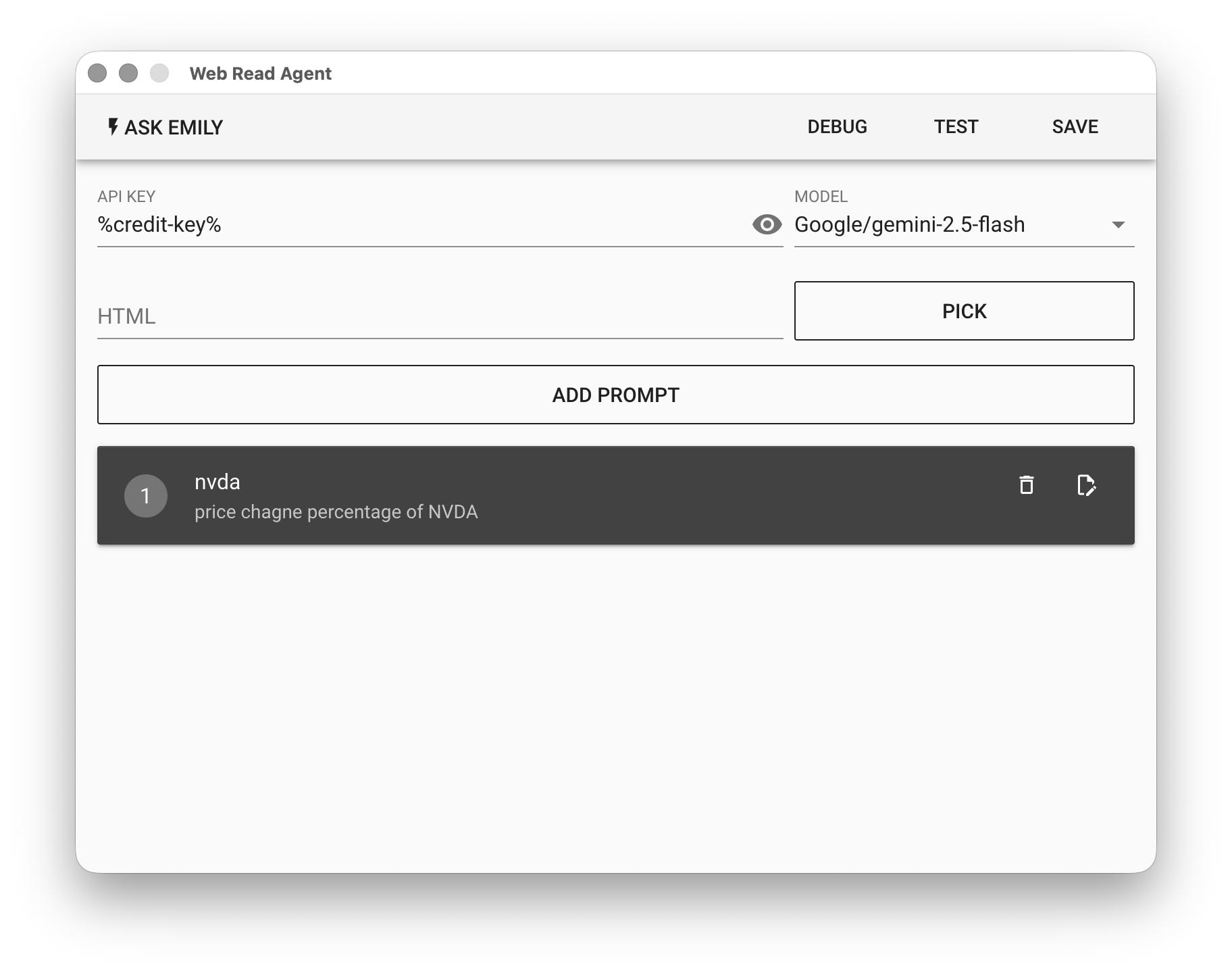
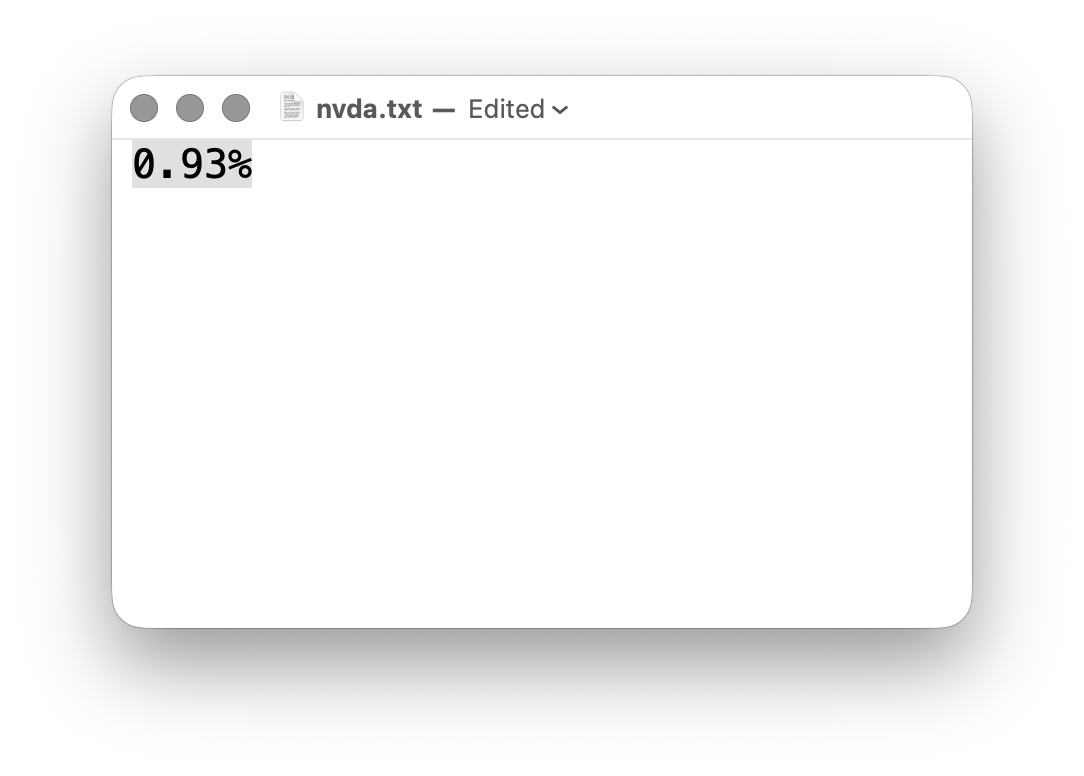
Finally, click "TEST" to try it out, then check whether the content of nvda.txt in the working folder is correct.