Browser Use Agent
Browser Use Agent uses natural language to describe the task goal and autonomously operates the browser through a large language model (LLM). Note that larger goals make the language model more prone to misjudgment and consume more tokens — it is recommended to break tasks into smaller sub-tasks to reduce failure rates. If you're unfamiliar with how to prompt the language model to achieve task goals, use "Ask EMILY" to let the AI generate model-friendly goal prompts.
Parameters
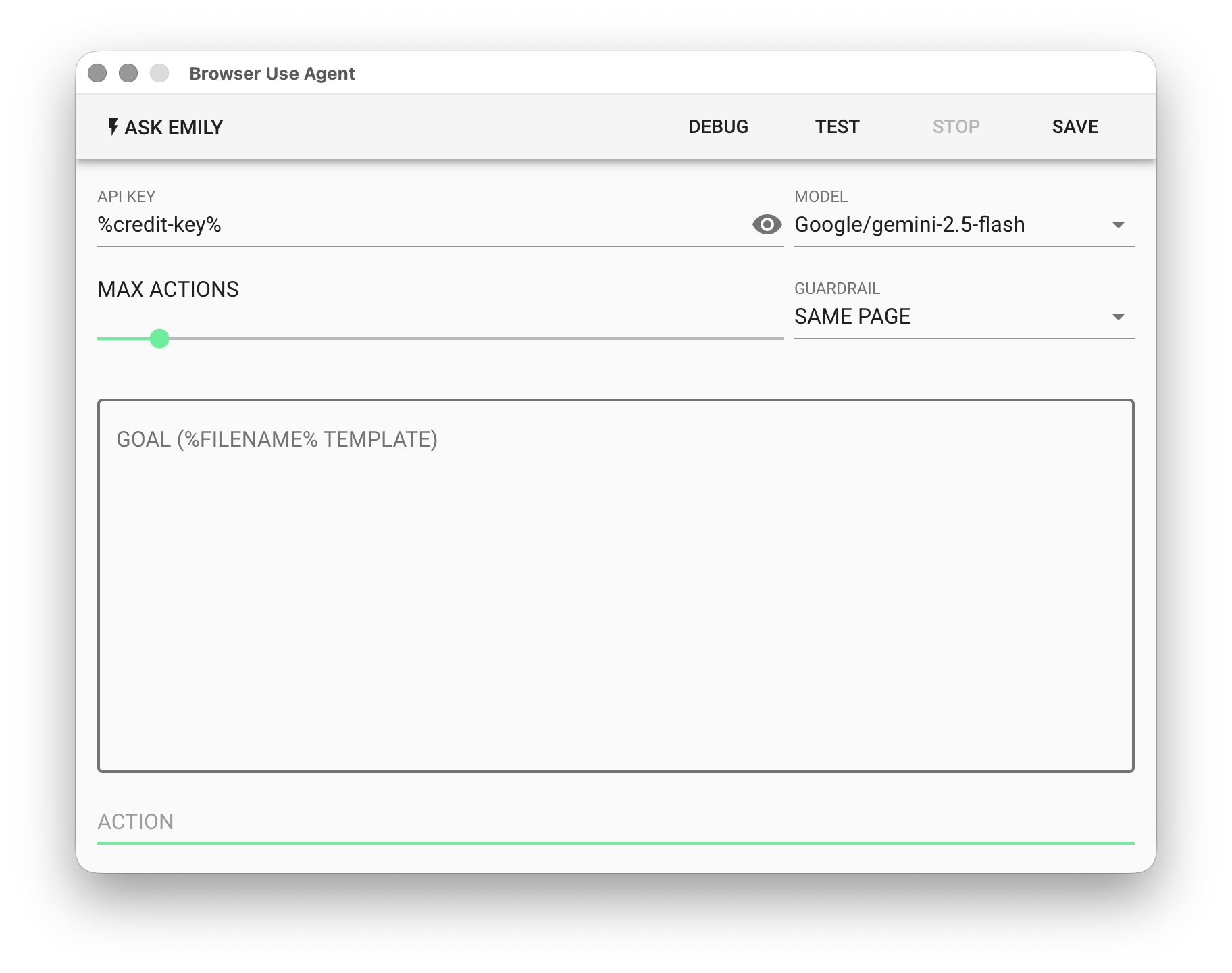
API KEY - OpenAI or Google API key. Supports the %FILENAME% variable, or use the prepaid dedicated key %credit-key%.
- For OpenAI API Key, refer to Apply for OpenAI Key
- For Google API Key, refer to Apply for Gemini Key
MODEL - Currently supported models:
| Platform | Models | Pricing |
|---|---|---|
| OpenAI | gtp-5, gpt-5-mini, gpt-4.1, gpt-4.1-mini, computer-use | OpenAI Website |
| gemini-3-pro, gemini-3-flash, gemini-2.5-pro, gemini-2.5-flash, computer-use | Gemini Website | |
| Anthropic | claude-opus-4-6, claude-sonnet-4-6, claude-haiku-4-5, computer-use | Anthropic Website |
MAX ACTION - Set the maximum number of actions the agent can perform, ranging from 1–100.
GUARDRAIL - Set the agent's operational scope restrictions:
SAME PAGE- Current page onlySAME SITE- Same domain onlyNONE- No restrictions
Since model usage is billed by consumption, it is recommended to set
MAX ACTIONandGUARDRAILparameters appropriately to avoid unexpected costs.
GOAL - Describe the task in natural language. Supports the %FILENAME% template.
ACTION - The next browser action determined and executed by the model. Each step automatically captures a screenshot, saved to the working folder for tracking and review.
Example
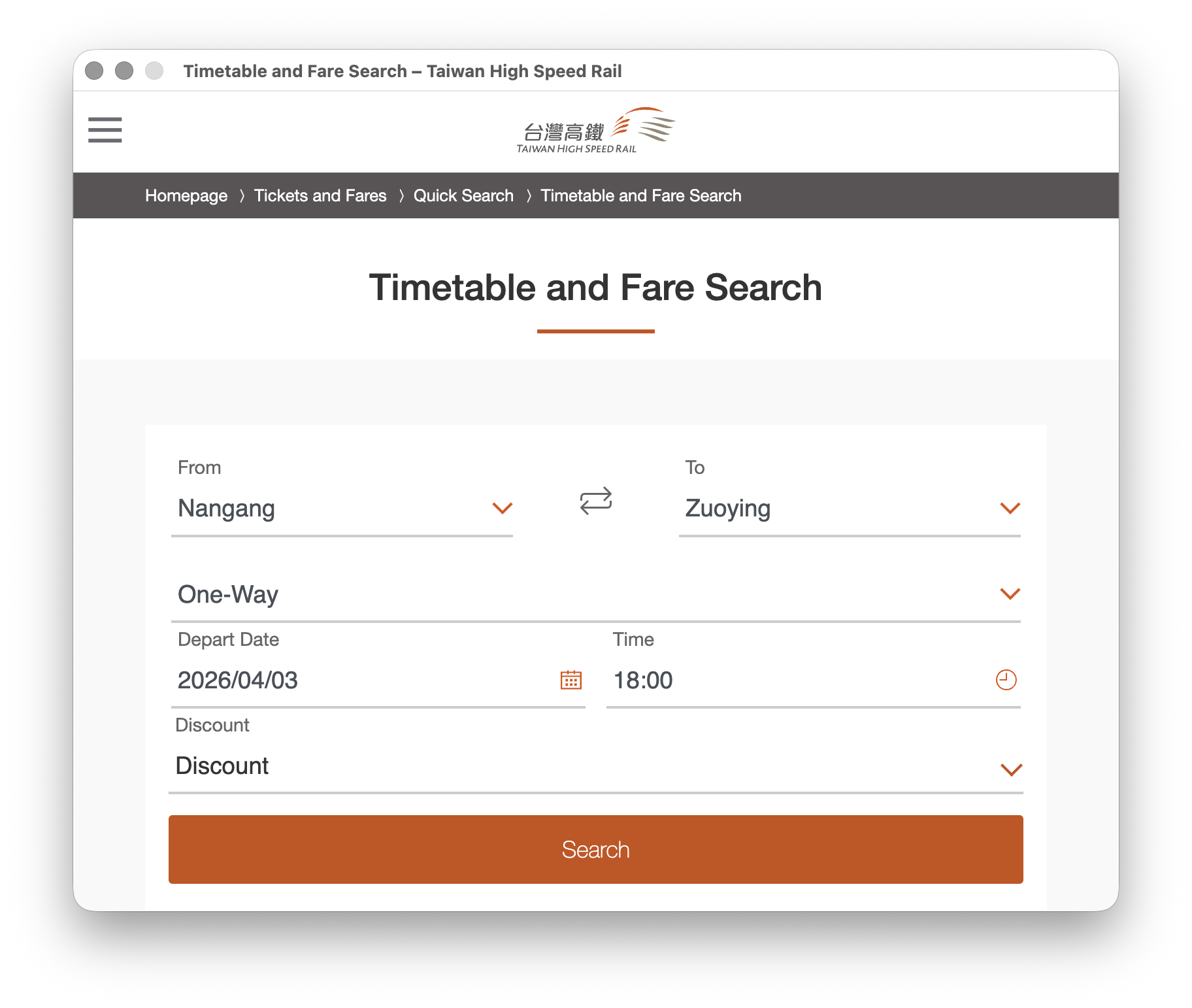
Using a high-speed rail schedule query as an example, the query page defaults to departing from "Nangang" to "Zuoying", with date 2026/04/03 and time 18:00.
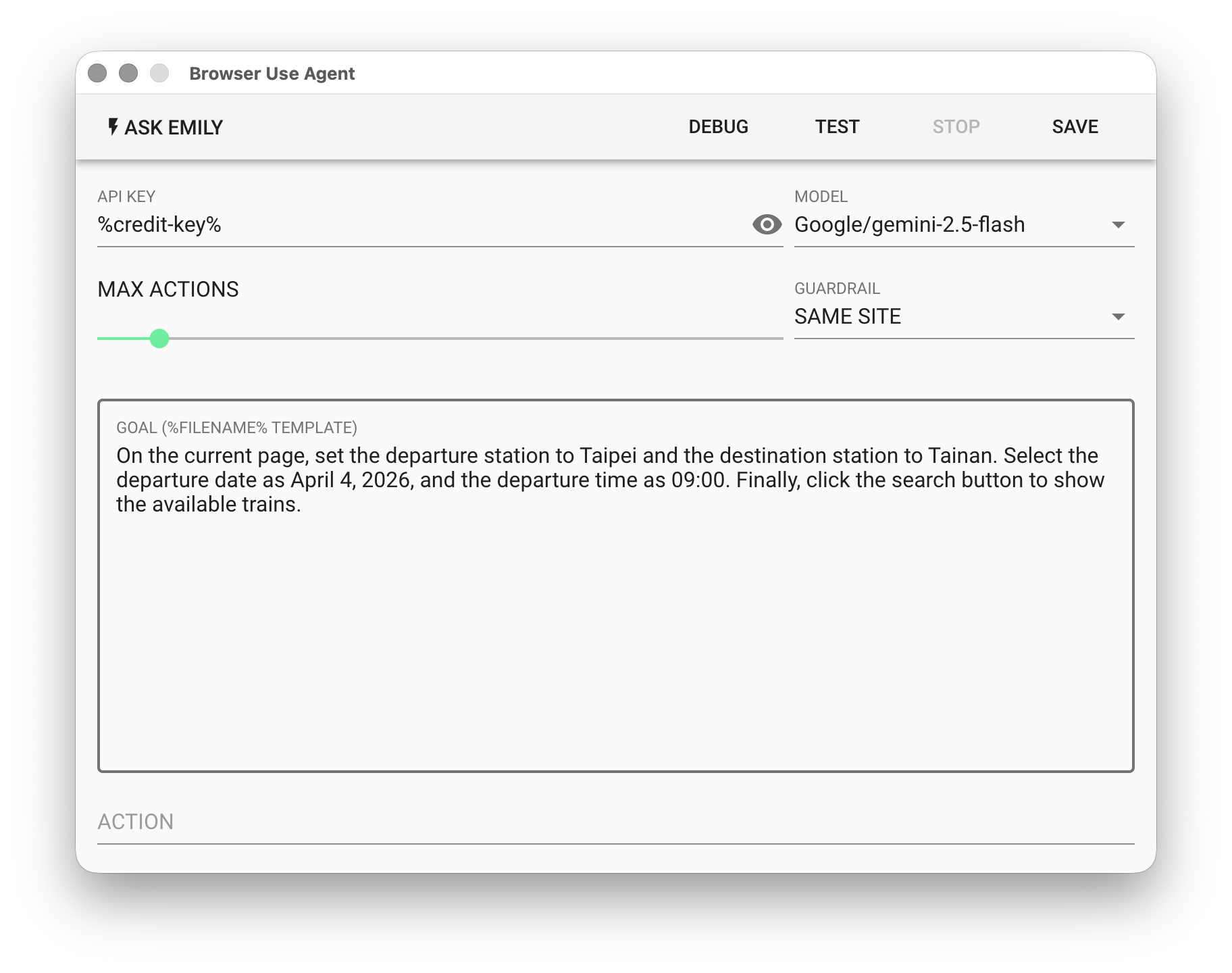
Use natural language to prompt the model: Query trains departing from "Taipei" to "Tainan" 9 AM on 2026/04/04. Then click "TEST" to execute.
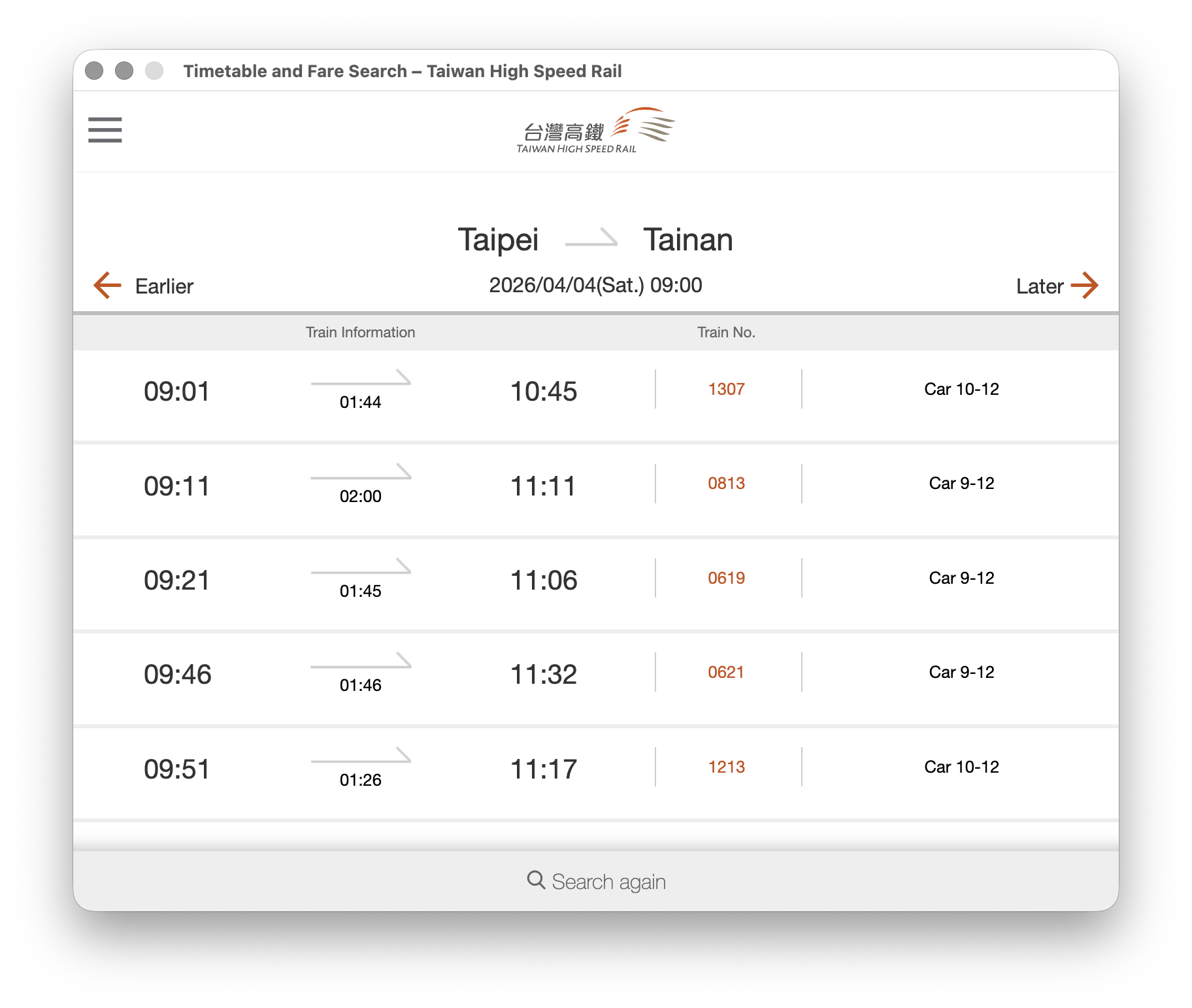
Finally, check whether the content in the browser is correct.